
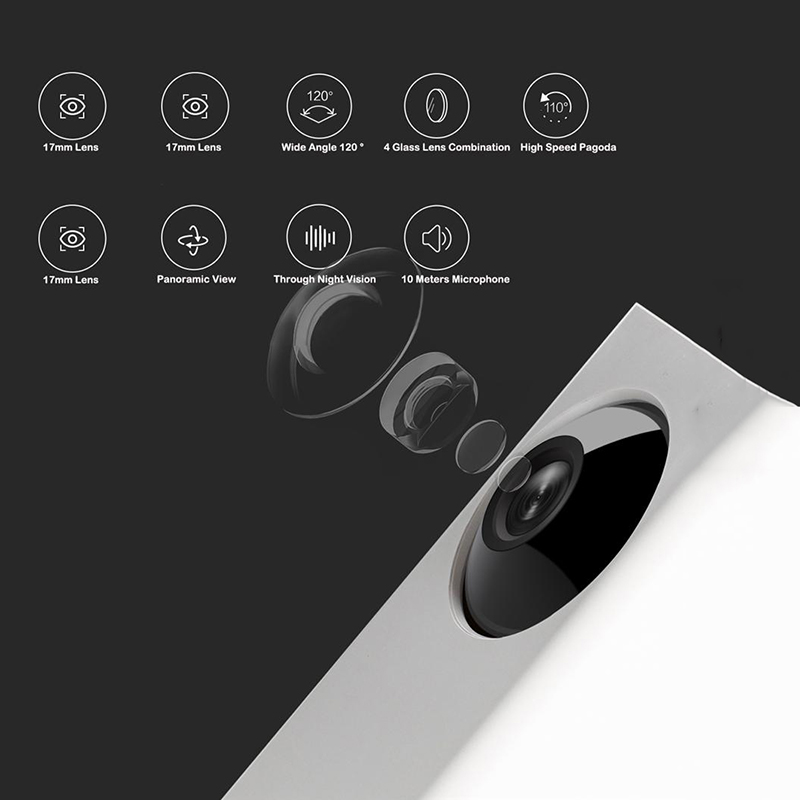
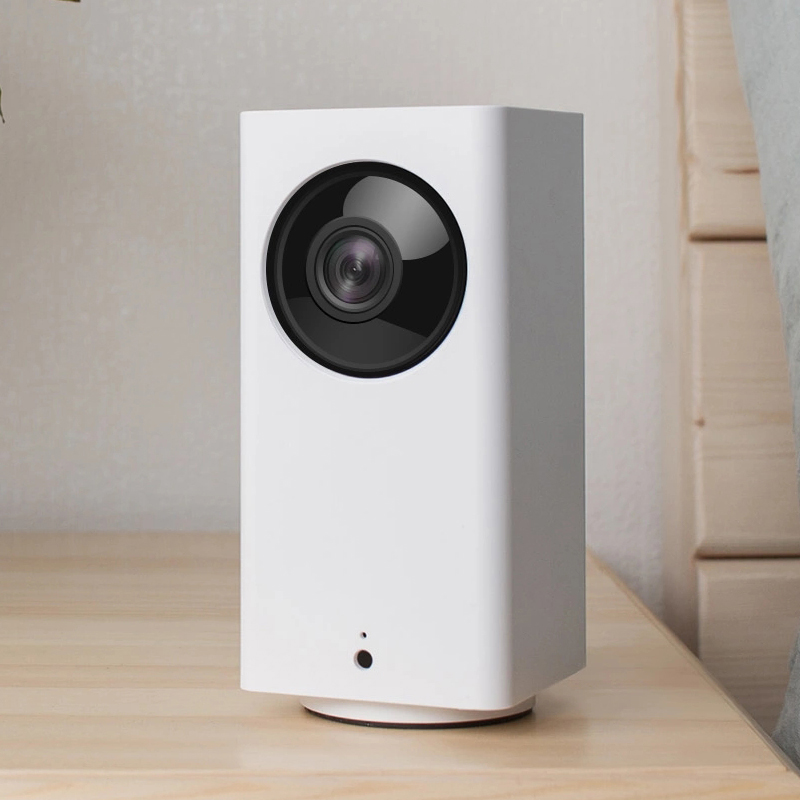
-
Resolution:1920*1080 (1080P)
-
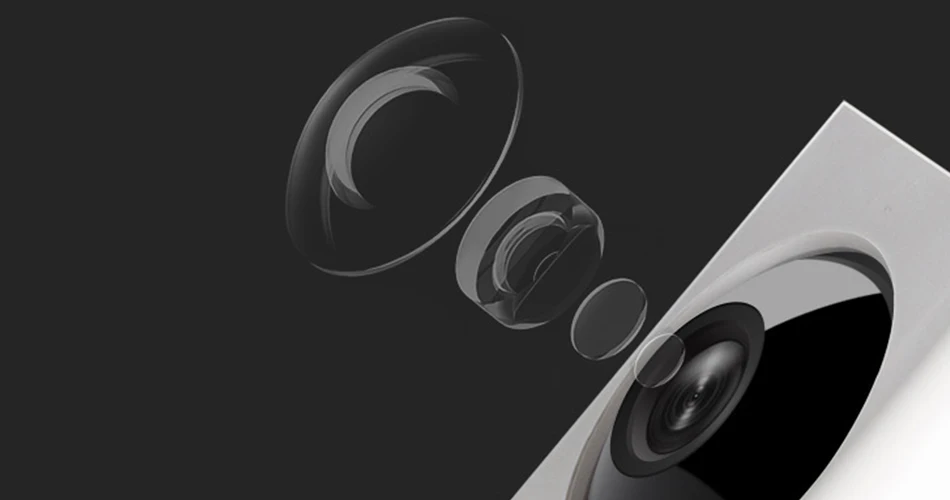
Lens Specifications:F2.3 aperture, 120 degrees wide angle
-
Monitoring angle:Horizontal 360 degrees, vertical 93 degree
-
Connection:WiFi 802.11 b/g/n 2.4GHz
-
Storage Type:micro SD Card,USB2.0
-
Maximum Monitoring Range:9m
-
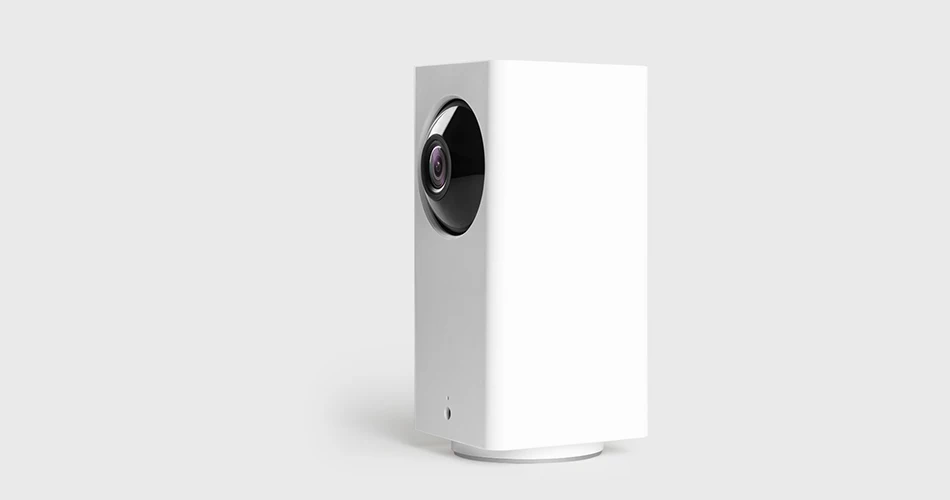
Size:127.5mm × 60mm × 60mm
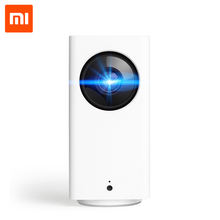
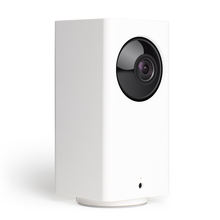
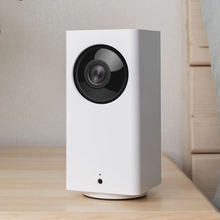
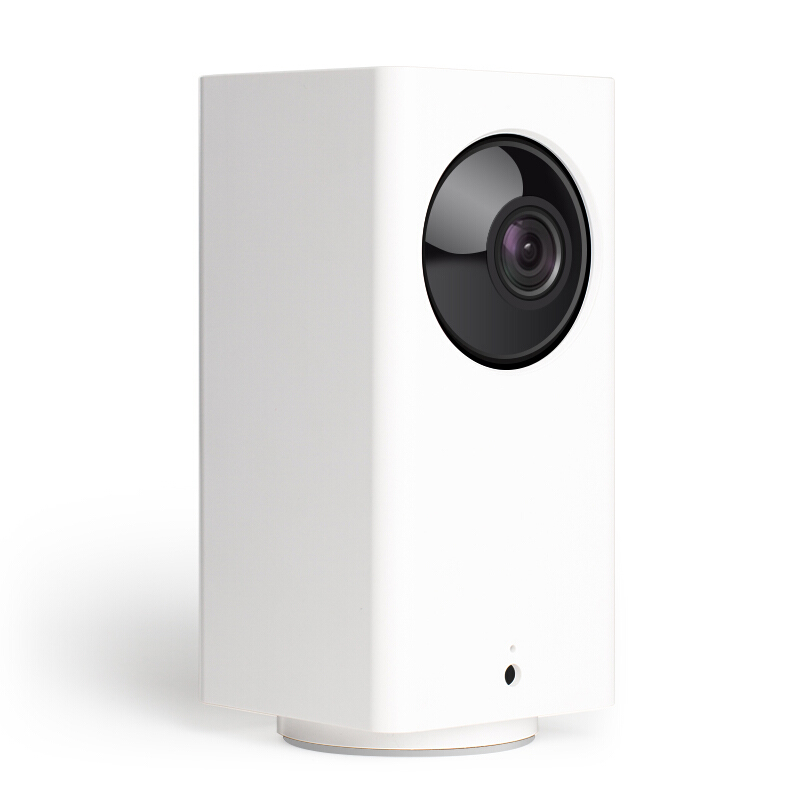
Xiaomi Mijia Dafang Smart Camera
1080P HD Dual Head
Intelligent Assisted Detection | Rotating 110° High Speed PTZ Every Second
360° Panoramic Monitoring | U Disk + SD Card Dual Mode Storage
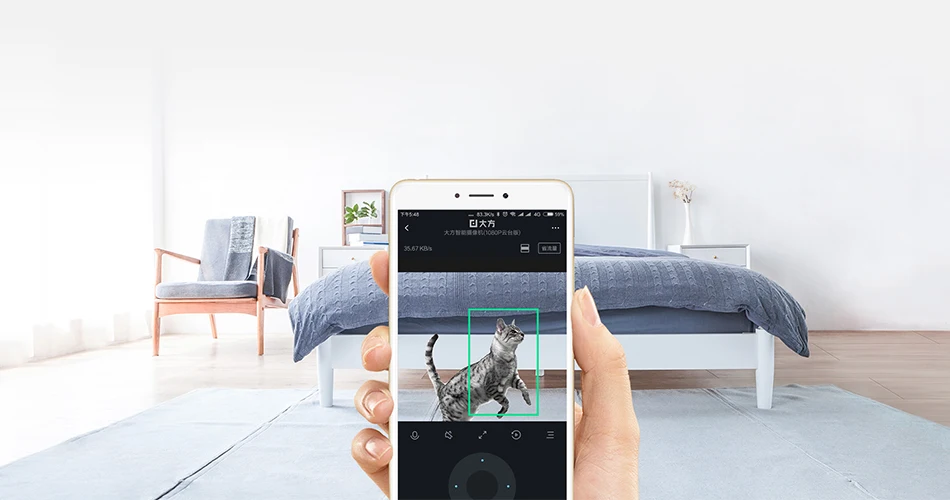
“Green Frame” Tag PTZ initiative pursuit
Bring intelligent detection new experience, in addition to motion detection, cell phone push alarm video,
but also increase the intelligent auxiliary detection: image changes part of the green box mark,
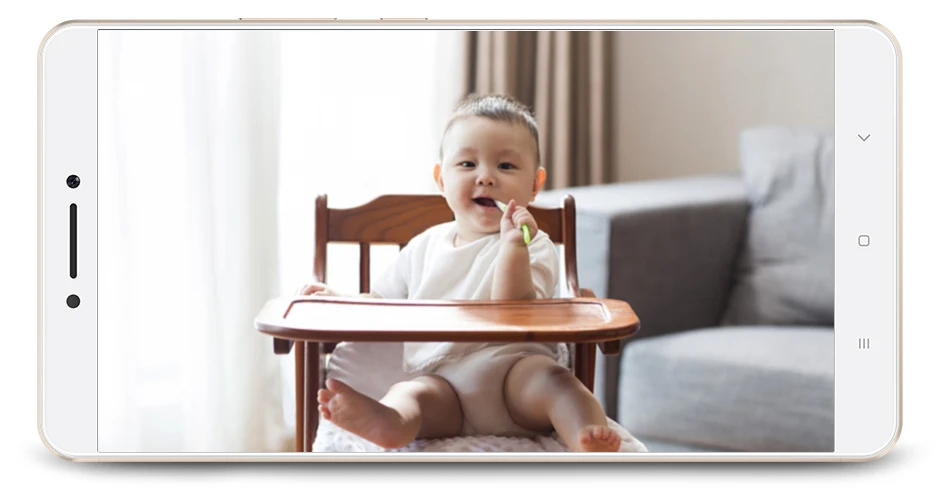
high-speed PTZ initiative chase, watching house, watching baby, watching pets go hand in hand.
High bitstream, high frame rate, double image quality
High stream High frame rate High resolution
120 KB/s 15 FPS 1920×1080
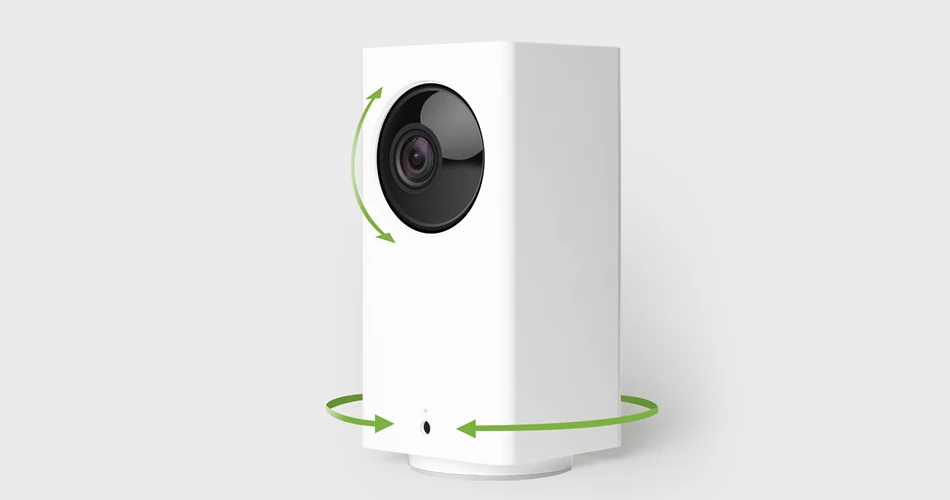
PTZ speed, second turn 110°
3 seconds to see the home, up and down, left and right, chase after, see clearly.
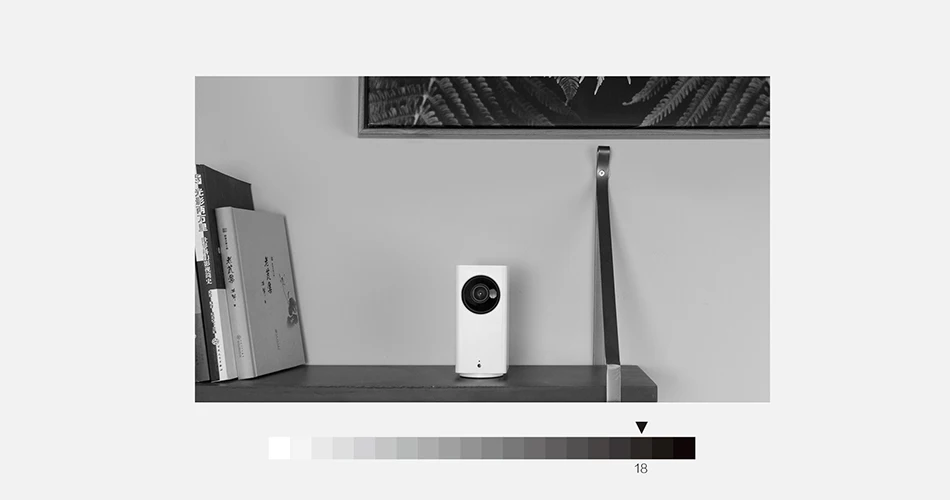
18-step grayscale restoration of night vision, more detail in the dark details of the screen
Real-time two-way conversation, 87 dB vocal restoration
The conversation within 10 meters is audible, and you’re scared. Your voice is directly at home,
as if you were face to face.

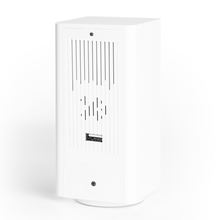
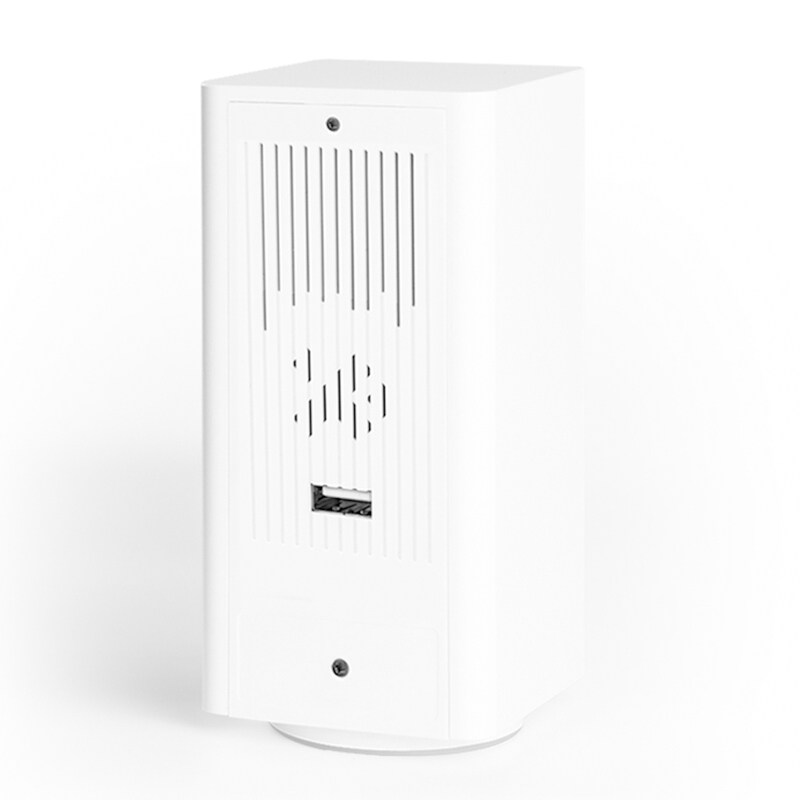
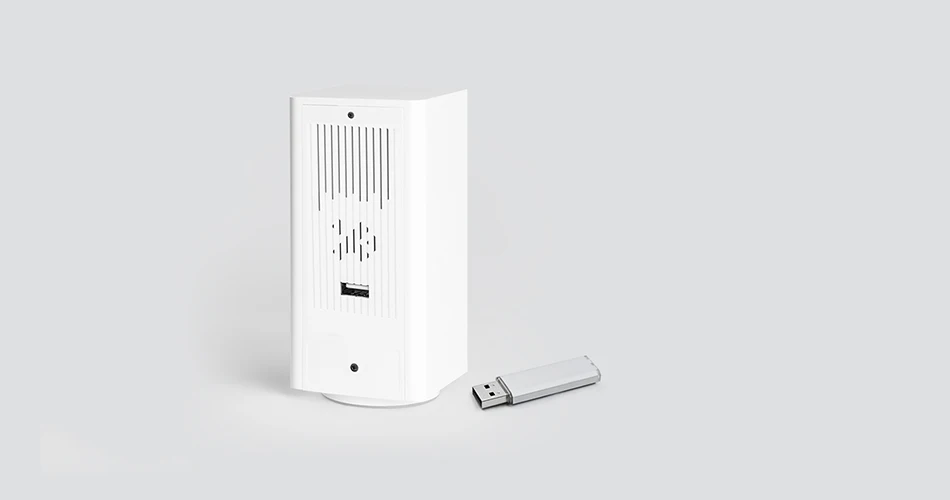
Multipurpose USB interface
U disk + SD card dual-mode video storage
Access meters APP
Watching home phone play two correct
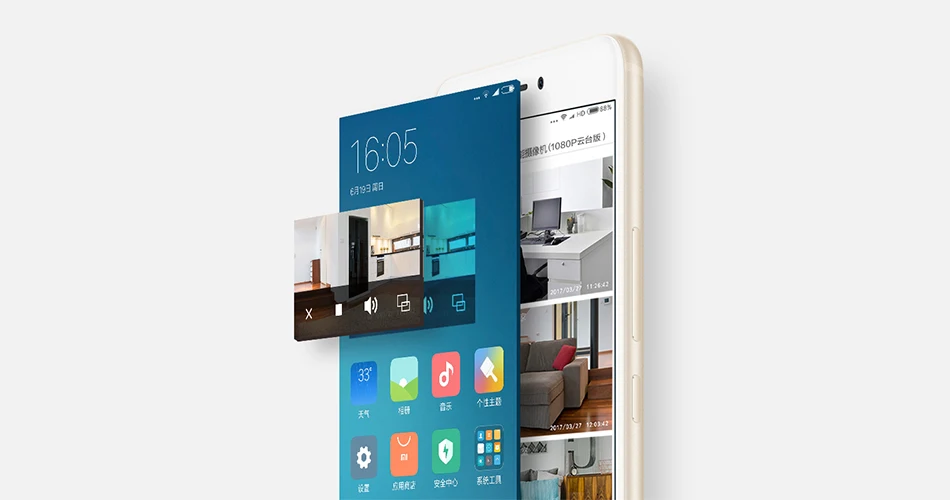
In picture-in-picture mode, the picture becomes a small floating window on the screen.
Watching home does not delay the brushing of a circle of friends. *
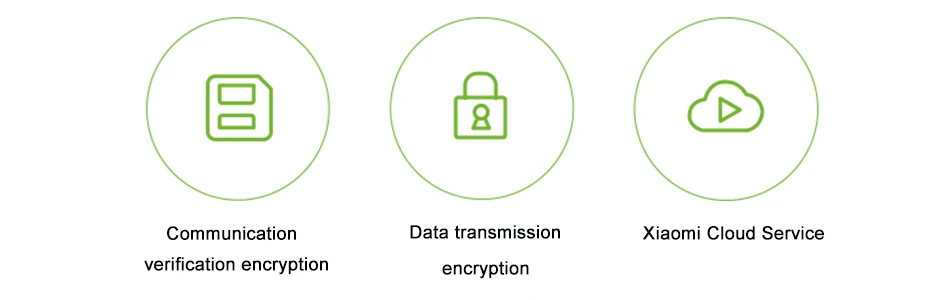
Triple data encryption technology to protect your information more secure

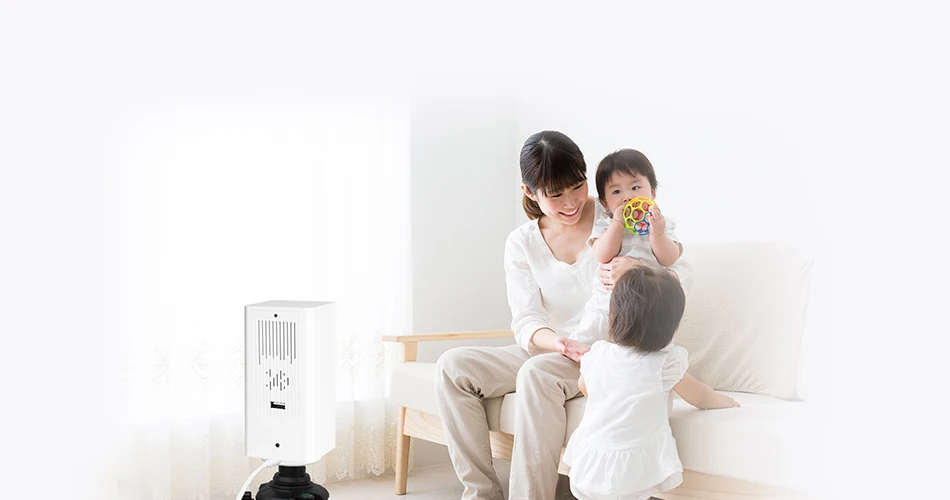
The wall surface of the roof is installed, and the camera is very simple.
The base has a standard camera interface, matching different brackets
and tripods to facilitate the roof upside down installation,
wall stand up and fixed pendulum to meet the needs of different scenarios.
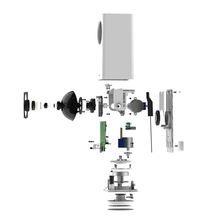
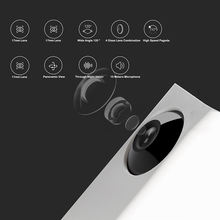
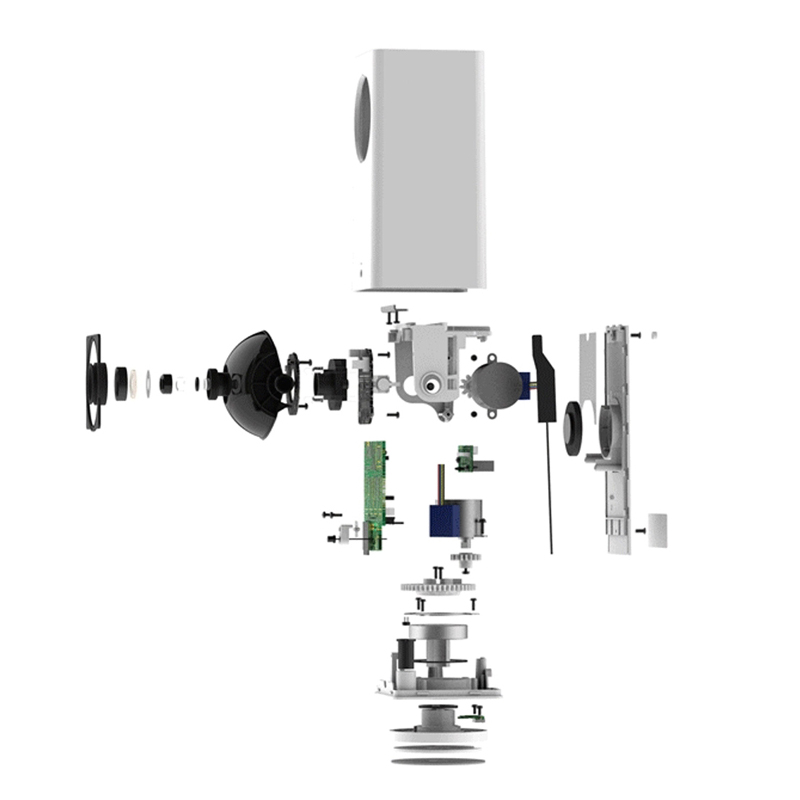
8 super parameters of “water bucket machine”
1080P HD Dual Head
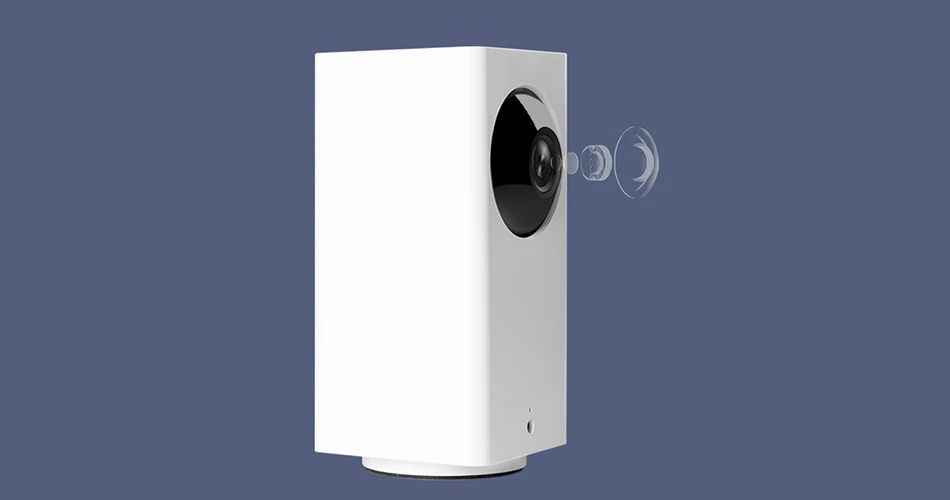
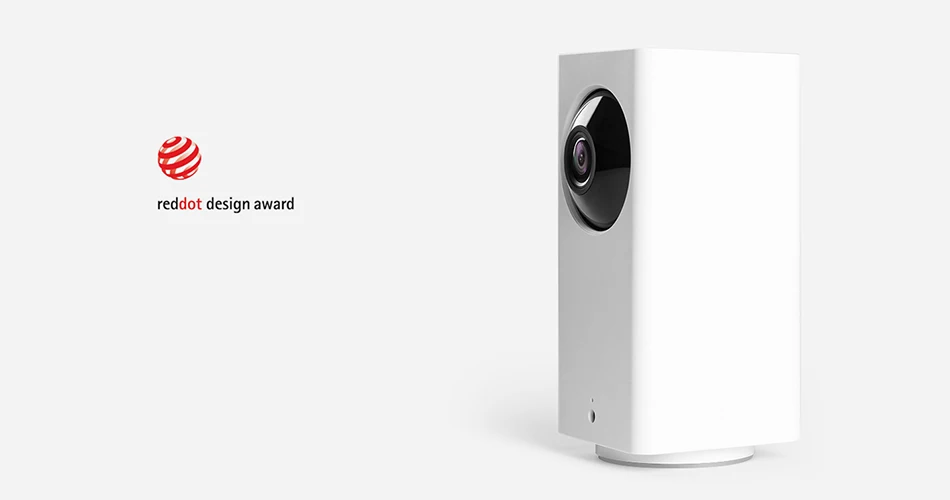
High value, won the red dot award
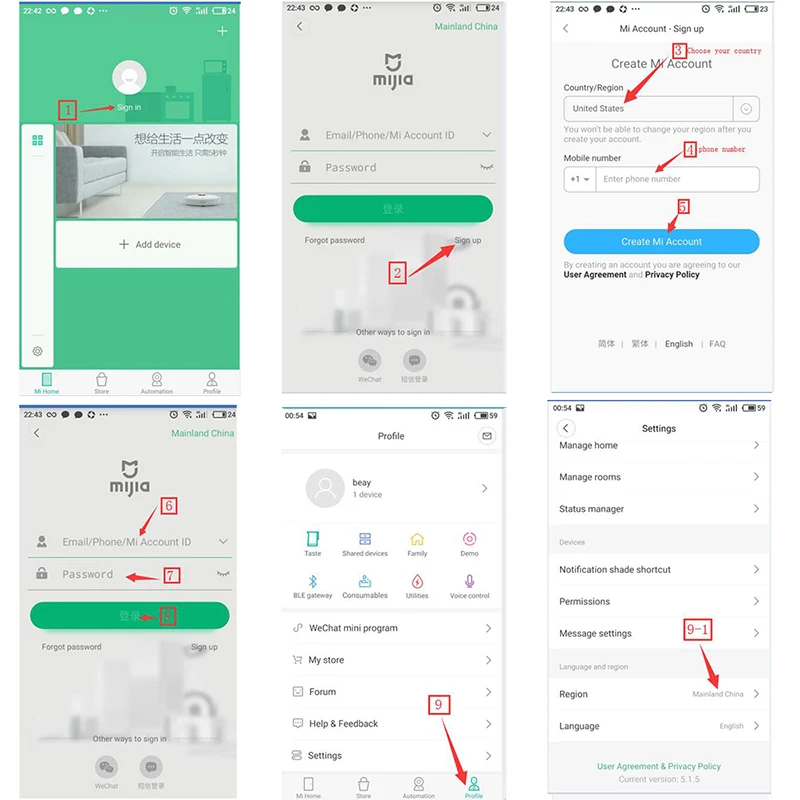
How to use it:

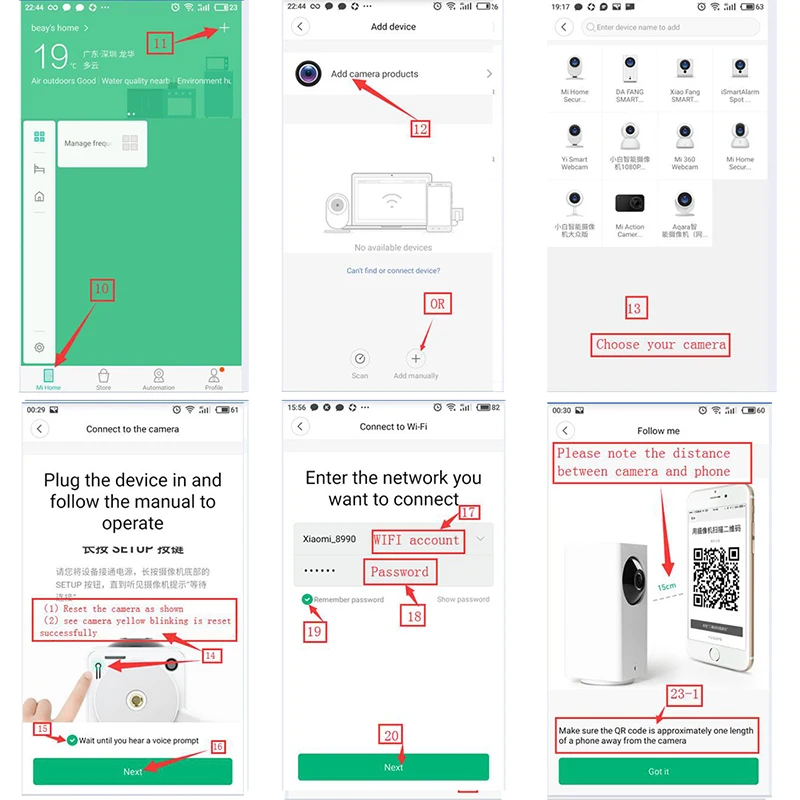
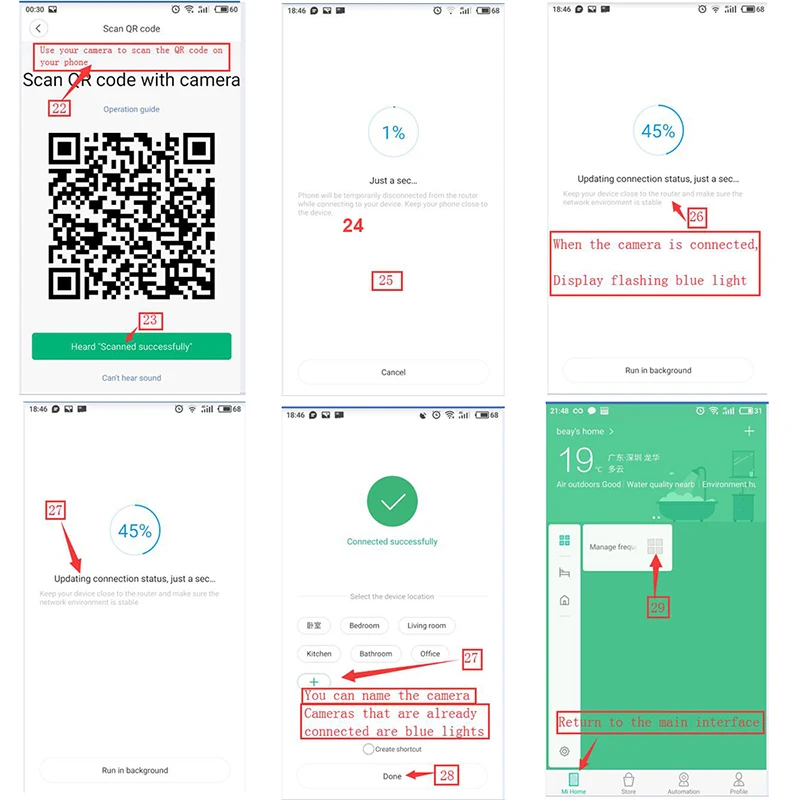
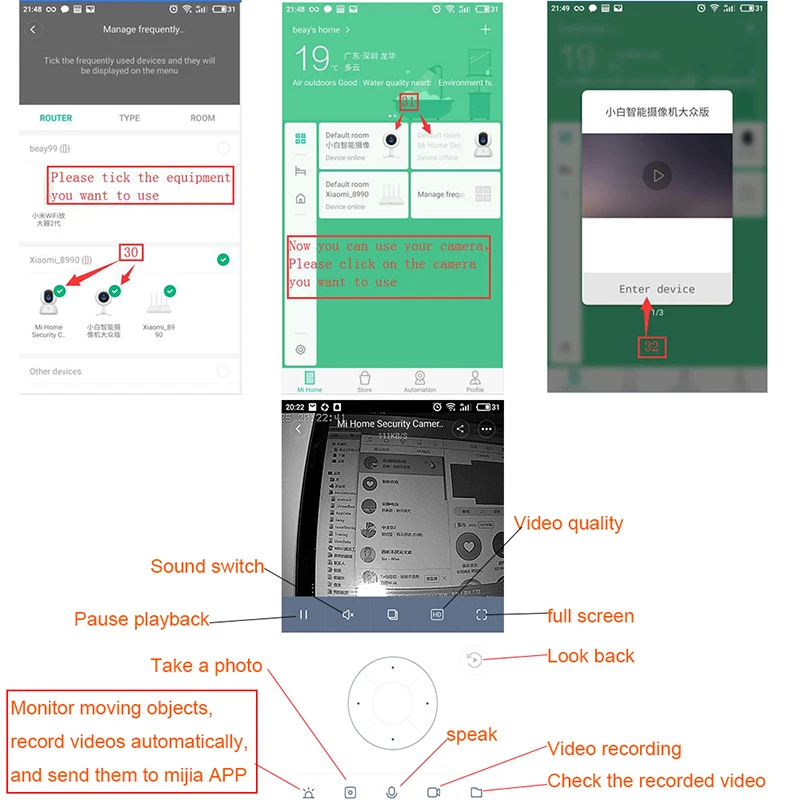
Device binding timeout how to do?
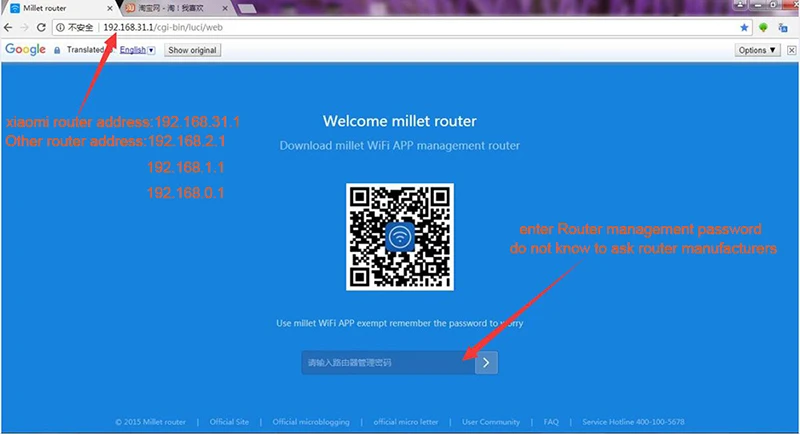
Please visit the router to check Wi-Fi settings:
xiaomi router address:192.168.31.1
Other router address:192.168.2.1
192.168.1.1
192.168.0.1
1, if you are buying a millet router: enter 192.168.31.1 in the browser; other routes, please enter: 192.168.1.1 or 192.168.0.1 or 192.168.1.0;
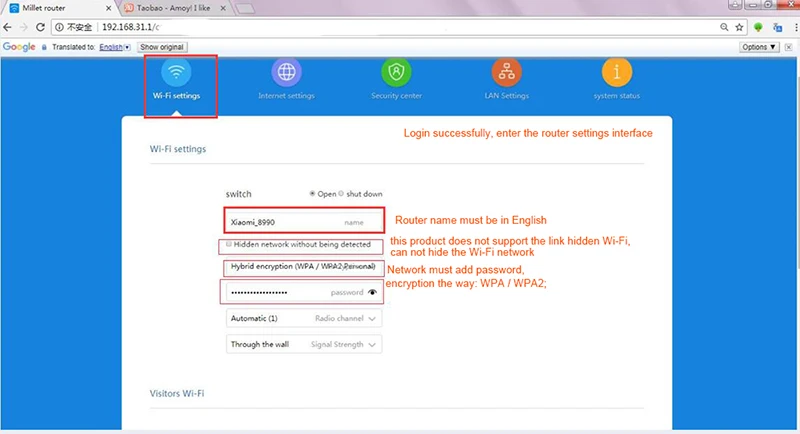
2, after landing account, click “Common Settings” – “Wi-Fi Settings”
3, Login successfully, enter the router settings interface
4, confirm the dual-band router off one (2.4G and 5G features), this product only supports 2.4G network
5, Router name must be in English
6, this product does not support the link hidden Wi-Fi, can not hide the Wi-Fi network;
7, Network must add password, encryption the way: WPA / WPA2;
8, Routing name and password is too long, there may be binding timeout, it is recommended to shorten the password and router name try to connect
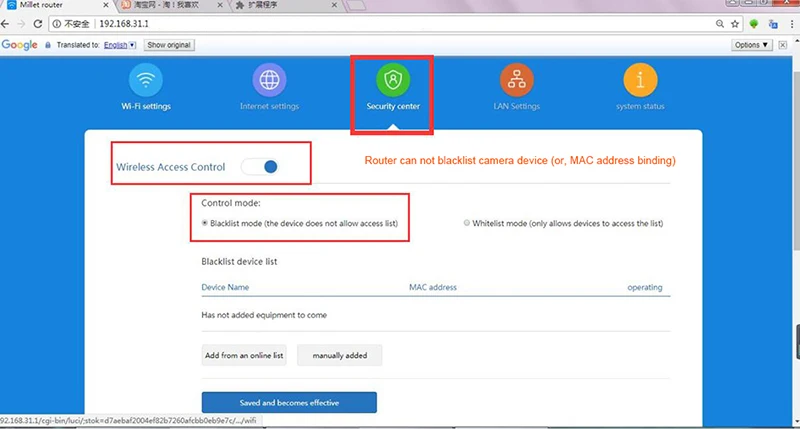
9, Router can not blacklist camera device (or, MAC address binding)
10, can not xiaomi router intrusion defense switch, open to the highest level;
11, the market part of the optical cat box with routing function, the network port is also blocked will result in binding failure, it is recommended that users use the route binding;
12, some portable WIFI on the market (360 portable WIFI) may not support device binding, it is recommended that users use routing binding;
13 If the names of the routing relay names and the main routes are the same, the connection may not be connected because the device switches the network when the two routes have different signal strengths during the connection.
14, When connecting the camera, please restart the router, connect the camera near the router, the wifi signal will be unstable over long distance, the camera can not be connected
15,Use the camera, the effective distance of the WIFI signal, (general router, open area of 10 meters, the room router walls and other obstructions will block the WiFi signal, resulting in shorter wifi signal distance, resulting in video and picture is not clear, or interrupt connection )
16,Can not open WI-FI dual-band one (2.4G and 5G will use the same name after opening, the router will automatically select the best wifi network, the short-range signal, switch to 5G network, Remotely signal, switch to 2.4G network , Due to differences in terminal equipment, automatically switch the signal, resulting in network disruption, or have been connected to the camera, video and image, is not clear, the camera connection signal is bad, and other issues)
17, Other ways to set the router much the same, do not understand can ask router service providers