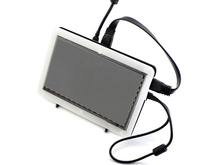
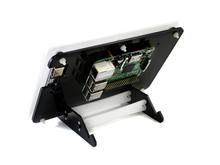
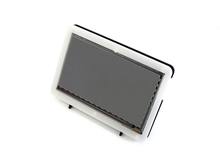
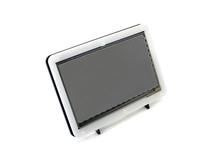

The LCD
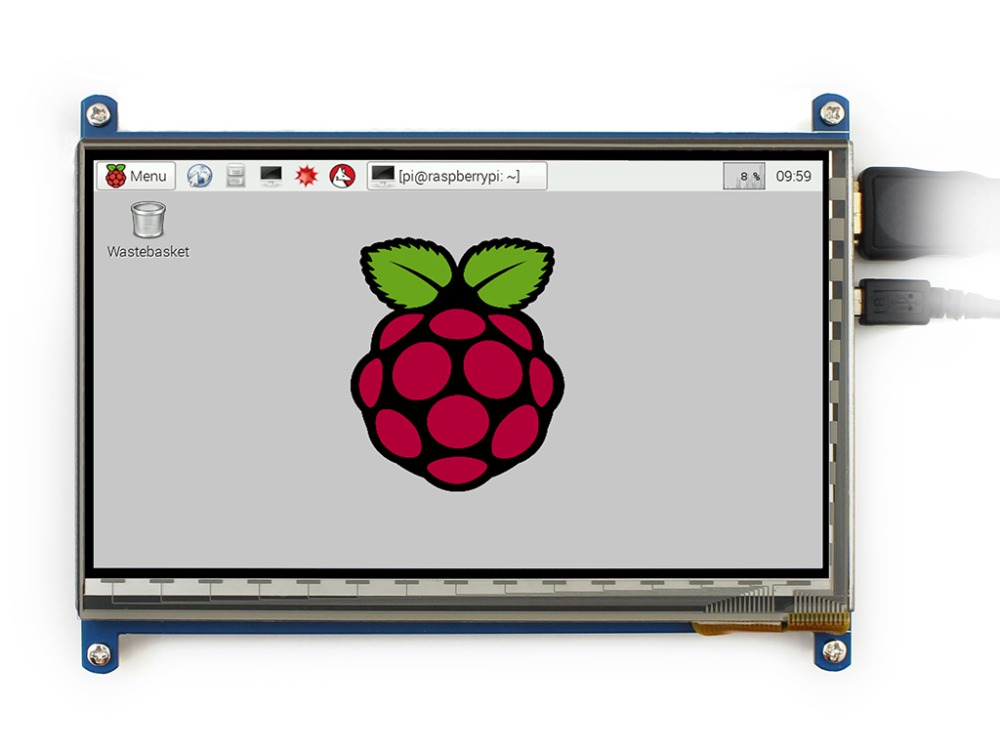
- 800×480 high resolution
- Capacitive touch control
- Supports Raspberry Pi
- Supports Banana Pi / Banana Pro, comes with Lubuntu, Raspbian images
- Supports BB Black, comes with Angstrom image
- For other mini-PCs, driver is required and should be developed by users
- Not only for mini-PCs, it can work as a computer monitor just like any other general HDMI screen
- HDMI interface for displaying, USB interface for touch control
- Backlight can be turned off to lower power consumption
Note: to use the LCD with following mini-PCs, additional cables are required and should be purchased separately:
Raspberry Pi Zero: HDMI cable, USB-type-A-receptacle-to-Micro-B-plug-cable
BB Black: HDMI cable
For revisions under Rev2.1:
- For the Raspberry Pi, comes with Raspbian driver (works with your Raspbian directly), and Ubuntu image
- When work as a computer monitor, touch function is unavailable
Rev2.1 New Features:
- Standard HID protocol, easy to be integrated into your system
- For the Raspberry Pi, supports Raspbian, Ubuntu, single touch, and driver free
- When work as a computer monitor, supports Windows 10/8.1/8/7, five-points touch, and driver free
More info : 7inch HDMI LCD (B)
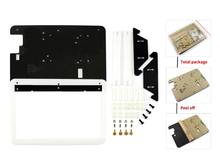
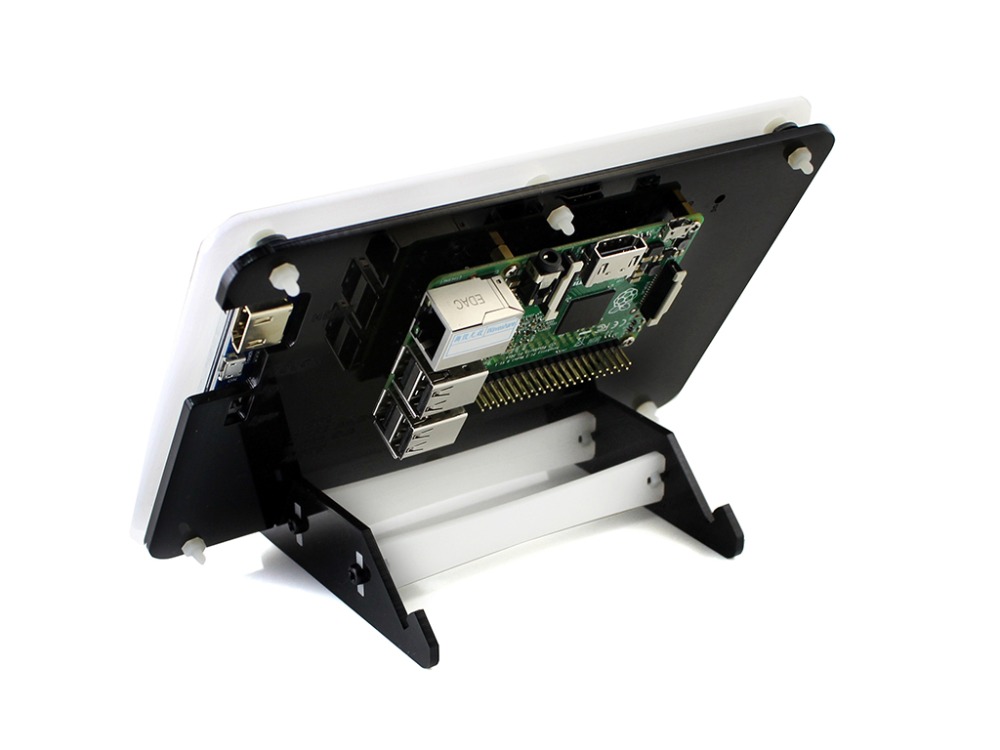
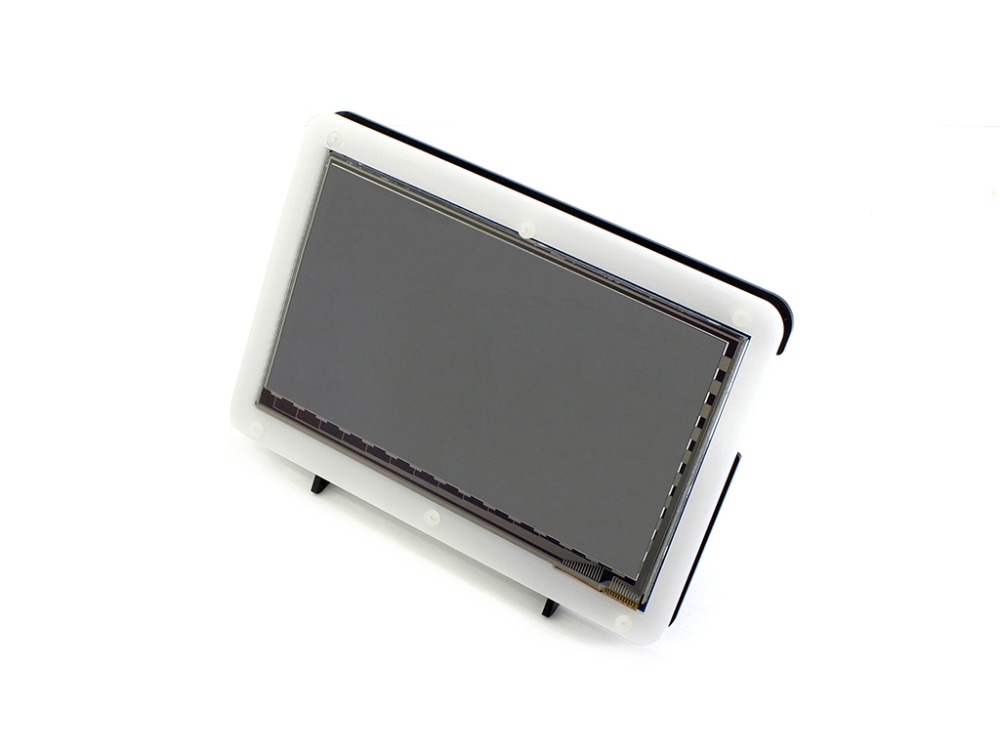
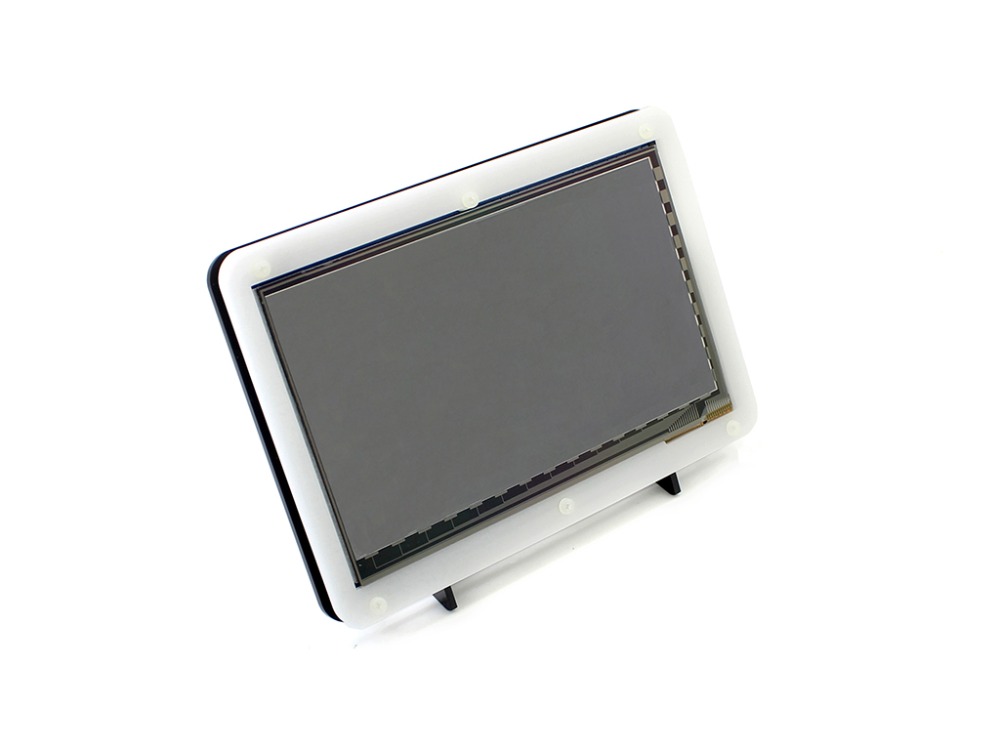
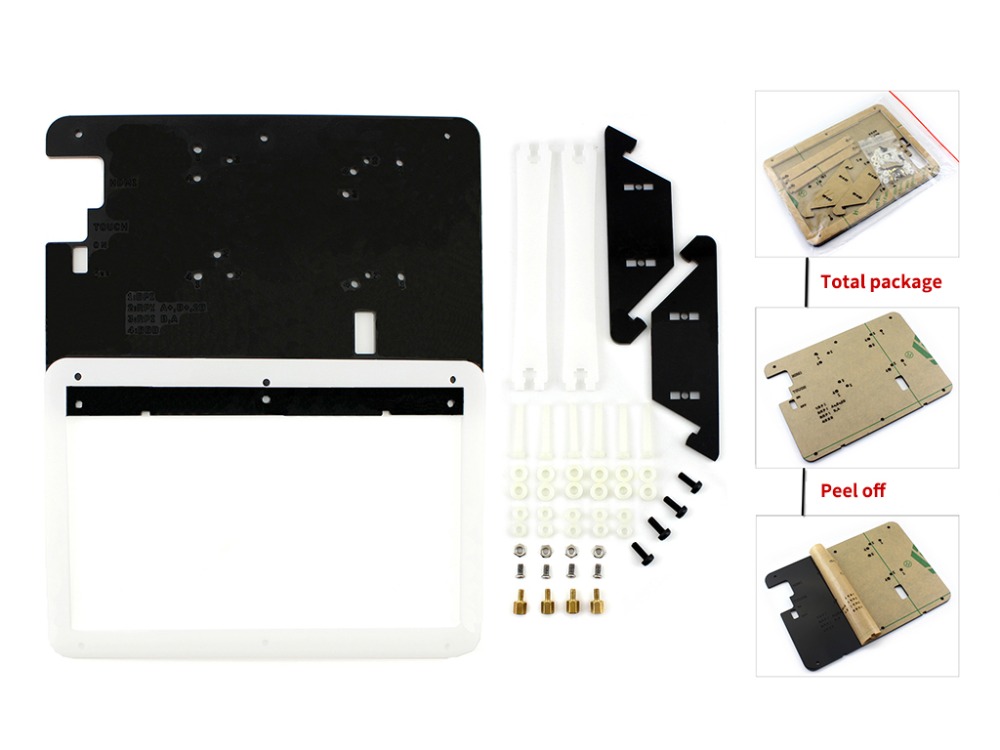
The Case
- Material : high quality bicolor Acrylic, black and white
- Comes with bottom holder, optional tilt angle, 45° or 60°
- Features mounting holes for Raspberry Pi B/A+/B+/2B/3B/3B+, Banana Pi, and BB Black
More info : Bicolor Case for 7inch LCD
Supported mini PC
| mini PC | Driver | Image |
|---|---|---|
| Raspberry Pi B | Raspbian | Raspbian |
| Raspberry Pi A+ | Raspbian | Raspbian |
| Raspberry Pi B+ | Raspbian | Raspbian |
| Raspberry Pi 2 Model B | Raspbian | Raspbian, Ubuntu, WIN10 IoT |
| Raspberry Pi 3 Model B | Raspbian | Raspbian, Ubuntu, WIN10 IoT |
| Raspberry Pi 3 Model B+ | Raspbian | Raspbian, Ubuntu, WIN10 IoT |
| Banana Pi | – | Raspbian, Lubuntu |
| Banana Pro | – | Raspbian, Lubuntu |
| BB Black | – | Angstrom |
Note :
Drivers can be added to your current system to support LCD display and touch control.
Images CAN NOT be used with your current system. They’re stand-alone systems which support LCD display and touch control already.
Photos


External Dimension

Development Resources
Wiki : www.waveshare.com/wiki/7inch_HDMI_LCD_(B)
PACKAGE CONTENT
Weight: 0.453 kg
- 7inch HDMI LCD (B) x 1
- HDMI cable x 1
- USB type A plug to micro B plug cable x 1
- RPi screws pack (4pcs) x 1
- Bicolor Case for 7inch LCD × 1
- Screws Pack × 1
FAQ
- Why the LCD doesn’t work with my Raspbian?
- To use the LCD with the Raspberry Pi official image, driver should be installed first. Please refer to the user manual.
However, for the first testing, you may want to use our provided image directly. - Why the LCD still doesn’t work with the Waveshare provided image?
- Make sure the hardware connection is correct and connects fine.
Make sure the image in TF card is burnt correctly.
The PWR will keep on and the ACT will keep blinking when the Raspberry Pi starts up successfully, in case both of the two LEDs keep on, it is possible that the image was burnt incorrectly OR the TF card was in bad contact. - Which power supply should I use?
- It is recommended to use a 5V/2A power adapter for the Raspberry Pi other than USB connection, otherwise the Pi may failed to start up because the PC’s USB port might have not enough power.
For large size LCDs, say, 10inch diagonal or more, another stand-alone power adapter is also required to provide power to the LCD.
For more info, please check the wiki page.
Selection Guide


Note :
Pi 3B+ means Raspberry Pi 3 Model B+
If the LCD is intended to play videos, please choose the one with HDMI display interface for better experience.
※ the 7inch HDMI LCD (H) (with case) features toughened glass cover, while the 7inch HDMI LCD (H) uses a normal screen cover
Have a look :

Anti-Piracy
CAUTION: This product is protected by patent, anyone making copies/knock-offs SHOULD be held liable pursuant to law.
Since the first-generation Raspberry Pi released, Waveshare has been working on designing, developing, and producing various fantastic touch LCDs for the Pi. Unfortunately, there are quite a few pirated/knock-off products in the market. They’re usually some poor copies of our early hardware revisions, and comes with none support service.
To avoid becoming a victim of pirated products, please pay attention to the following features when purchasing: