


|
System Security |
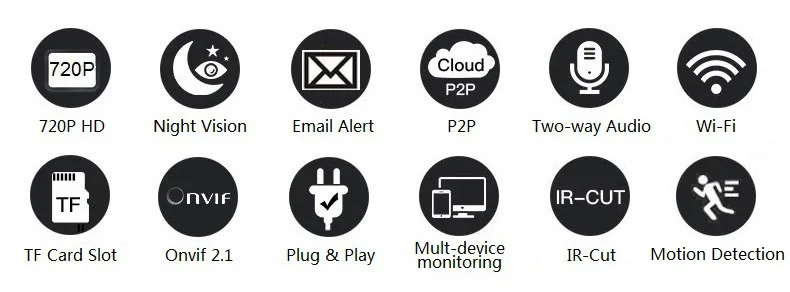
Support three-level account, password, user authority management. |
|
P2P (Plug&Play) |
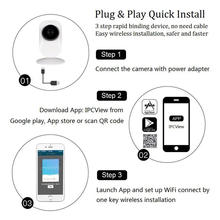
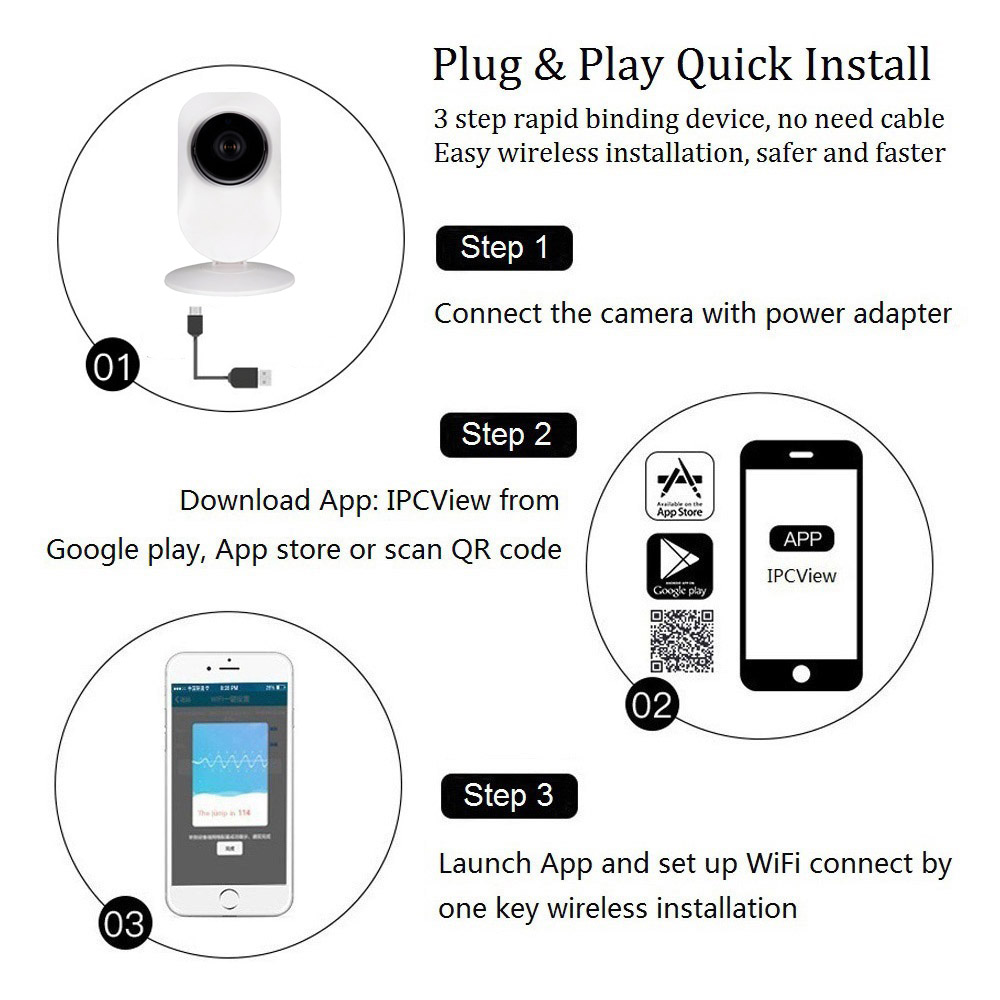
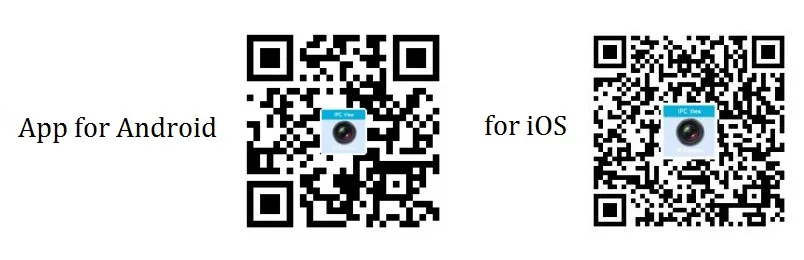
Support QR code scanning to view on iOS iPhone, Android Smartphone. App: IPCView. |
|
Multi-function |
Support 12 language remote surveillance, record, alarm, WiFi setting etc. |
|
PC Client |
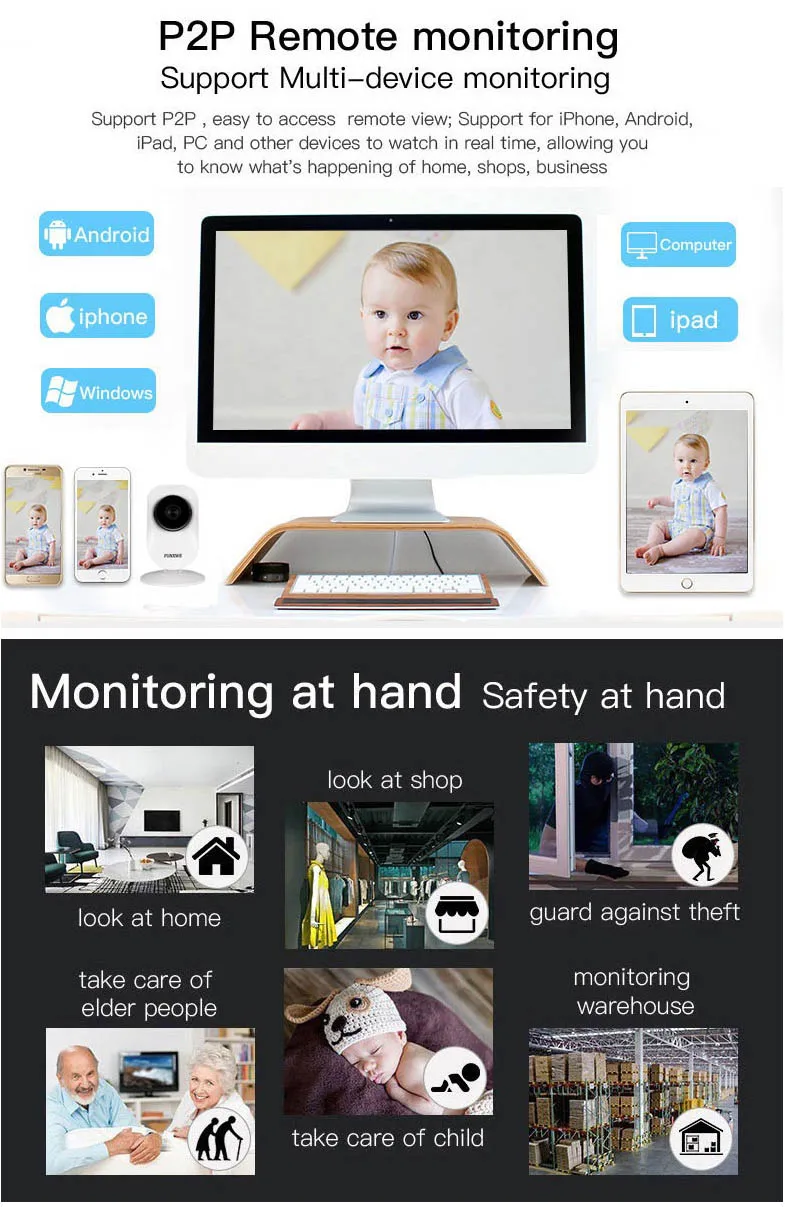
Support remote multi-devices monitor, record, alarm etc. Support Windows and Mac OS |
|
TF Card Record |
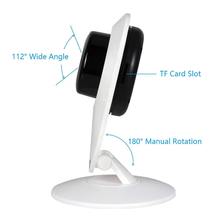
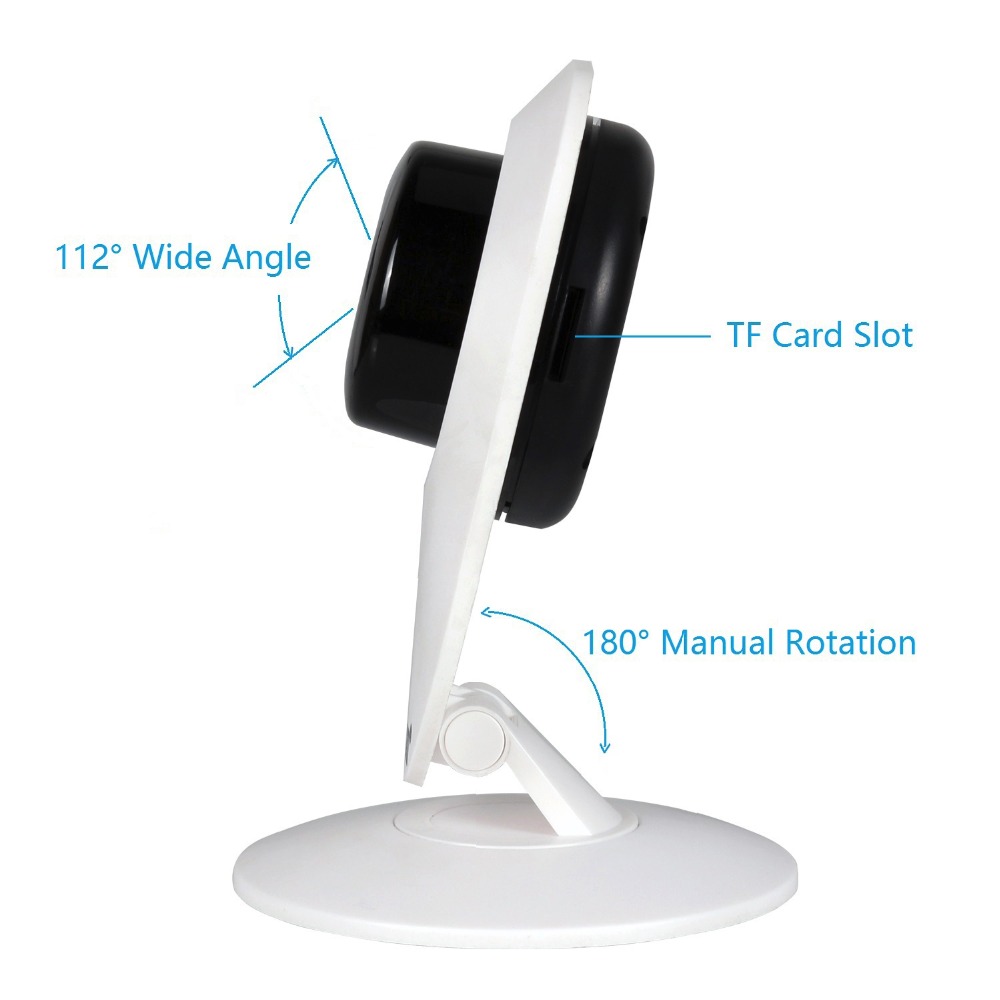
Support max 128GB TF micro SD card(Not included). Support the scheduled record, snapshot, Support Intelligent record playback. |
|
Lens Type |
Lens Standard: 3.6 mm, wide angle, 3x digital zoom. |
|
Video Sensor |
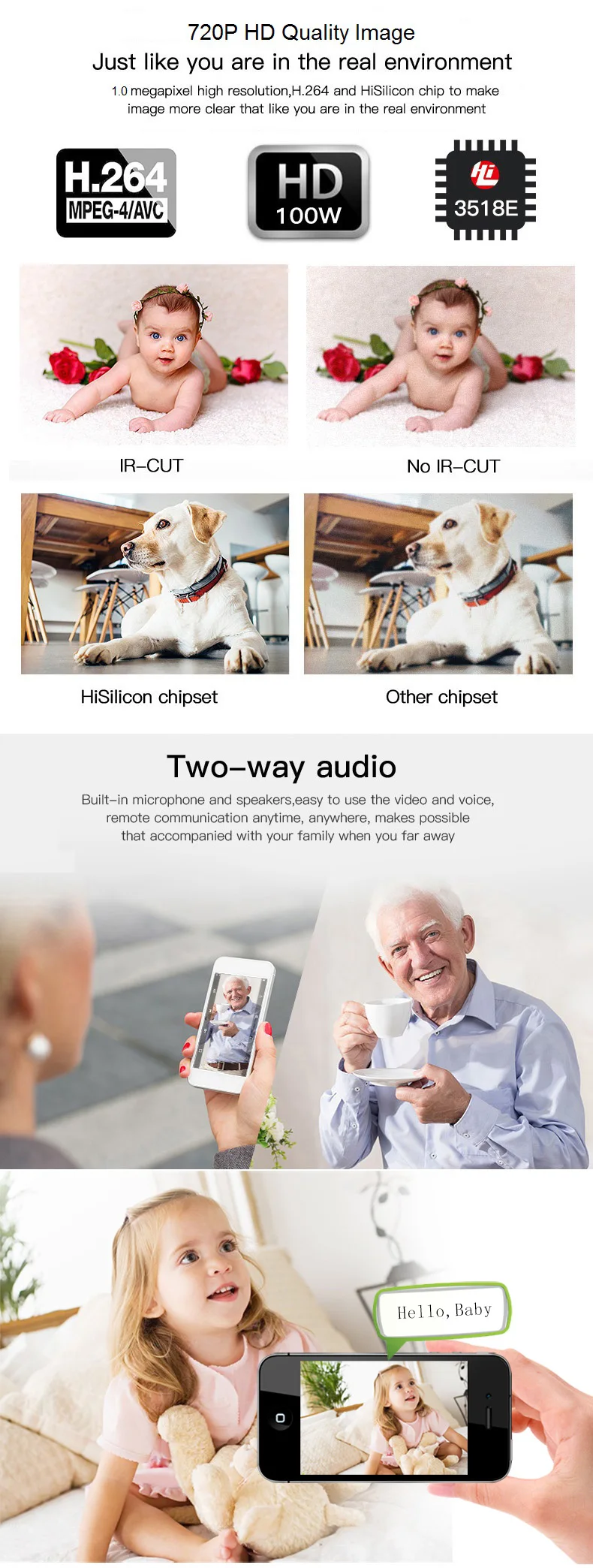
1.0 Megapixel, 1/4 CMOS. Image compression: H.264 |
|
Video Parameters |
Brightness, Contrast, Saturation, Exposure, Sharpness, Vertical and Horizontal can be adjusted |
|
Image Frame Rate |
50Hz:25fps /60Hz:30fps (1280×720) |
|
First Stream |
720P-(1280×720), (640×352) |
|
Audio In/Out |
Two-way audio talk. Built-in Microphone and Speaker |
|
Night Vision |
10Φ5 IR LEDs, Night visibility up to 10 meters |
|
Motion Detect |
Motion detection, detection sensitivity settings |
|
Alarm Action |
Support Email photo alert, Push alert notifications, Snapshot and record to FTP or TF card |
|
Network Protocol |
TCP/IP,HTTP,TCP,ICMP,UDP,ARP,IGMP,SMTP,FTP,DHCP,DNS,DDNS,NTP,UPNP,RTSP etc. Support standard Onvif 2.1 protocol |
|
IP Mode |
Dynamic IP address, static IP address, PPPOE |
|
Online Visitor |
Support max 4 visitors at the same time |
|
Support OS |
Support Microsoft Windows XP /Win7 /Win8 /Win10 / Mac OS. |
|
Browser |
Full compatible with IE browser, Support Firefox, Google browser etc. |
|
Wireless |
WiFi, 2.4GHz 802.11b/g/n. Support one key WiFi configuration |
|
OSD |
Support the OSD name, date and time info superposition |
|
Product Type |
Cartoon Robot/ Indoor use |
|
Power |
DC5V1A, Micro USB power interface |
|
Working Humidity |
95% RH, working temperature: -10~50 °C |
|
Size |
Item: 112x98mm(HxW); Packaging: 182x110x149mm (LxWxH) |
|
Weight |
N.W.: 180g, G.W.: 220g(Note: Actual Weight Final) |
|
Package Include |
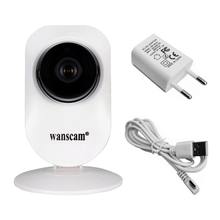
IP Camera, Power adapter, USB cable, Screws, Manual |
|
Certification |
CE, FCC, RoHS |
|
Warranty |
Two-year free replacement of spare parts warranty |
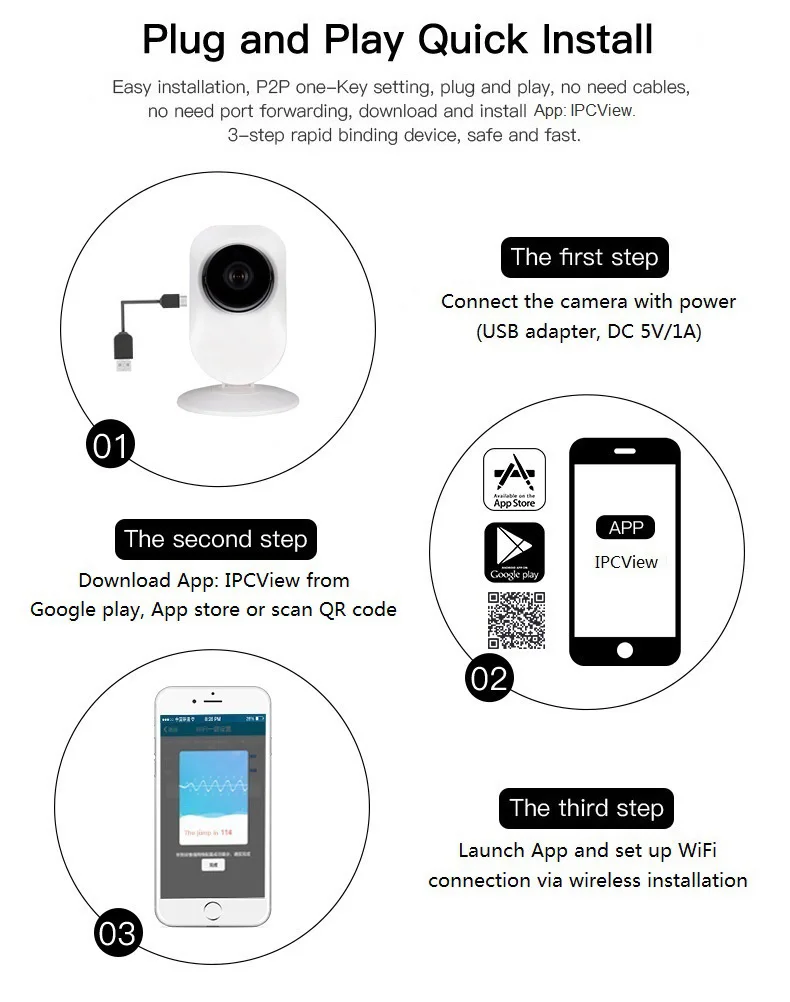
So easy to install the IP camera:
1. Download and install App: IPCView or wanscam, Search in Google Play store, App store, or scan QR code to download.
2. Launch App, click “+” to access the “Add Camera”, click “Wireless Installation”, Input your WiFi password, click “Apply”.
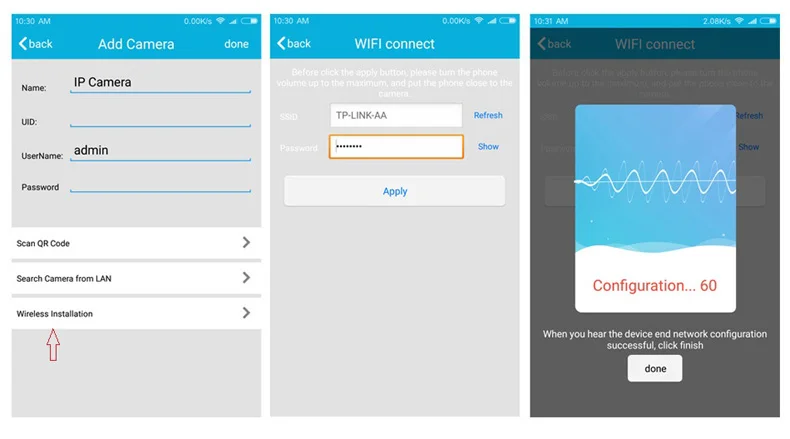
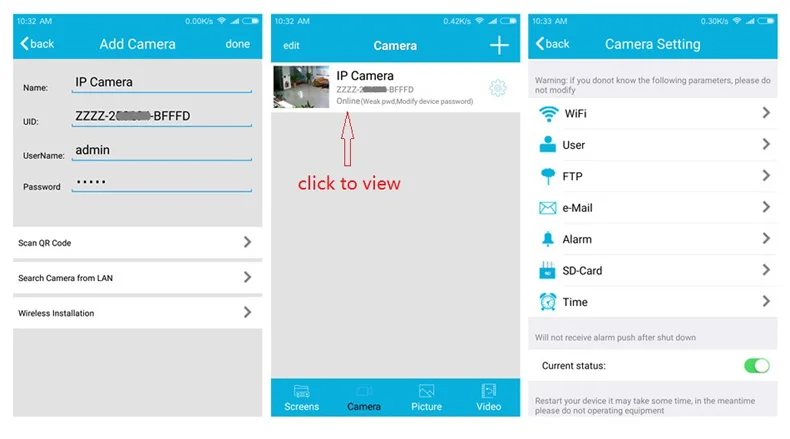
3. Wait for 1-2mins, then select the respective device and enter the password: admin, click done to connect WiFi,
the video will be showed online, click it to view. Click  to get camera settings.
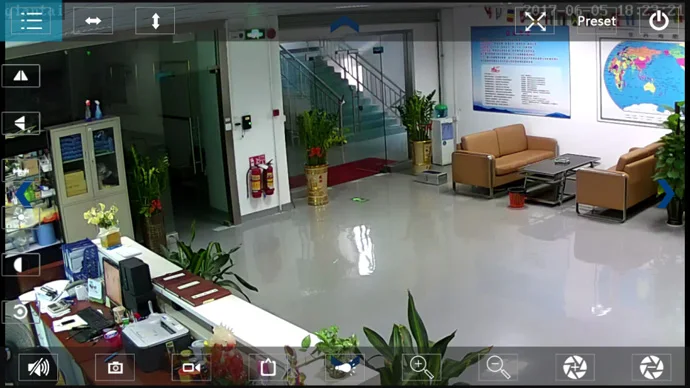
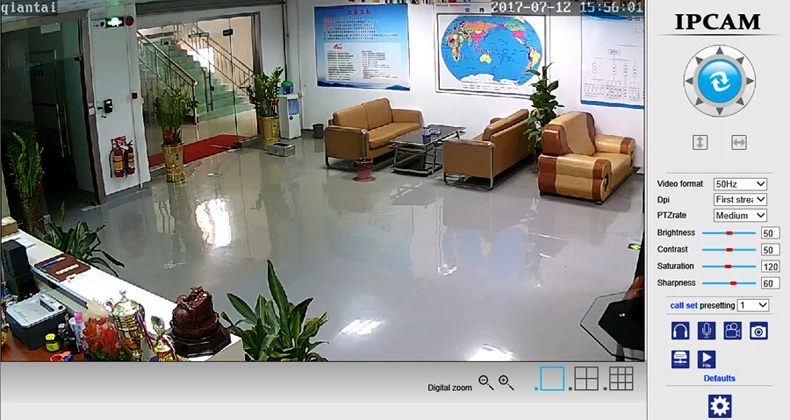
View on IE browser:
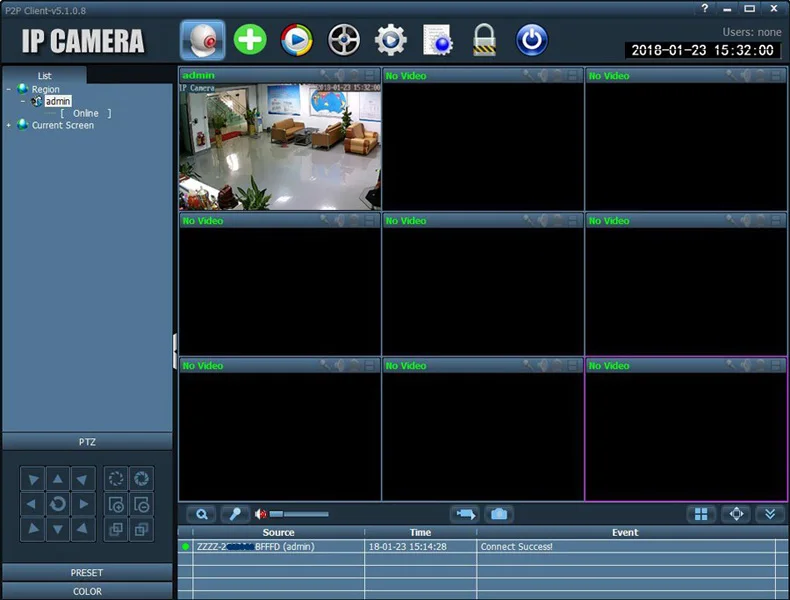
View on PC Client software:
(a) WiFi name (SSID) and Password should not contain any special character, like: ~, !, @, #, $, %… password is not longer than 20 characters.
(b) It support IP/Network-2.4GHz wireless only(Incompatible with 5GHz). If your router supports the both band, please close the 5GHz WiFi connection. Set WPA2-PSK(AES)/ WPA-PSK(AES) as Encryption.