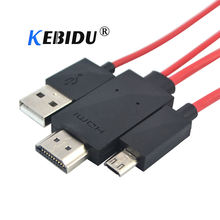

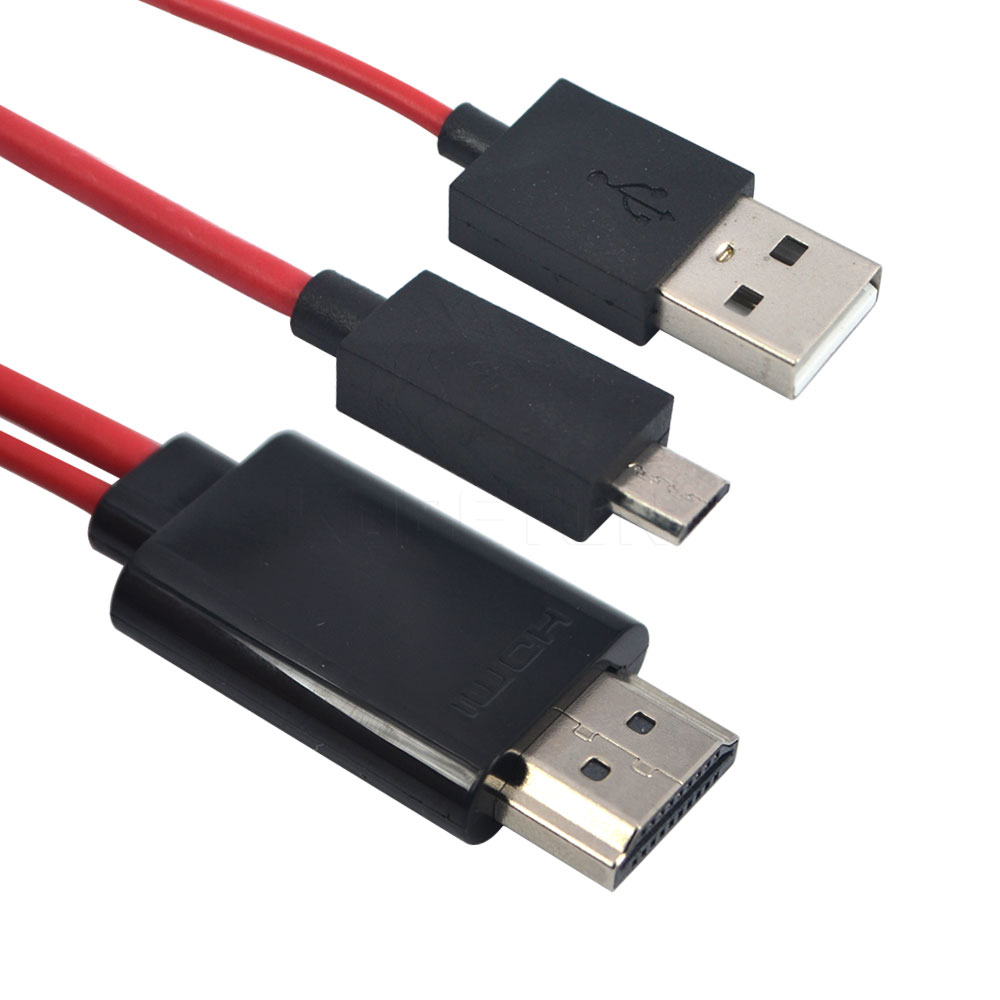
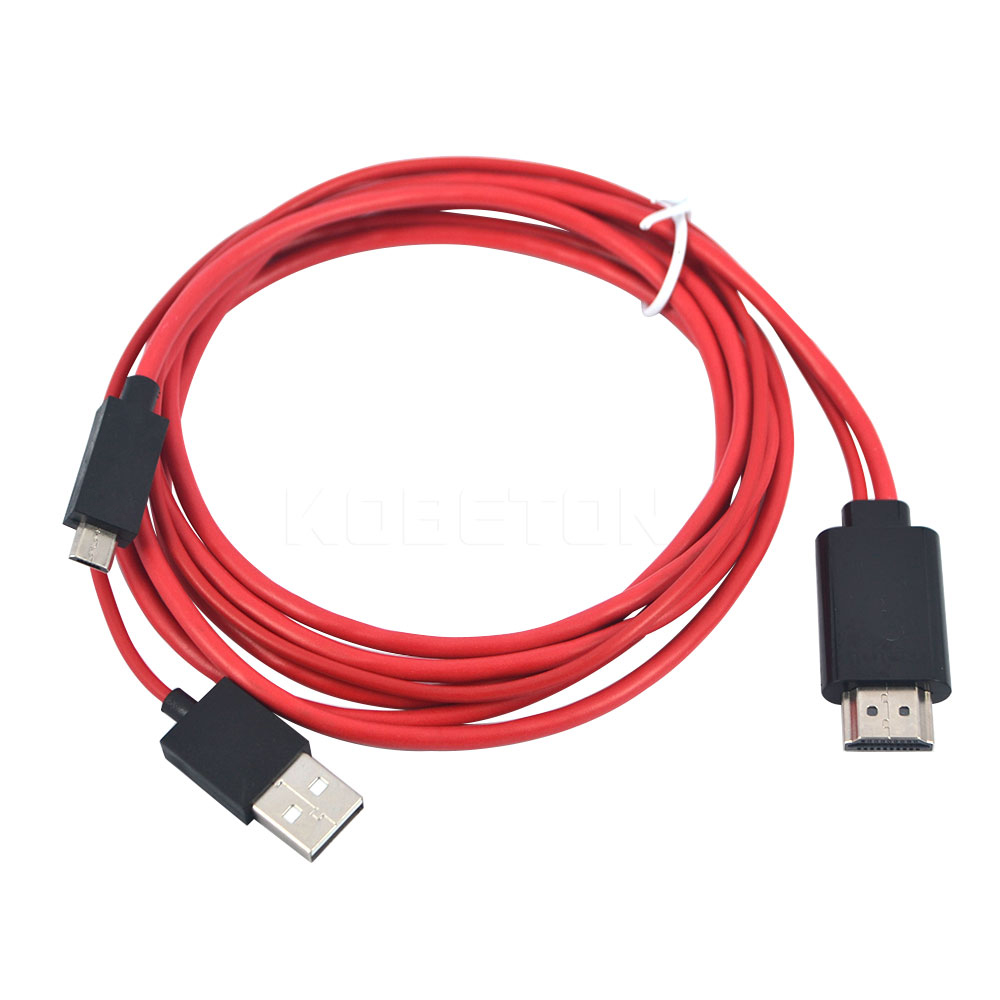
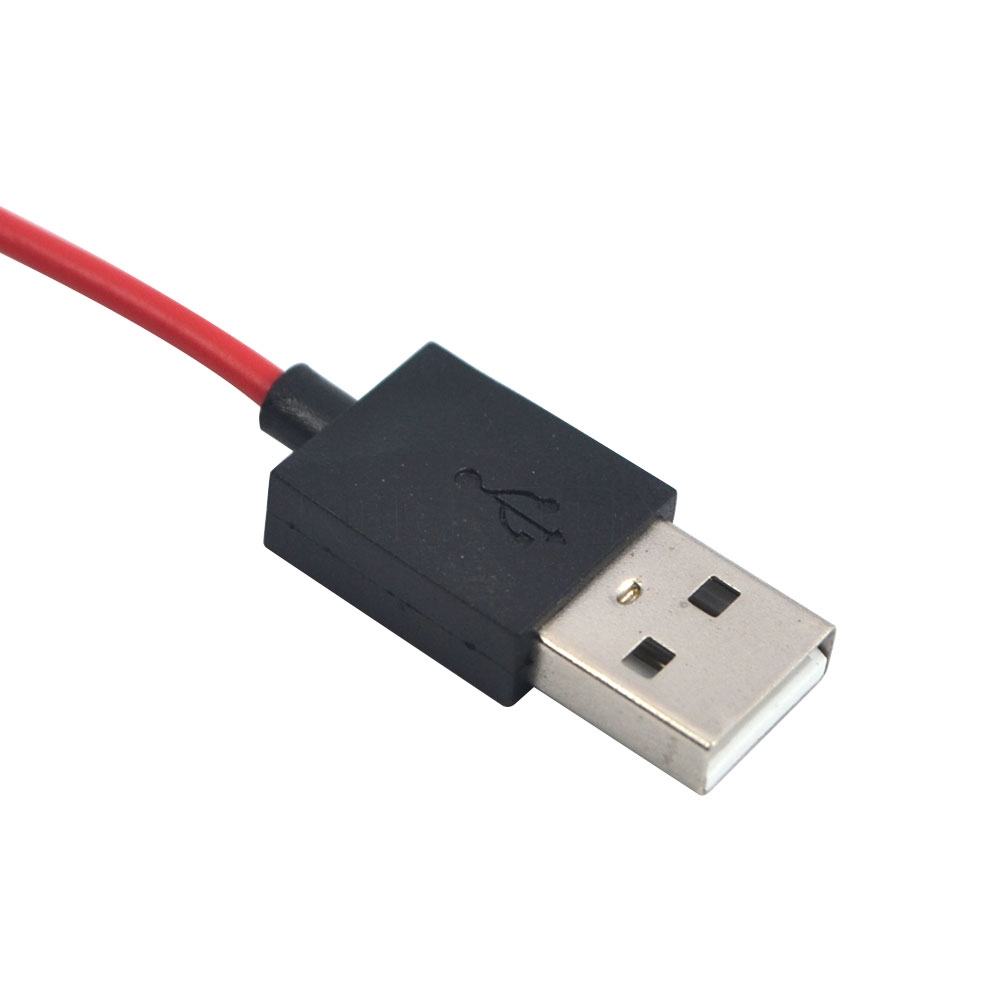
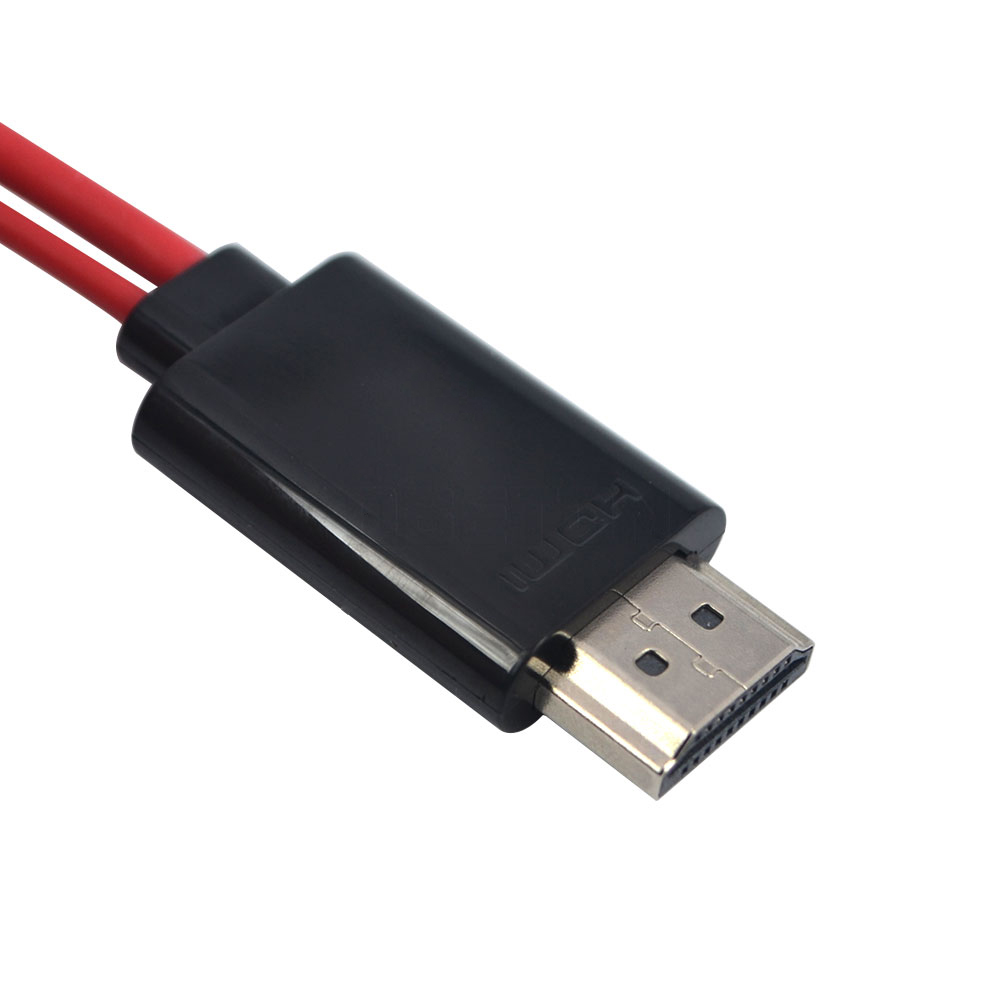
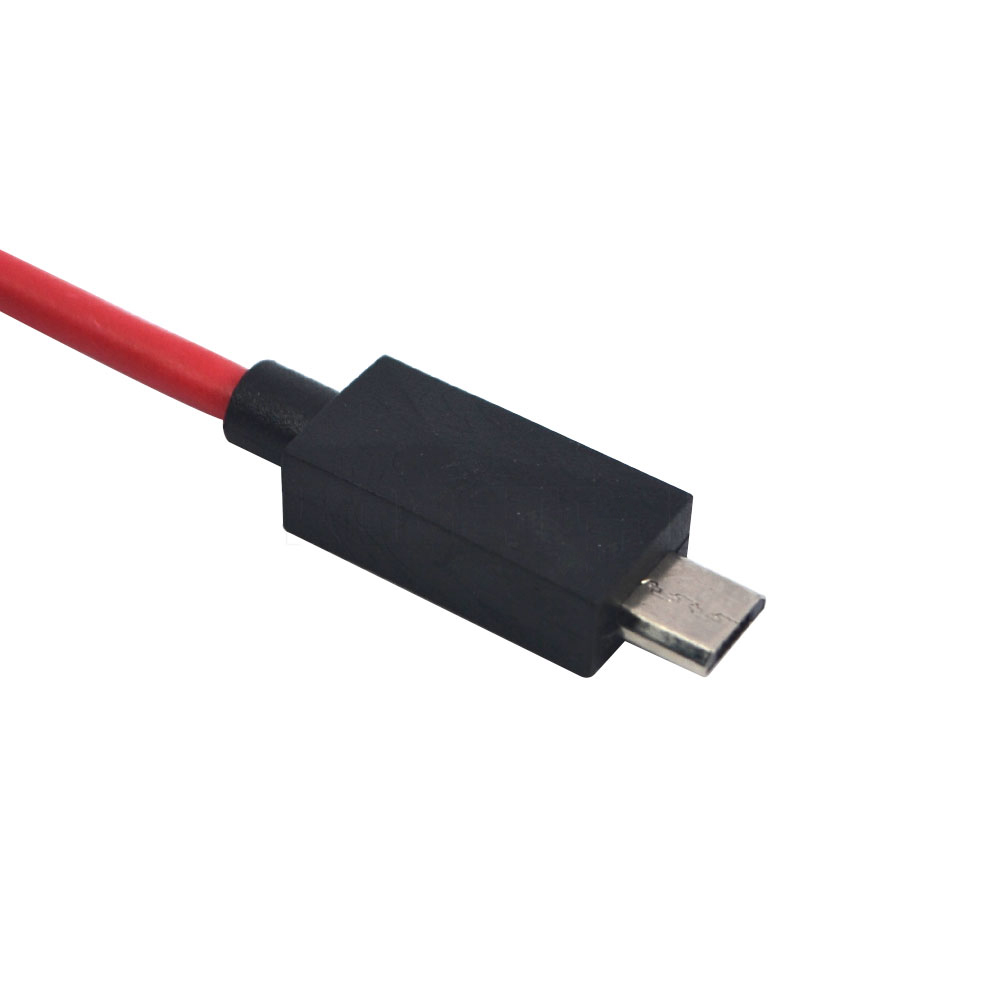
Micro USB to HDMI Cable For MHL Output Audio Adapter HDTV Adaptor 1080P Full HD for Samsung Galaxy S2 I9100 S I900
Features:
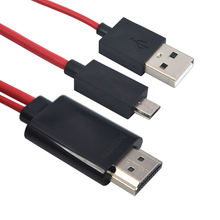
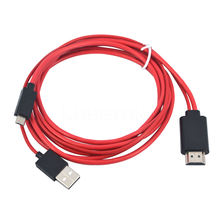
- Micro USB to HDMI adapter cable.
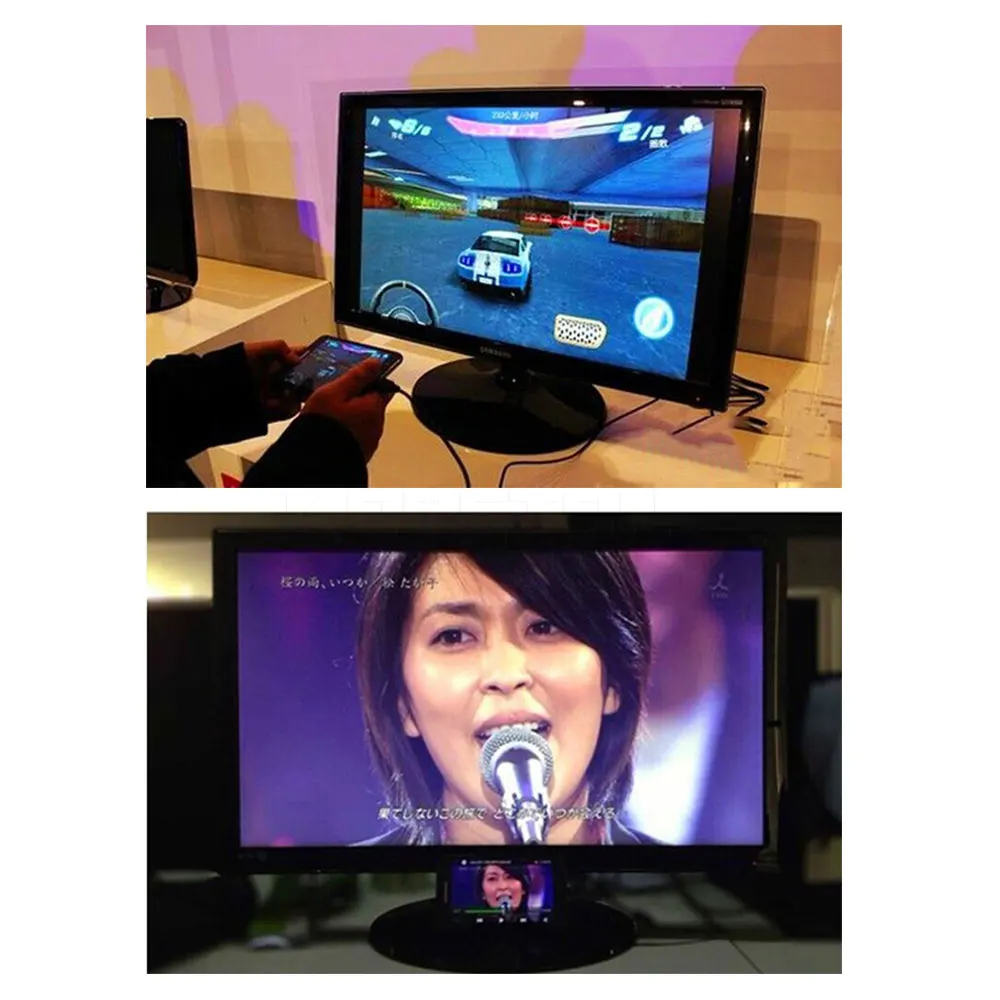
- Turn your phone/’s USB port into a standard HDMI port.
- Work with all MHL enable mobile phones and tables.
- Use the TV/’s remote to control and access content on your phone.
- Supports content with High-bandwidth Digital Content Protection(HDCP).
- Keeps your phone charges while connected.
5PIN Compatible with:
- for Samsung Galaxy S II i9100
- for Samsung Galaxy S II (AT&T)
- for Samsung Galaxy S II (T-Mobile)
- for Samsung Galaxy S II Epic 4G Touch (Sprint)
- for Samsung Infuse 4G
- for Samsung Galaxy S II LTE
- for Samsung Galaxy S II HD LTE
- for Samsung Galaxy S II Skyrocket
- for Samsung GALAXY Note i9220
- for HTC Amaze 4G
- for HTC EVO 3D
- for HTC EVO View 4G
- for HTC Flyer
- for HTC Sensation 4G
- for HTC Sensation XE
- for HTC Jetstream
- for HTC Rezoun
- notice: because some devices can not work with the cable,so please contact us for checking before buying
- 11PIN Compatible with:
- For Samsung Galaxy S3 S4
- For Samsung Galaxy S5
- For Samsung Galaxy S4 i9500
- For Samsung Galaxy S4 i9505 LTE
- For Samsung Galaxy S3 i9300
- For Samsung Galaxy S3 i9305 LTE
- For Samsung Galaxy S3 Verizon i535,
- For Samsung Galaxy S3 T-Mobile T999,
- For Samsung Galaxy S3 at&t i747,
- For Samsung Galaxy S3 Sprint L710
- For Samsung Galaxy Tab 3 8.0 SM-T310
- For Samsung Galaxy Tab 3 10.1 P5200 P5210
- For Samsung Galaxy Note 8.0 GT-N5100 N5110 N5120
- For Samsung Galaxy Note 10.1 2014 Edition SM-P600
- For Samsung Galaxy Note 2 N7100 N7105
- For Samsung Galaxy Note 3 N9000 N9005
Note:
- This Adapter Do NOT work with following Galaxy models:
- For Samsung Galaxy S4 Mini
- For Samsung Galaxy S3 Mini
- For Samsung Galaxy Tab 3 7″
- For Samsung Galaxy Tab 2
How to Use:
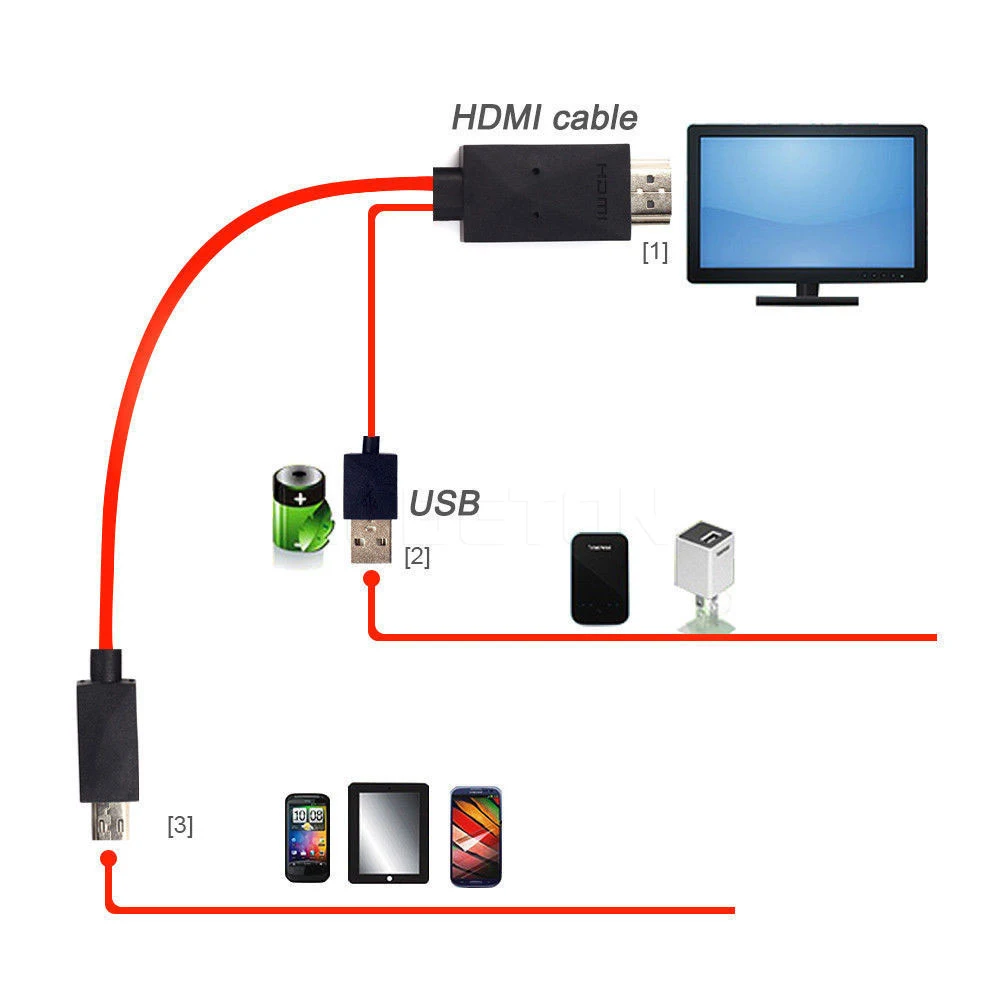
- Connect the HDMI connector for MHL cable into your TV directly.
- Connect the USB 2.0 connector for MHL adapter into your original charger. (Warning!: Make sure that you use the Travel Charger that was included with your phone. If you use an unapproved travel charger, there is a possibility that the for MHL adapter might not function properly.)
- Connect your Travel Charger to an approved power source.
- Connect for the MHL cable connector into the Power/Accessory Interface port on your phone.
- This is the same port that you normally use to connect your Travel Charger, and then restart the phone after connecting with MHL Cable (Do not connect the MHL cable to your device through the Desktop dock. The Video and Audio output will not work correctly).
Specifications:
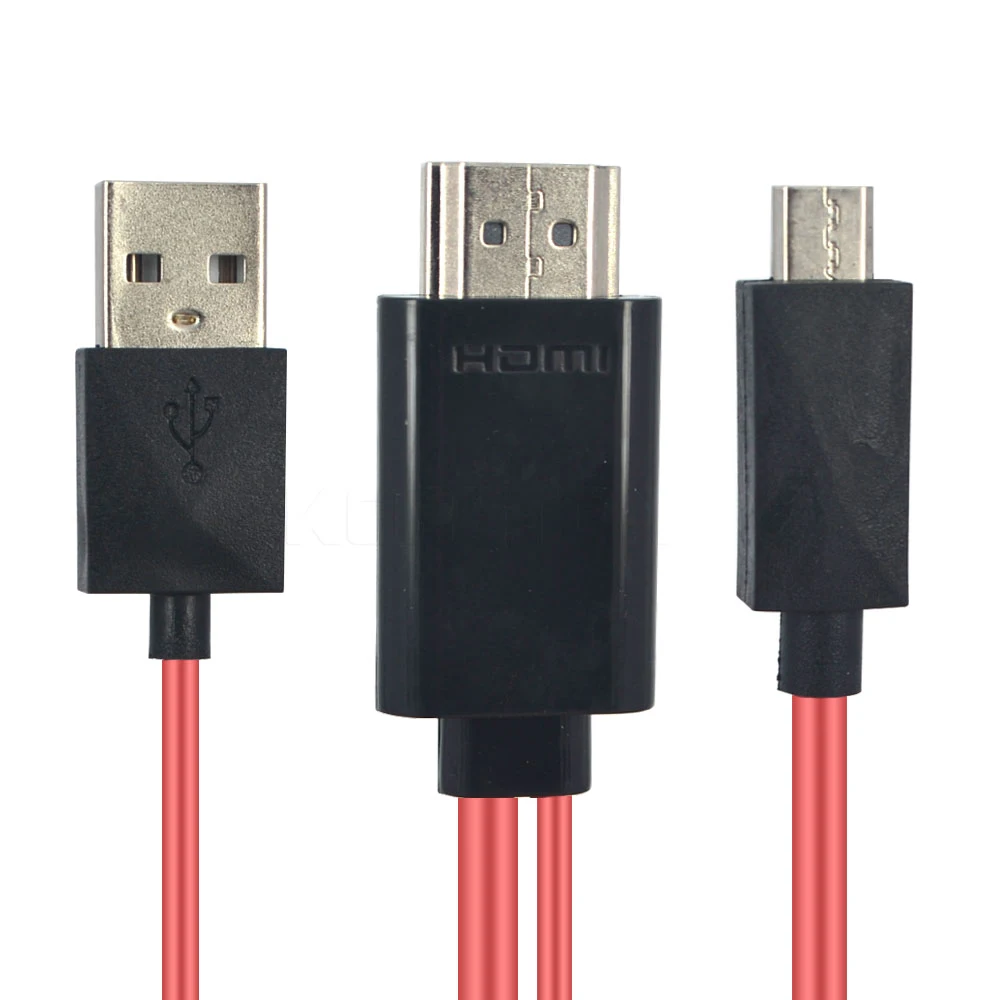
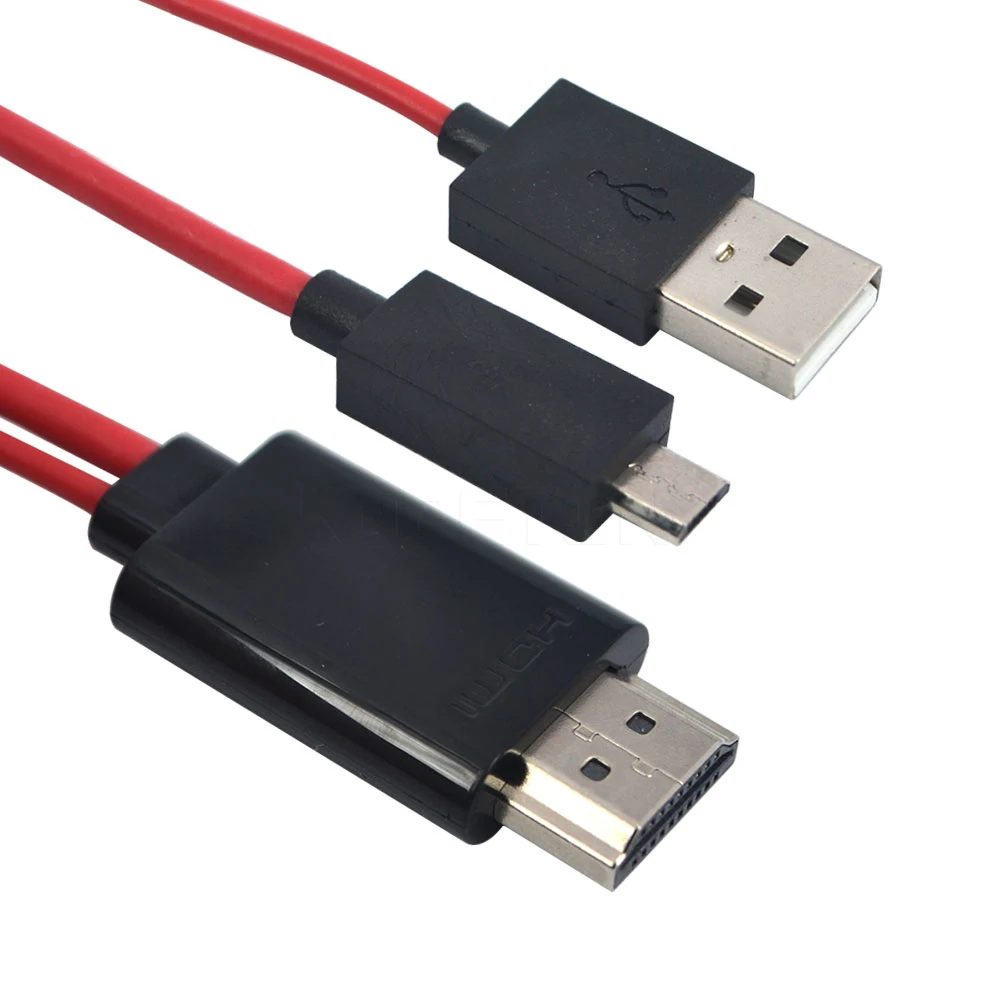
- Item Name: for MHL Micro USB to HDMI Adapter Cable
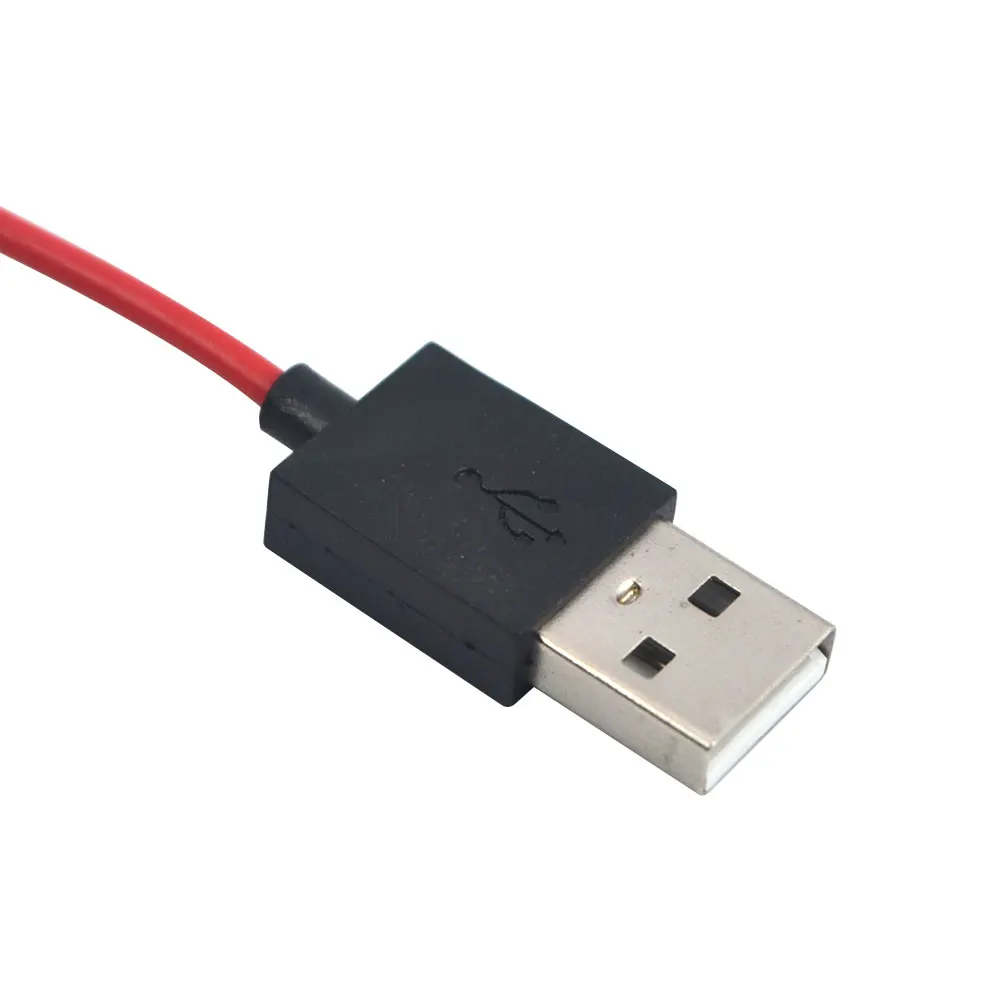
- Material: ABS + PVC + Metal
- Color: Black + Red
- Dimensions: 120×120×26mm/4.72×4.72×1.02in (Approx.)
- Length:
- from HDMI to USB 2.0: 50cm/19.69in (Approx.)
- from HDMI to MHL: 186cm/73.23in (Approx.)
- Interface: for MHL specification v.1.0
- Bandwidth: 25MHz-75 MHZ
- Input connector: Micro USB x1
- Output connector: HDMI x1
- Power connector: USB 2.0 x1 for charging
- Video: 1080p HD
- Audio: 8-channel(e.g.7.1surround) digital audio
- Power supply: 5V DC.up to 0.1A from USB 2.0
- Quantity: 1 PC (other accessories demo in the picture is not included)
Package includes:
- 1 X Micro USB To HDMI Adapter Cable
Note:We don/’t offer retail package,but we will pack it well before shipped out !


![]()
![]()
![]()
![]()
![]()
![]()
![]()
![]()
![]()
![]()