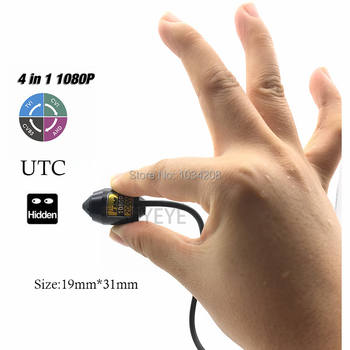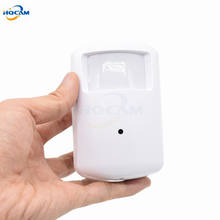
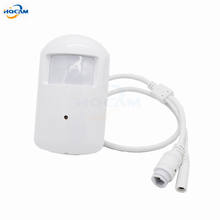
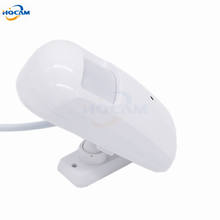
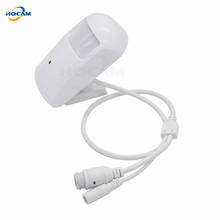

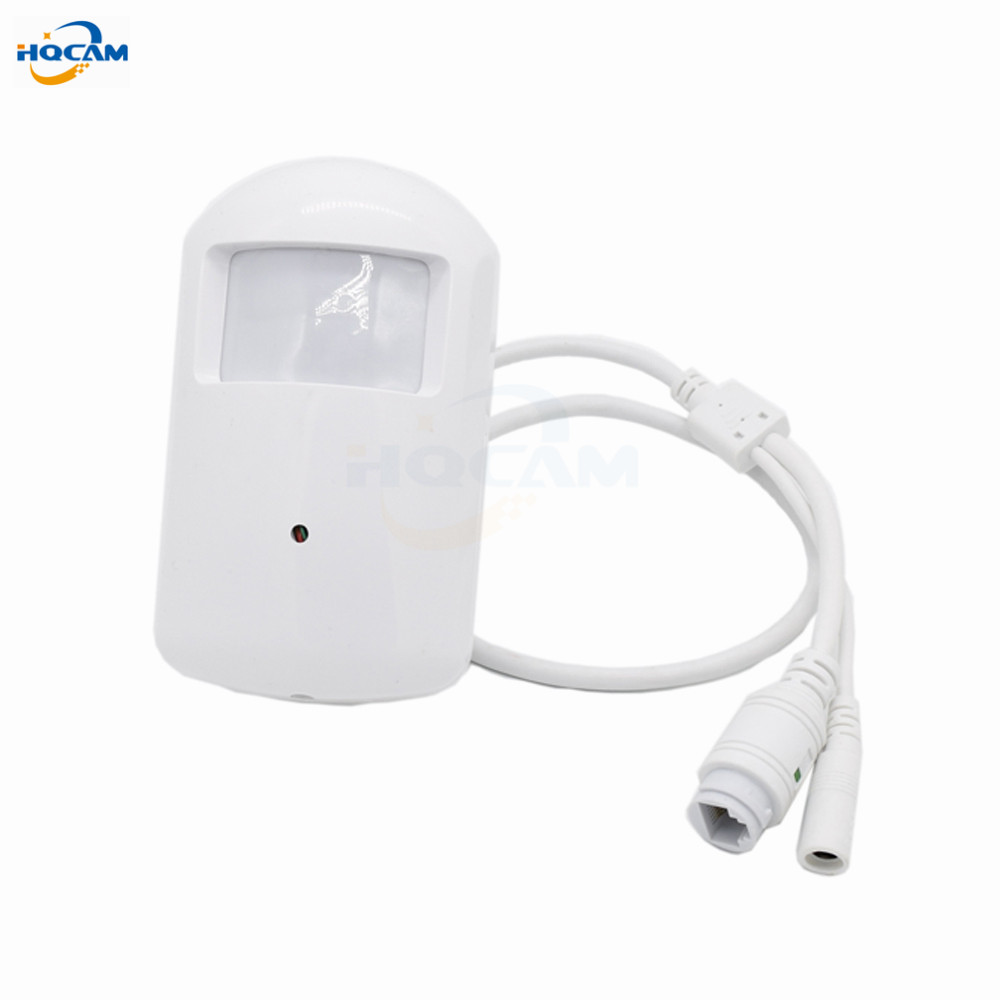
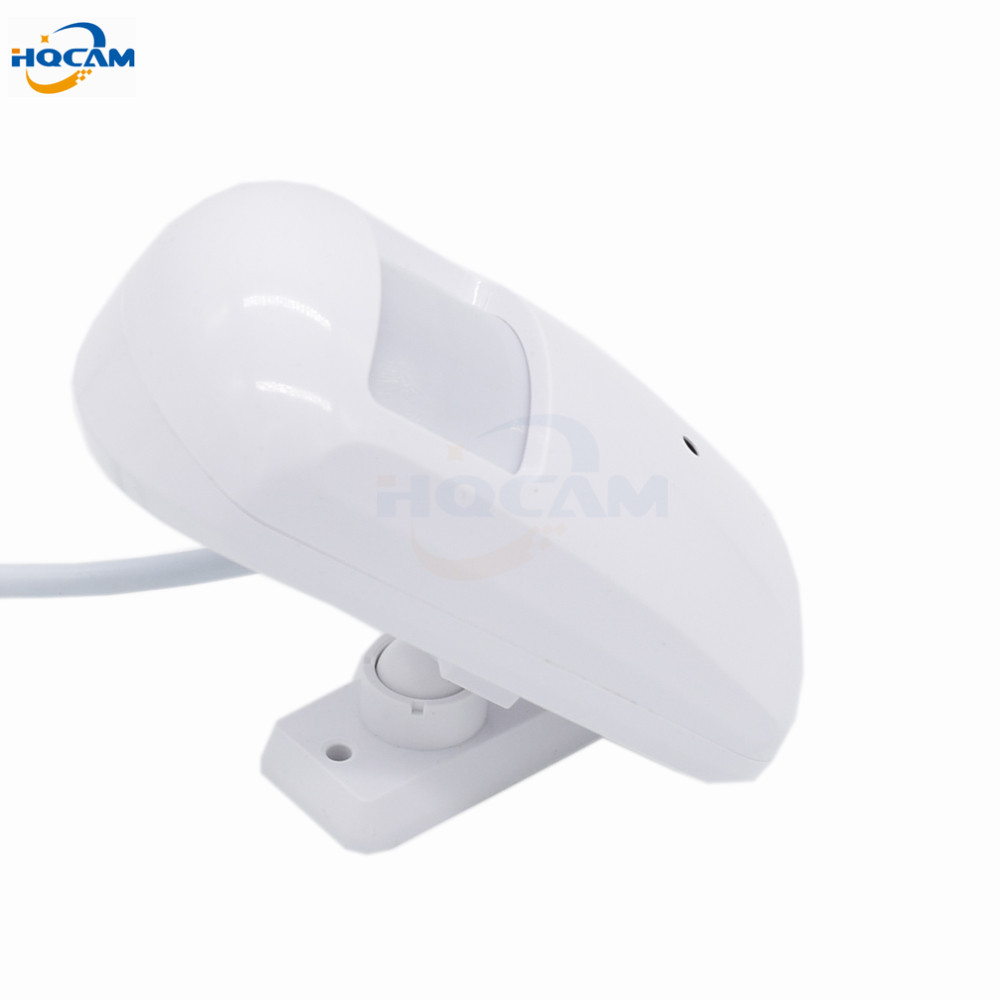
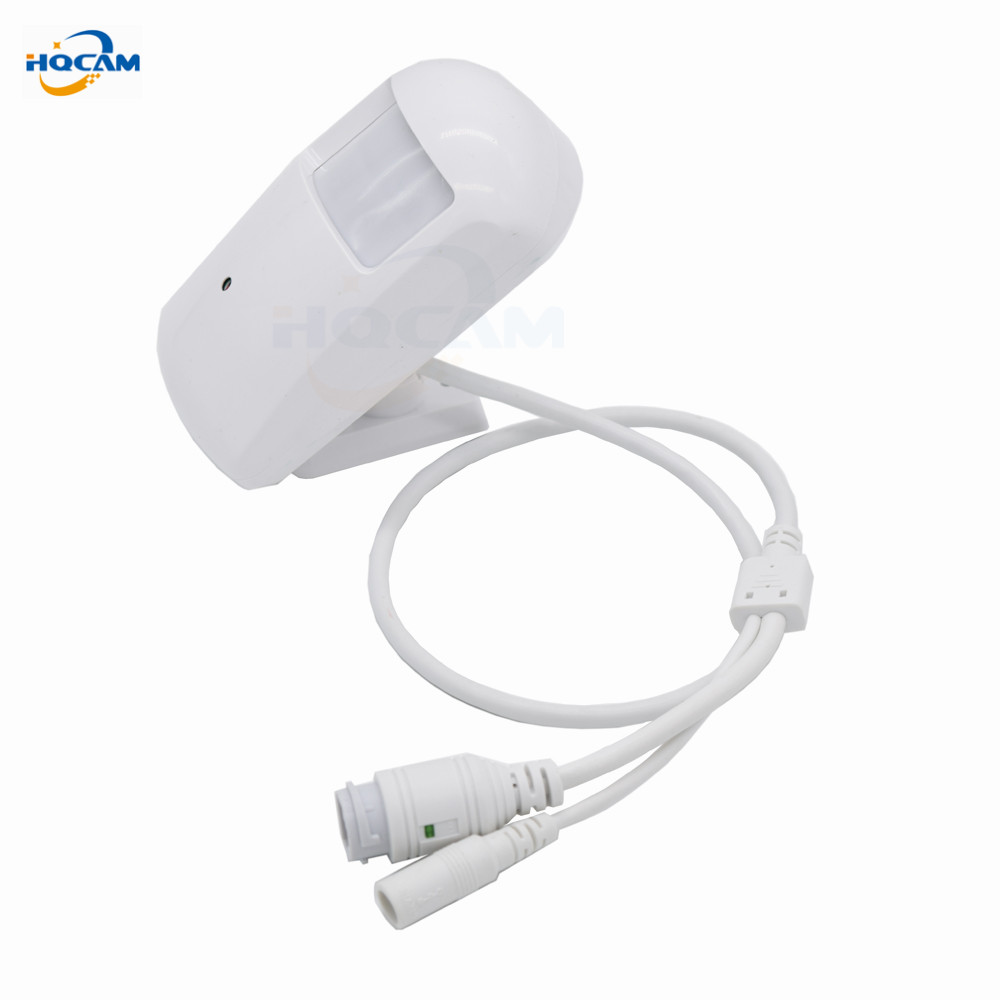
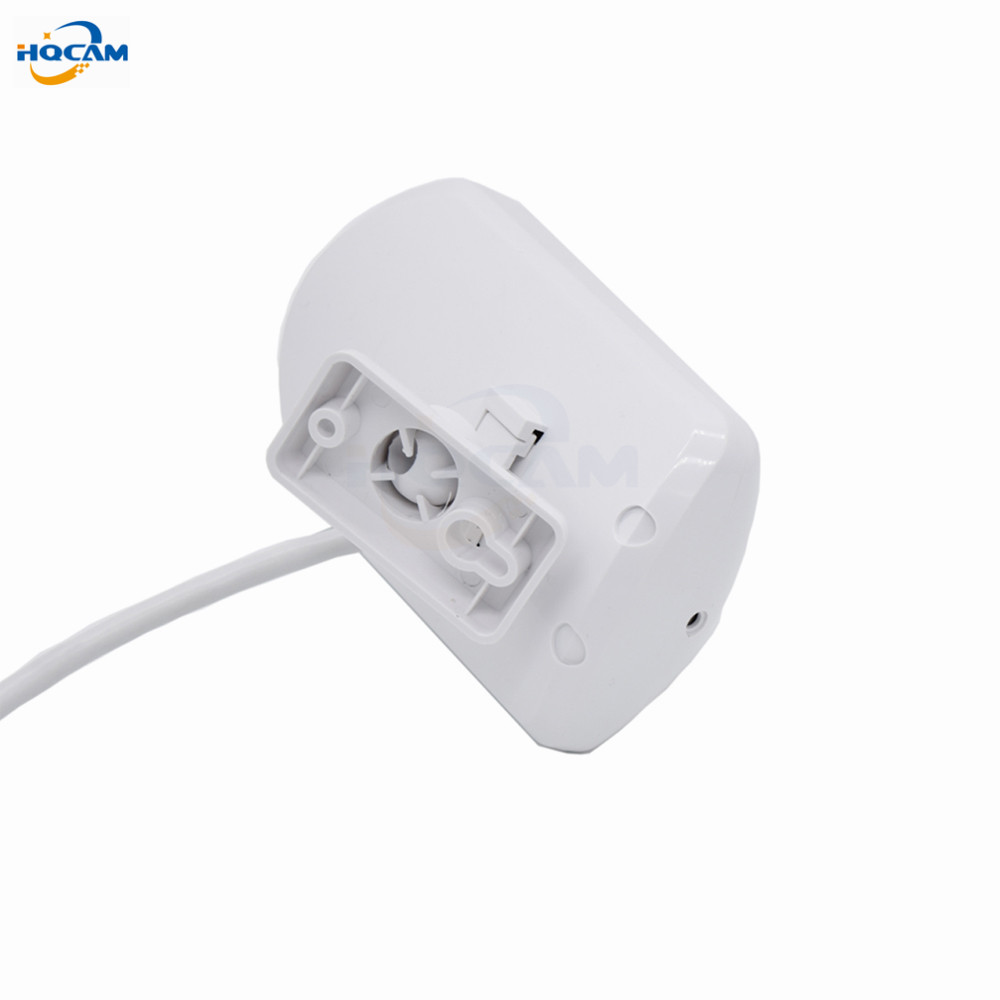
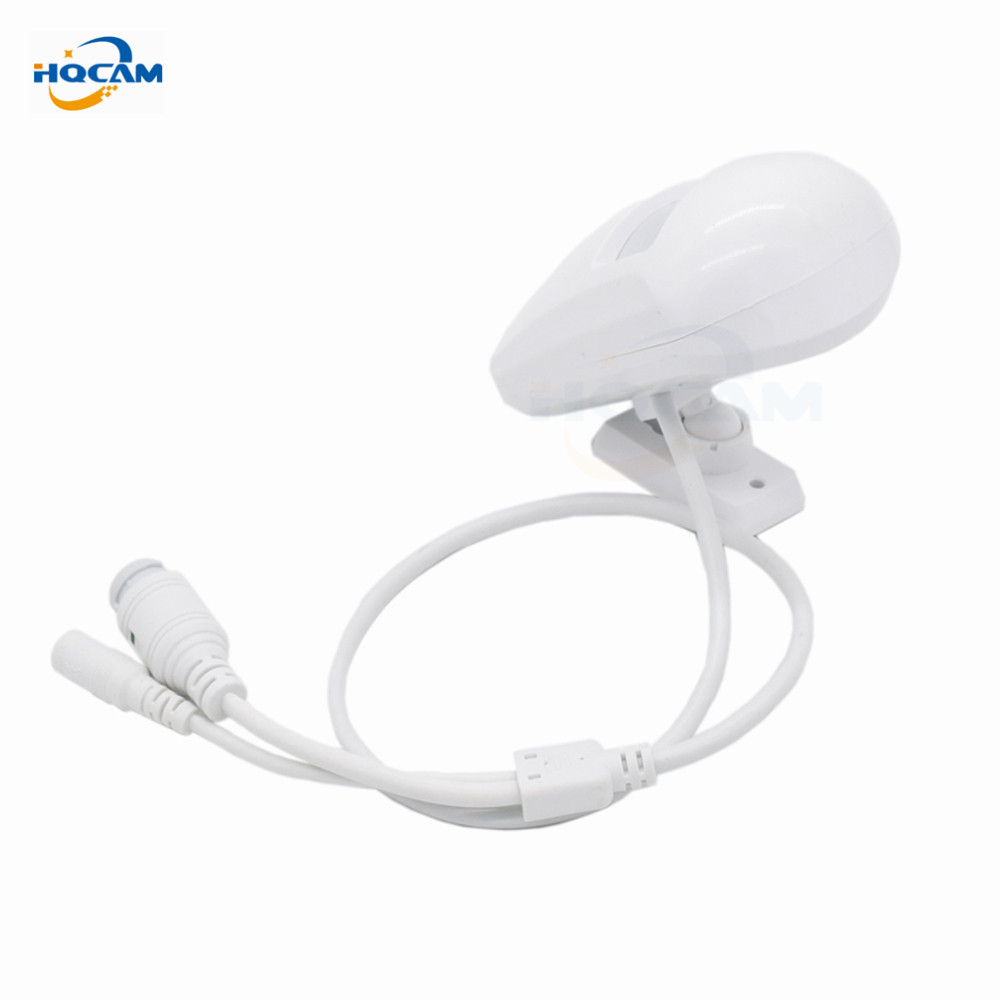
The above video selects a 3.7mm lens.
1) H.264 Encode (1080p is H.264 or H.265)
2) Double core 32bit DSP HI3516
3) 720P 960P 1080P CMOS sensor, Color: 0.01Lux, B/W: 0.01Lux; 0Lux (IR on)
4) Built-in microphone
5) 25fps(Full real time), 1-25fps adjustable
6) Support ONVIF 2.0;Support Third-party NVR
7) Multi-screen software and CMS
8) Image processing: auto exposure(AE), auto white balance(AWB), auto gain control(AGC)
9) Support motion detection
10) Support visit by smart phone


|
IP Camera |
|
|
Image Sensor |
720P: 1/4” 3518E CMOS sensor +OV9732 960P:1/3″ 3518E CMOS sensor+H62 1080P: 1/2.7″ SC2235 CMOS sensor+ Hi3516C |
|
Effective Pixels |
1280(H)x720(V)/1280(H)x960(V)//1280(H)x1080(V) |
|
Structure system |
Embedded RTOS,dual-core 32bit DSP,pure hard compression ,watch dog |
|
Electronic Shutter Speed |
Auto/Manual 1/3(1/4)~1/10000 |
|
Min. Illumination |
Color: 0. 1Lux/F1.2, B/W: 0.01Lux/F1.2; 0Lux/F1.2(IR on) |
|
Lens |
2.8mm/3.6mm/6mm/8mm |
|
IR light |
NO |
|
IR distance |
NO |
|
Video |
|
|
Resolution |
720P(1280×720) / D1(704×576) / CIF(352×288) |
|
Main Stream |
720P(25fps).960P(22fps).1080P(25fps) |
|
SIZE |
|
|
S/N Ratio |
>50dB |
|
Compression |
H.264 |
|
audio |
Built-in microphone |
|
Backlight Compensation |
Auto |
|
White Balance |
Auto |
|
Gain Control |
Auto |
|
Network |
|
|
Ethernet |
RJ-45 (10/100Base-T) |
|
ONVIF |
ONVIF2.0 |
|
Smart Phone |
iPhone, Android |
|
Browser |
IE, |
|
General |
|
|
Power Supply |
DC12V/ 2A (not include the adapter) |
|
Power Consumption |
<6W |
|
Working Environment |
-25°C~+60°C, 10%~90% |
|
Material |
Plastic |
FAQ :
Q:What’s the default ip address of the camera ?
F: 192.168.1.10 Username : admin Password : null ( empty )
Q: Does the camera supports Motion Detect,FTP,Email alarm, RTSP and so on ?
F: Yes ! All the IP Cameras we are selling supports these functions .
1) Please Setup the motion detection in the CMS software .
2) We suggest the Sever-U and FileZilla FTP Server to upload the video or image.
3) For the Email alarm,please use Email server which supports SMTP ( Hotmail ,Yahoo not support SMTP ,try Gmail please ) .
4) ,RTSP URL for VLC media Player :
rtsp://$(IP):$(PORT)/user=$(USER)&password=$(PWD)&channel=$(Channel)&stream=$(Stream).sdp?real_stream
Example : rtsp://10.6.10.25:554/user=admin&password=&channel=1&stream=0.sdp?real_stream
F: What’re the ports information of the cameras ?
Q : ONVIF 2.0 Port 8899 ;RTSP Port 554 ;HTTP Port 80;Media Port 34567
F:Does the camera support IE ,Chrome ,Firefox and so on ?
Q: Since the plug-in problem ,for website interface IP address URL,ONLY IE supports Multi Language . Chrome,Safari just support Chinese .
For cloud server XMEYE.NET ,it supports multi language
Q:When I finish the steps to add the camera to the CMS list,why it notify “ Can’t find the Device “ even I can see the default ip address 192.168.1.10 in the menu .
F: It is the IP Address conflict ,the default ip address is not in the same network segment as your router.
Please click “Edit Device “ to change the camera’s ip address to make them in the same network segment !
For example ,if your router’s ip address is 192.168.0.1 ,then you need to change the camera’s ip address to 192.168.0.XX .
Package contents:
1 x Camera, 1x CD, 1 x Stents, 1 x Screw, 1 x English User Manual