
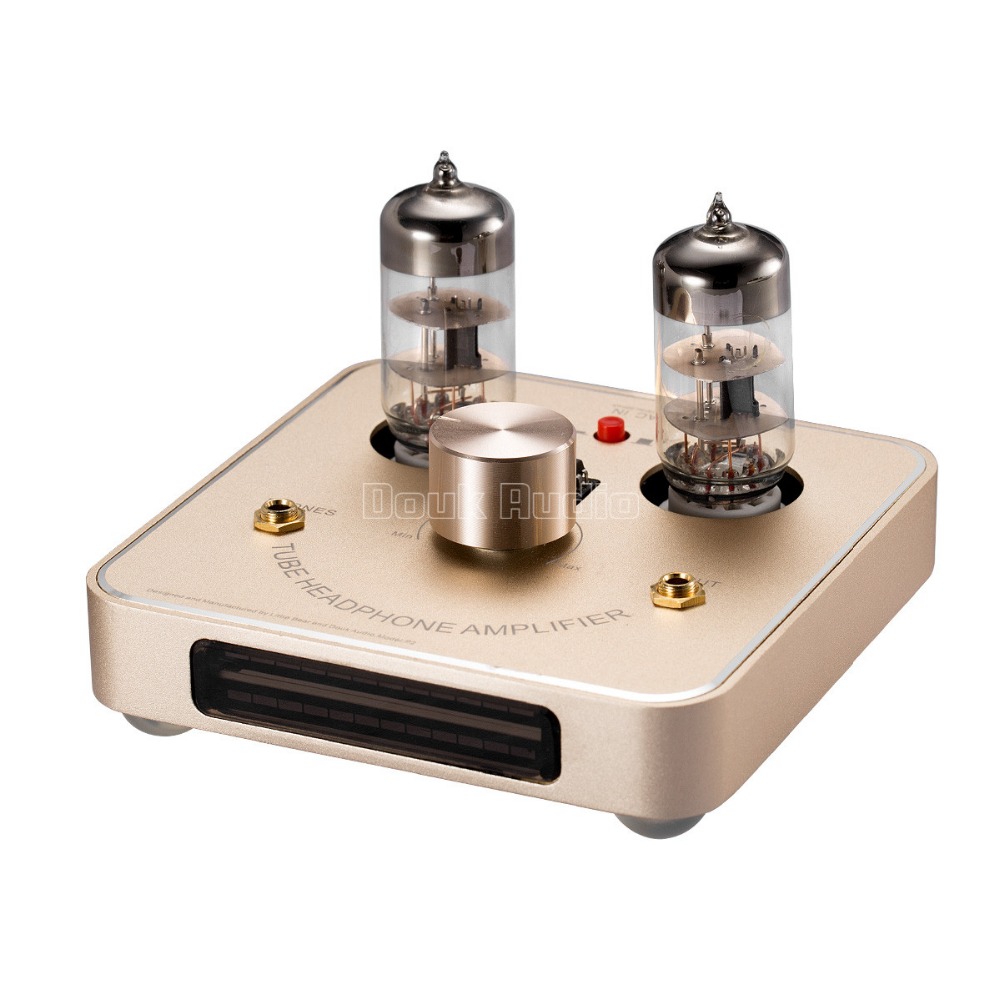
Small size, great wisdom
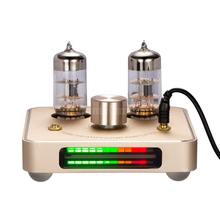
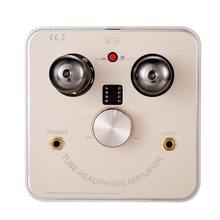
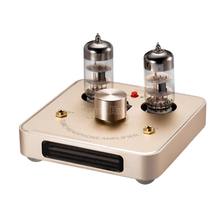
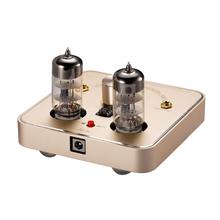
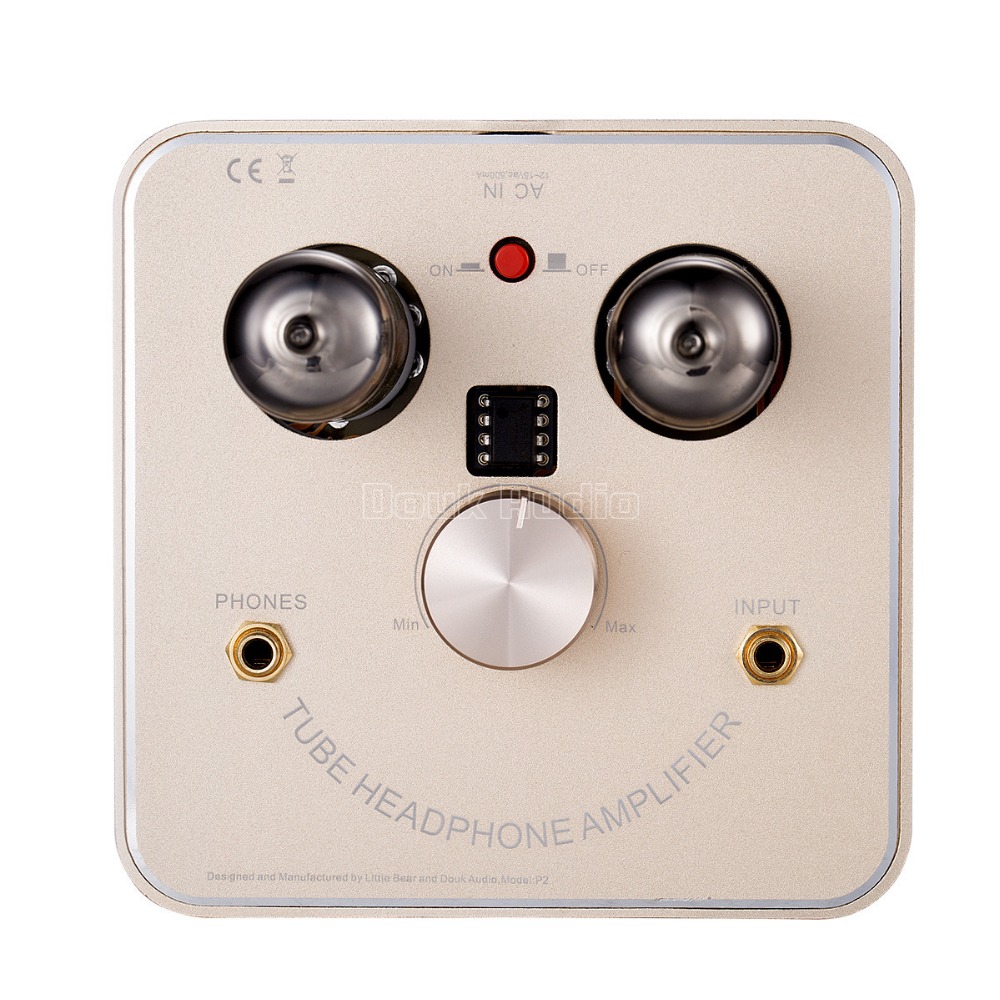
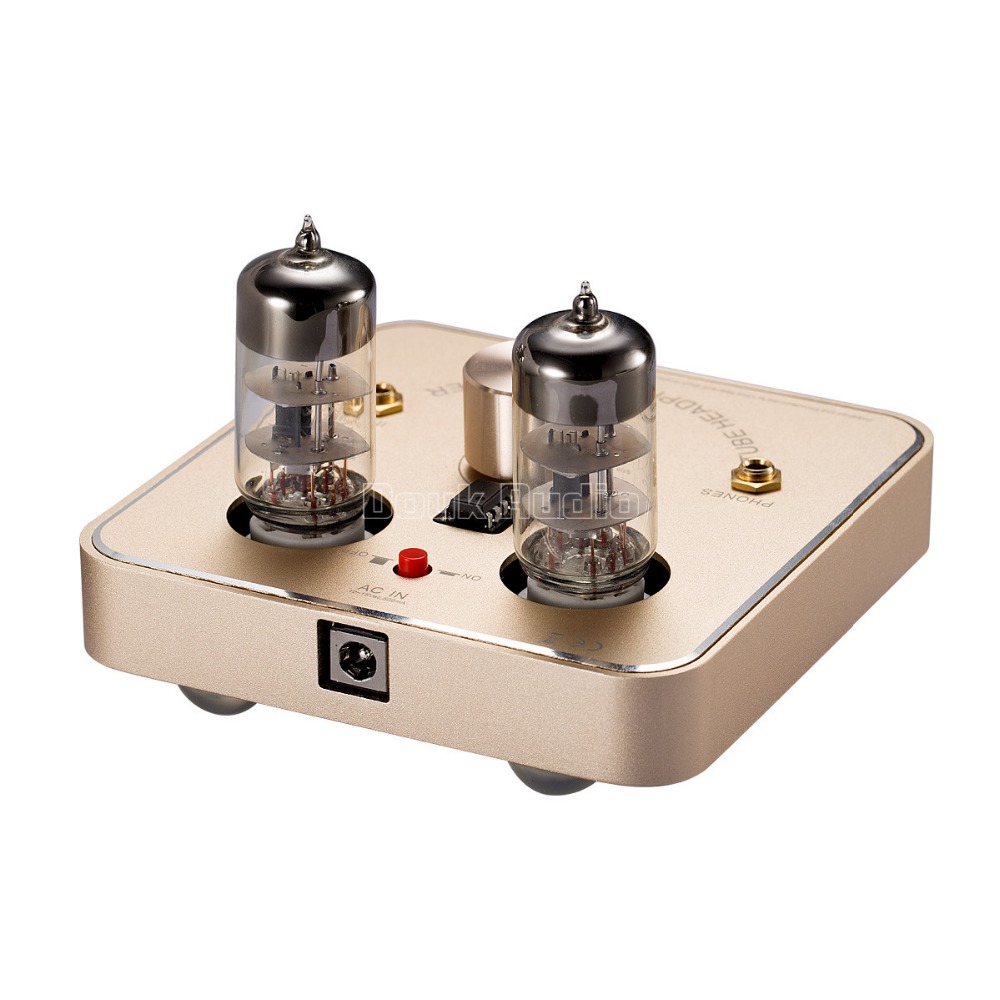
Small and charming size, Aluminum case, beautiful design. and it’s tube + OP chip hybrid amplifier. default package original NE5532 chip. with tube socket. so. you will easy replace other chip to upgrade your amp.P2 work with 40~300 ohm headphone . other focus is, in this small size shell. included a LED VU meter. it’s cool and fun. it’s dance with the headphone music output. and with more then 7 style dance mode for choice. you will get more fun on this VU meter. by the way. if you don’t like it. you also can turn it OFF. the switch is on the bottom panel. (Demo video linker:
)
Tips:Please deep plug the power Jack into the “AC in” socket. Else. It will may can’t turn ON.
Specifications:
Tube: 6C11 X2
Input: 3.5mm Gold Jacks
Input Impedance: 20K ohms
Input Sensitivity: 800mV
Output: 3.5mm Gold Jacks
Output Impedance: 40 to 300 ohm
Output voltage: 24Vp-p
Frequency Response: 30-30Khz (+-1db)
Input AC Voltage: 12~15V AC
Power Consumption: 8W
Colors: Black,Gold.
Weight: 0.6kg
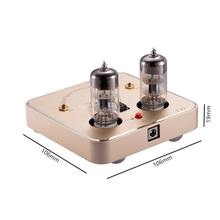
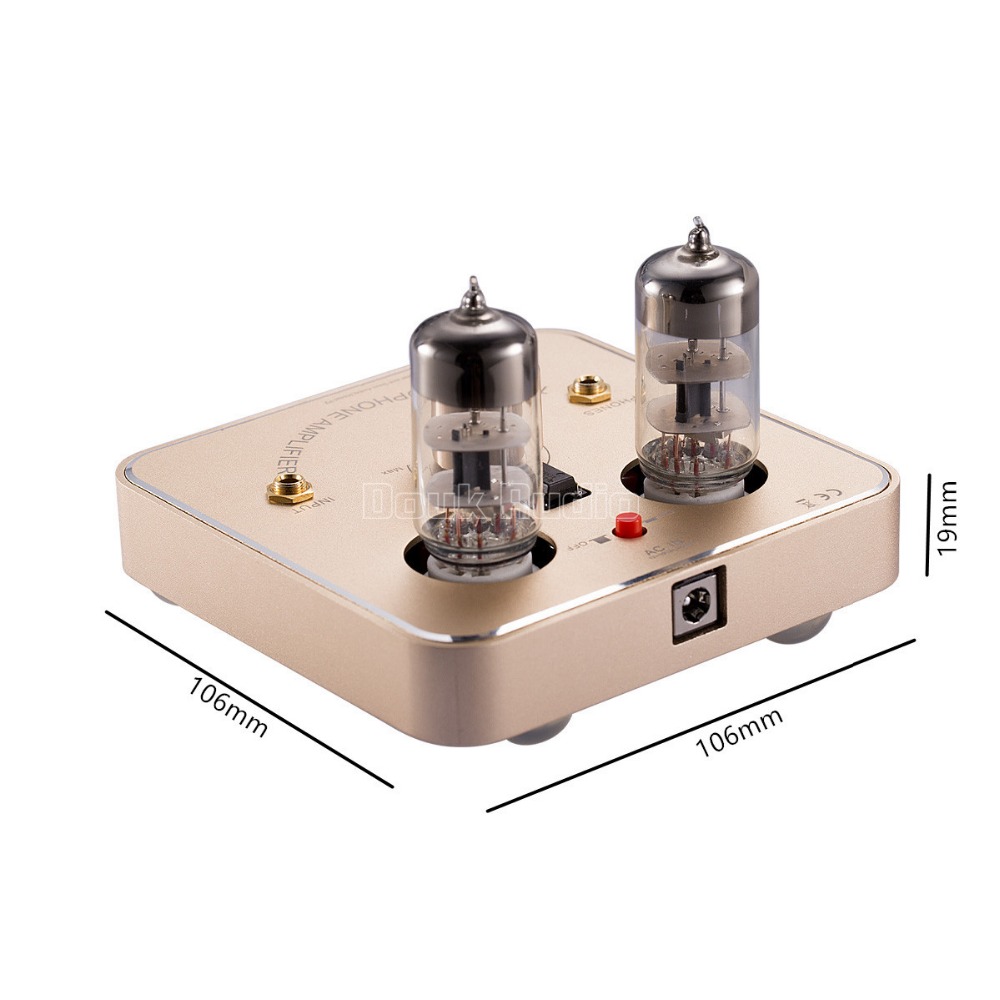
Dimensions: 106mm (w) x 106mm (d) x 19mm
Package include:
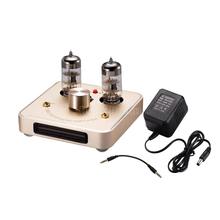
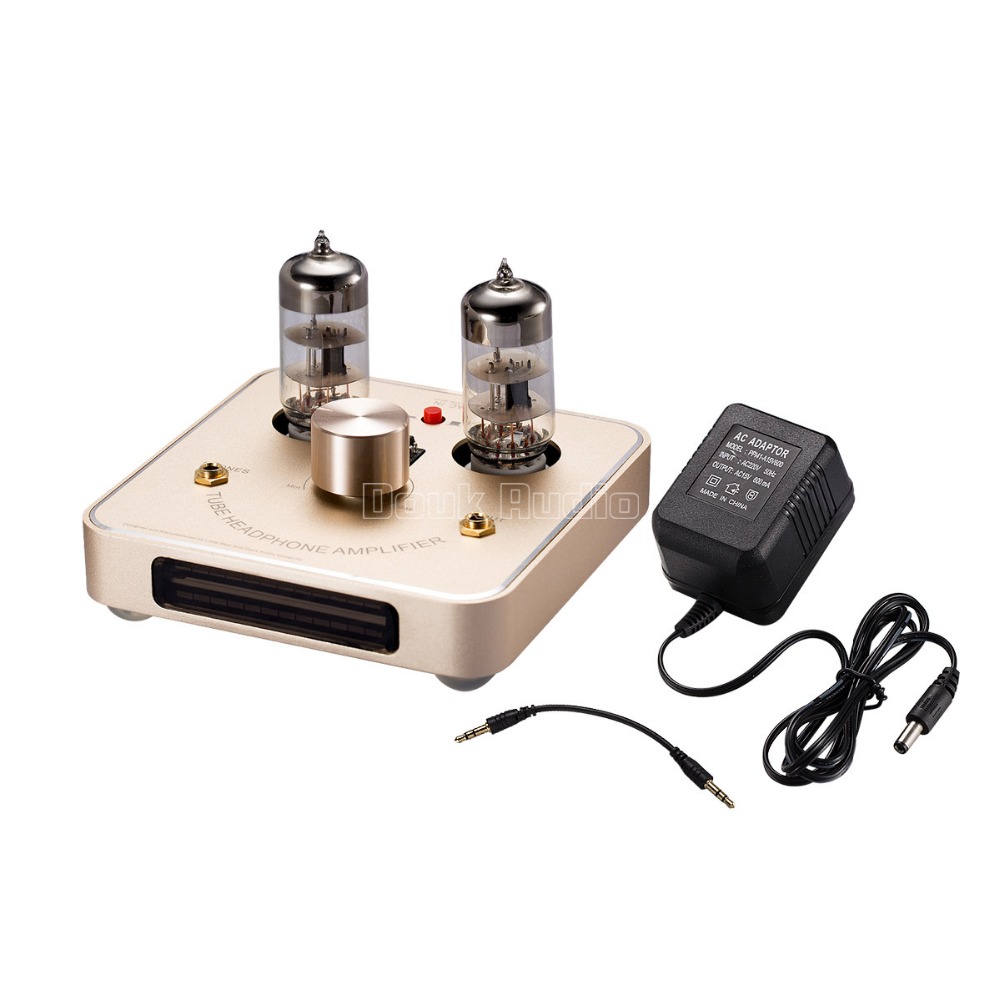
1× assembled headphone amplifier
2x 6C11 tubes
1x Power supply (with 110V or 220V for choice. we will sent correct one to you by your address. UK/AU/US/EU is in stock)
1x normal 3.5mm Jack cable. lenght: 15cm
========================================
LED VU meter operation instruction
Normal mode:
1. Press and hold for 1s————–Display mode swtich,(7 mode for selected),short press the key when the mode selected,
2. Press and hold for 3s————–Switch Real-time Mode/AGC mode
3. Press and hold for 5s————–Enter into the Speed Setting Mode
4. Press and hold for 10s————-Restore the Factory settings
5. Double-Click———————–Adjust Lights level mode.
Speed Setting Mode:
(Press and hold for 5s to enter. Also press and hold for 5s exit in the Normal Mode
LED VU meter operation instruction
Normal mode:
6. Press and hold for 1s————–Display mode swtich,(7 mode for selected),short press the key when the mode selected,
7. Press and hold for 3s————–Switch Real-time Mode/AGC mode
8. Press and hold for 5s————–Enter into the Speed Setting Mode
9. Press and hold for 10s————-Restore the Factory settings
10. Double-Click———————–Adjust Lights level mode.
Speed Setting Mode:
(Press and hold for 5s to enter. Also press and hold for 5s exit in the Normal Mode)