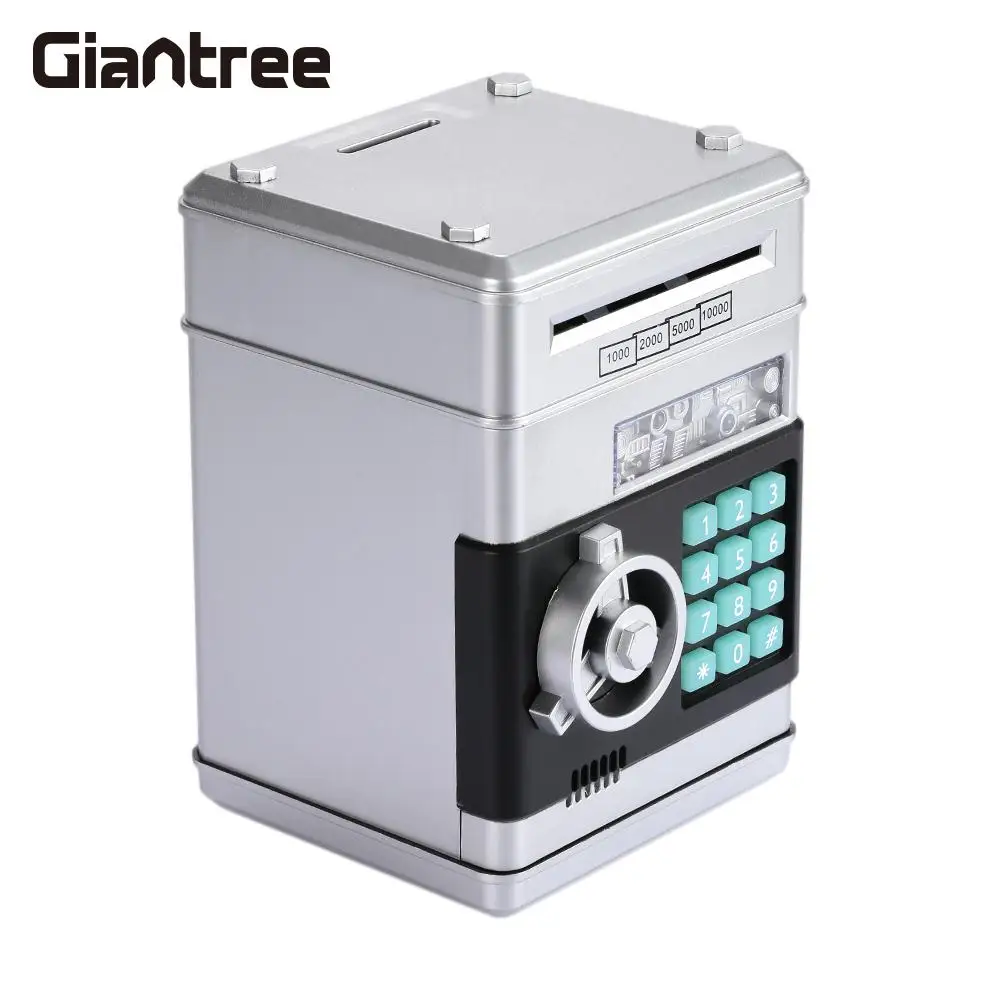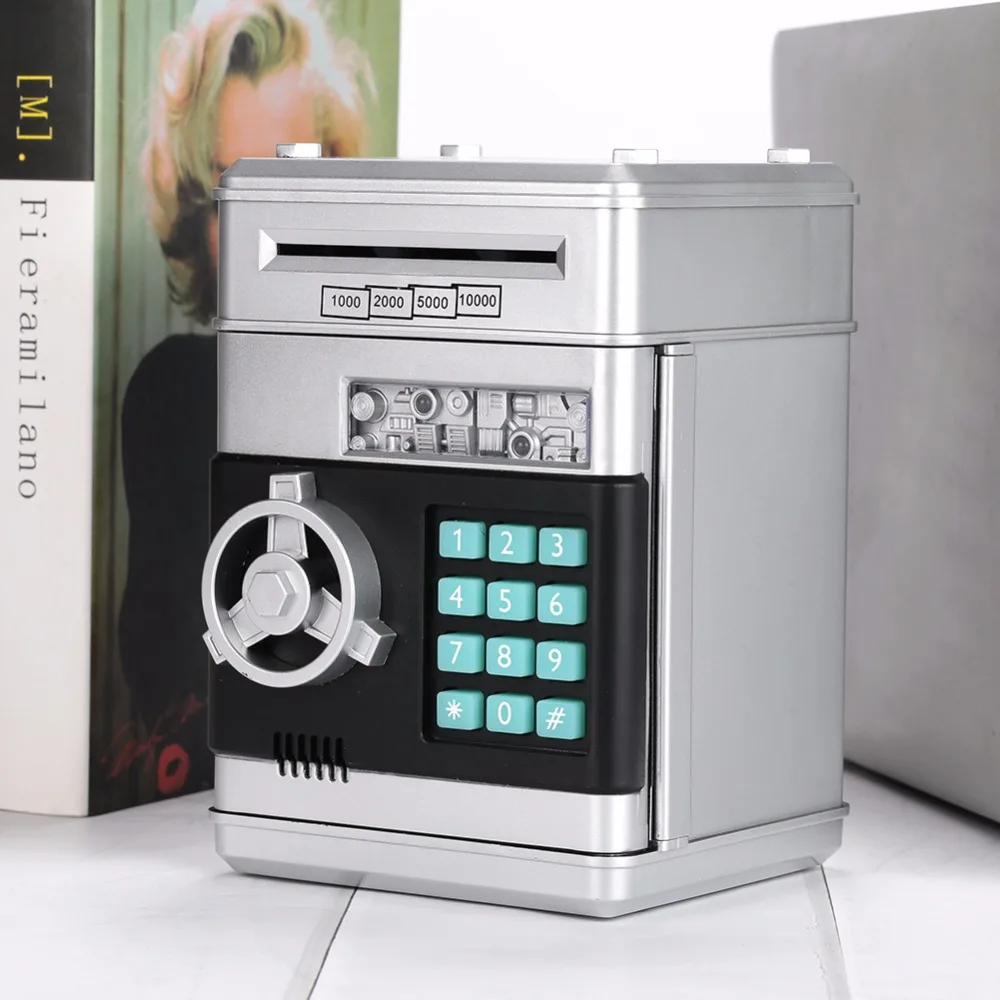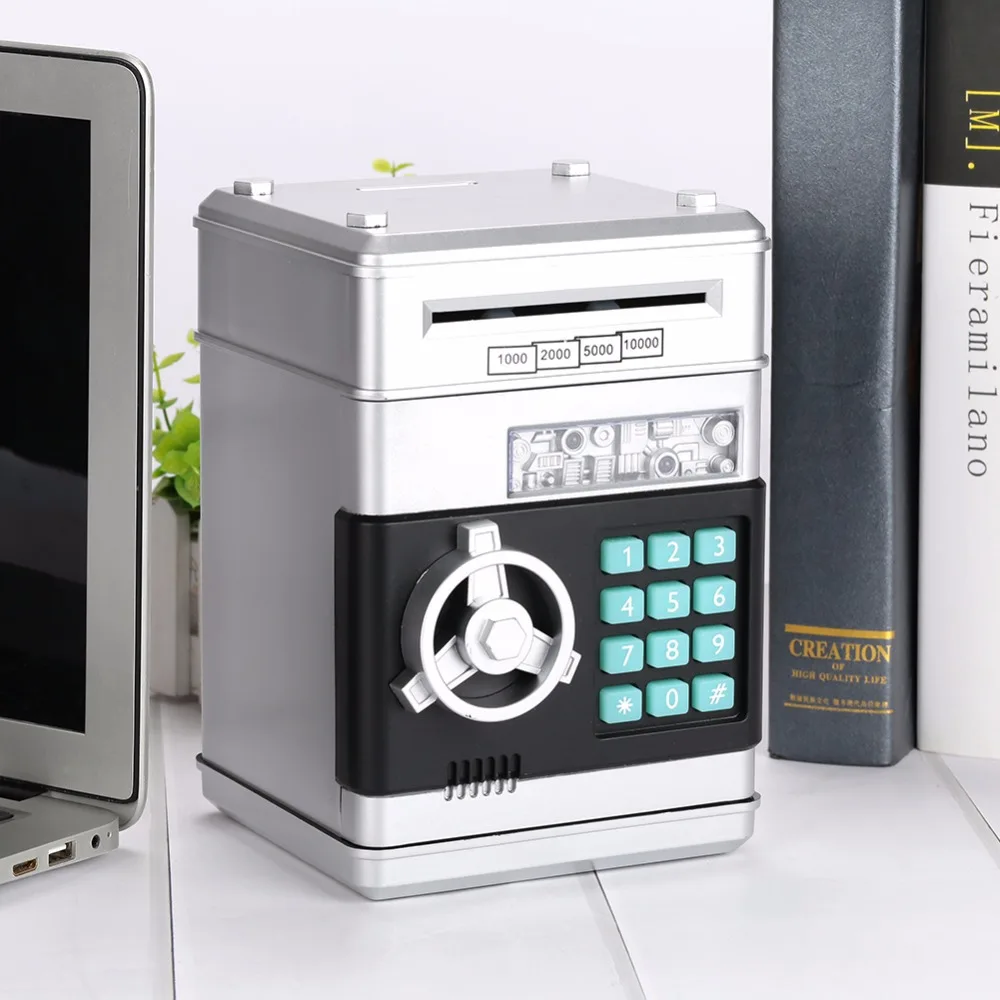

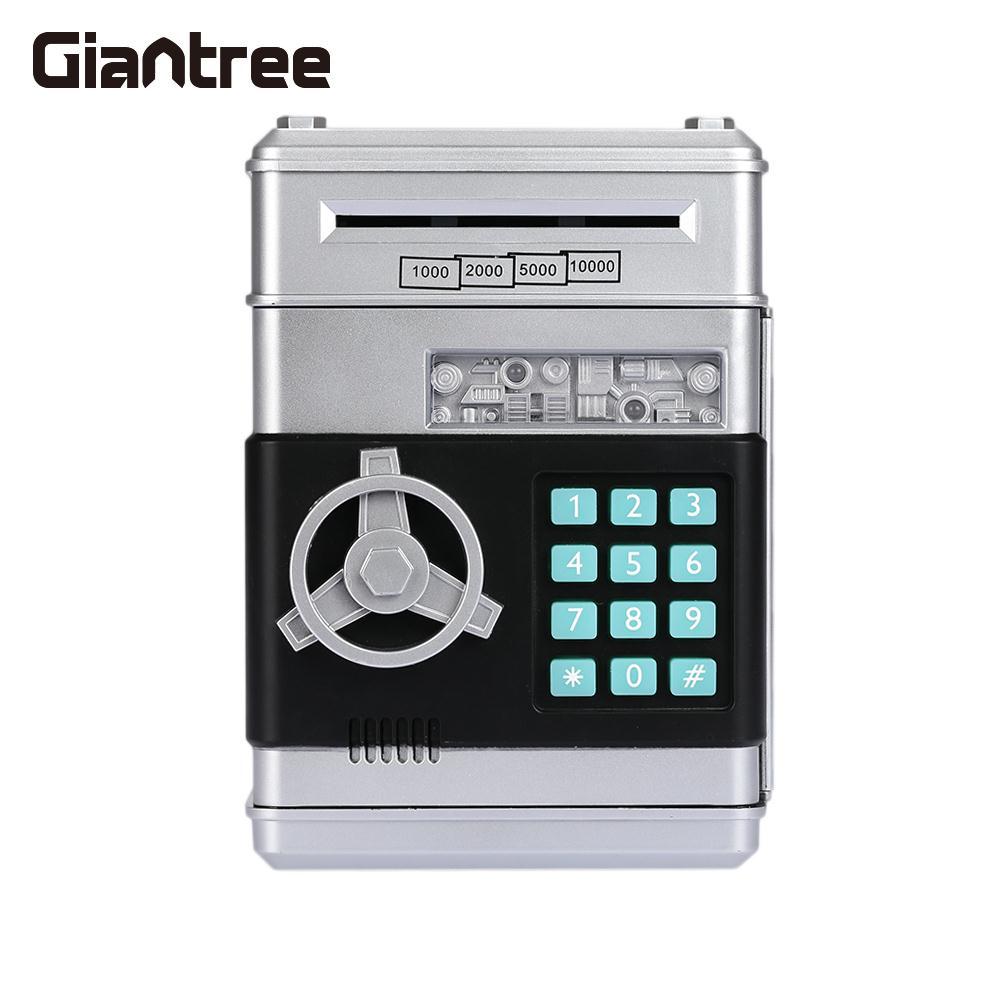
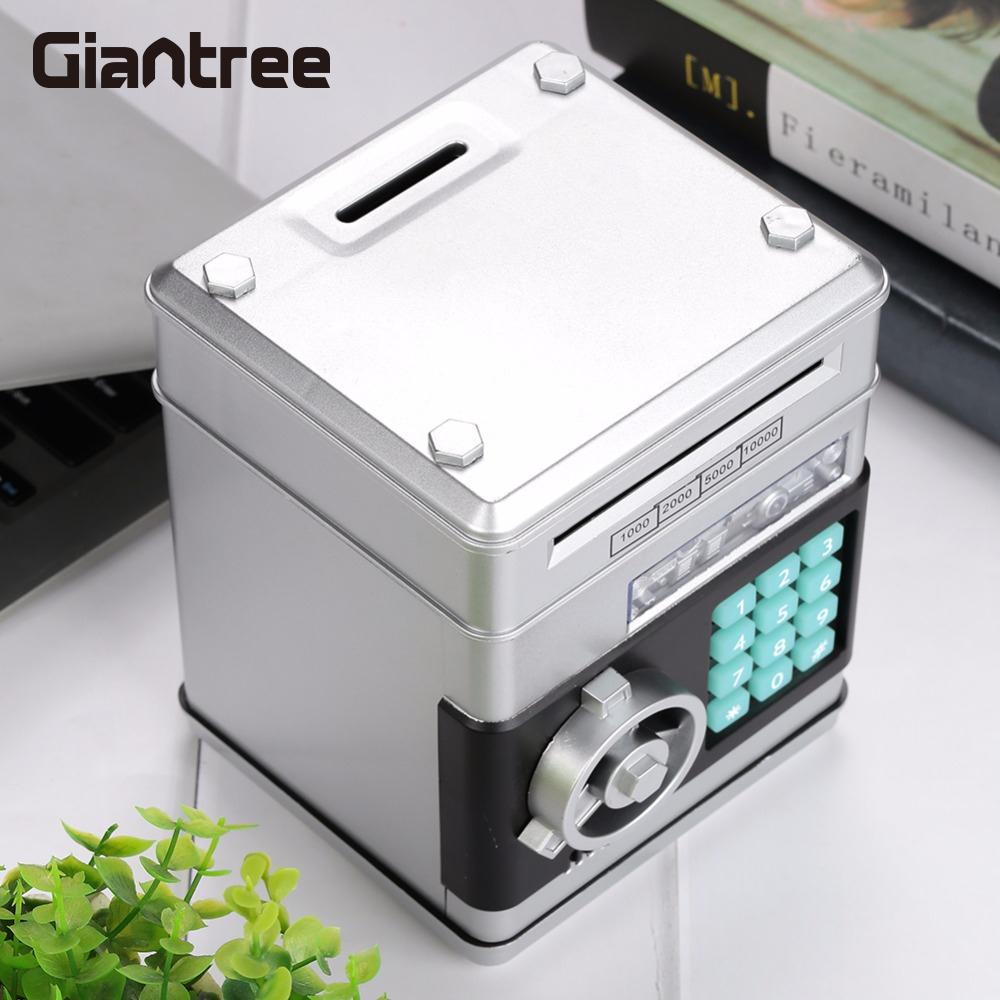




Save Box with Code Large Piggy Bank Sensor Coin Eating Saving Money Bank Gift
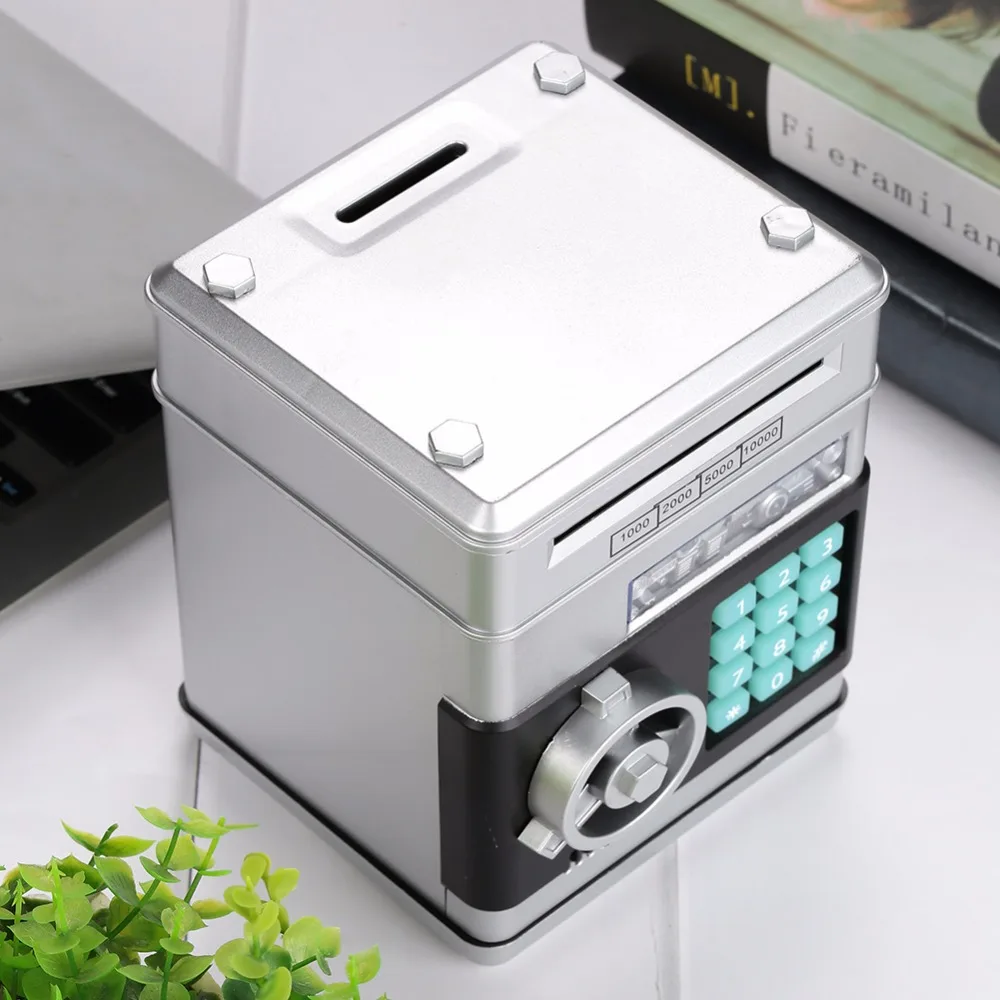
My own safe to guard your own stuff.Seemingly toys, like finance small treasury.
Comes with passwords, voice, in addition to saving money, but also to establish savings goals, planning financial management.
Can be used to store toys, jewelry, passbook and so on.
Coin slots on the coin slot can be thrown into coins like a small piggy bank can also put paper
Specifications:
Style: Simple and modern
Color: silver + black
Material: ABS + electronic original
Process: injection molding
Category: Piggy Bank / Piggy Bank
Modeling: ATM machine
How to use: Please install the battery before use. 3 “AA” batteries.
1, Please use the new battery, built using the size of the safe specifications.
2, Do not mix new and old batteries.
3, Do not mix with other types of batteries, can not use alkaline batteries.
4, If you do not intend to use the safe for several weeks, remove the battery. Because the battery leaks chemicals can destroy electronic parts.
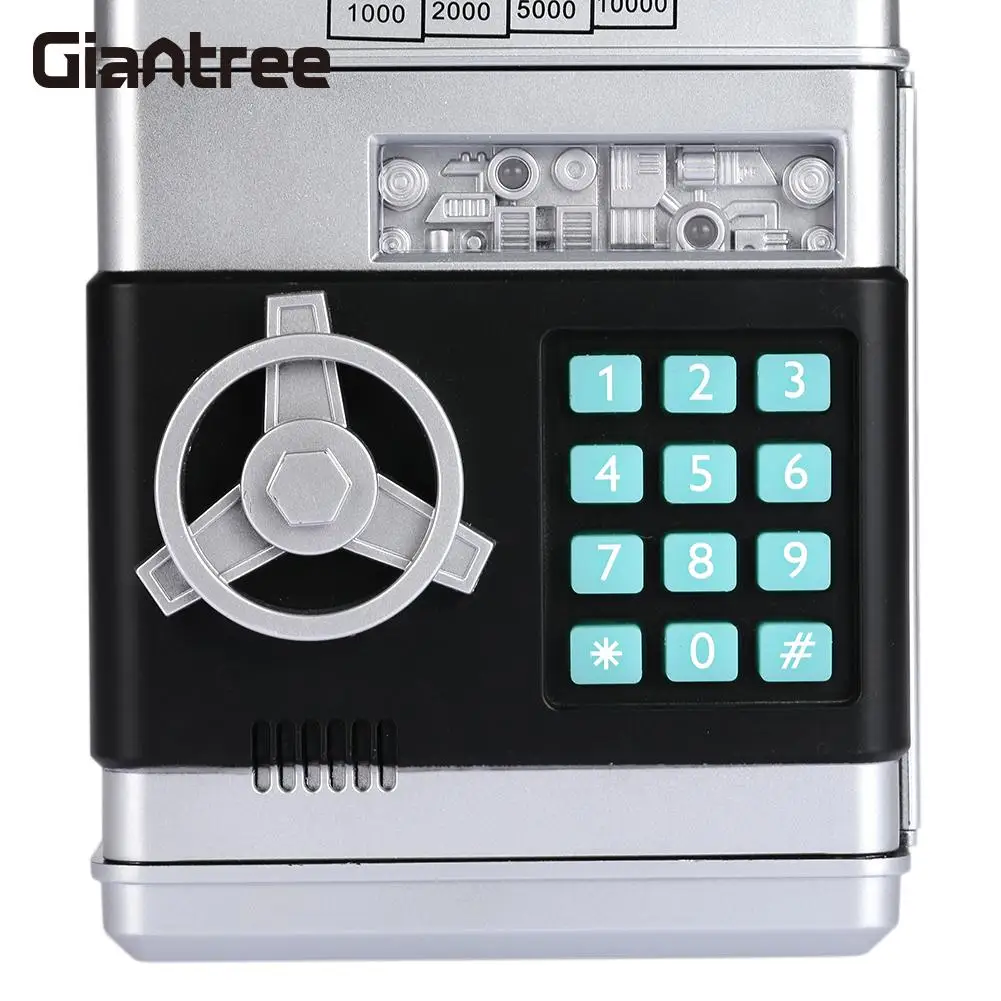
To open the safe, you first need to enter a four-digit password. Vault default password is: 0000.
Follow these steps to use Vault:
Enter the 4-digit password, the green light will be on. If you enter the wrong password, the red light will light up and a “PLEASE TRY AGAIN” will sound to tell you.
Turn the knob clockwise to open the door. The green light is on for about 10 seconds and you hear a creaky door opening. If the door is open for more than 10 seconds, the green light will be off and a beep will sound, ringing every 20 seconds. To stop beeping, close the door.
Place the banknote in the banknote slot, allowing the banknote to enter directly. Then press the password to withdraw money directly.
When you’re done, close the door and lock it.
Change your password by following these steps:
Enter the current password (default 0000) Open the safe door.
Long press “*” button, green light and red flashing.
Enter the new 4-digit password in 15 seconds and confirm with “#” to save the new password. Both lights stop blinking.
Note: If the new password is not entered within 15 seconds, the program will stop and you must restart the program.
Release the “*” key and close the door. Beep or speak Enter the current password and open the door.
Push the switch (door back side) to the left or right to set a beep or talk.
Packing list:
1 X ATM safe
1 X manual