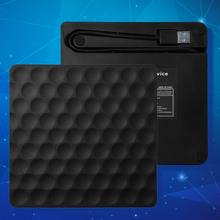
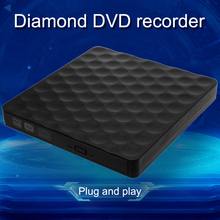
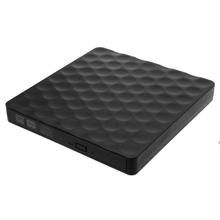
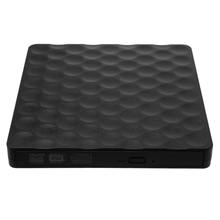
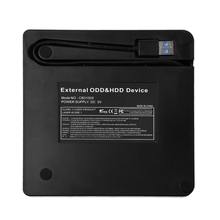
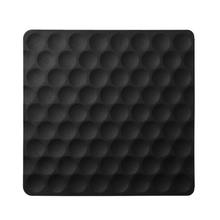

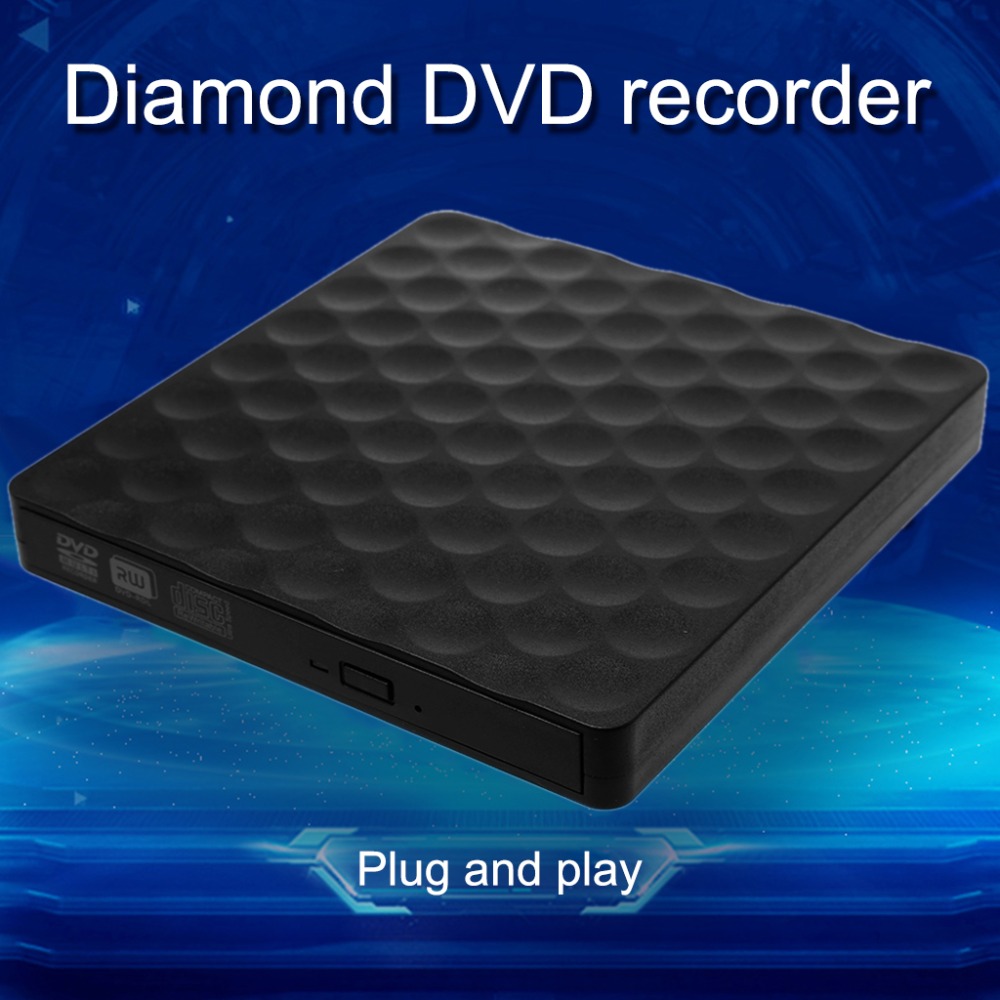
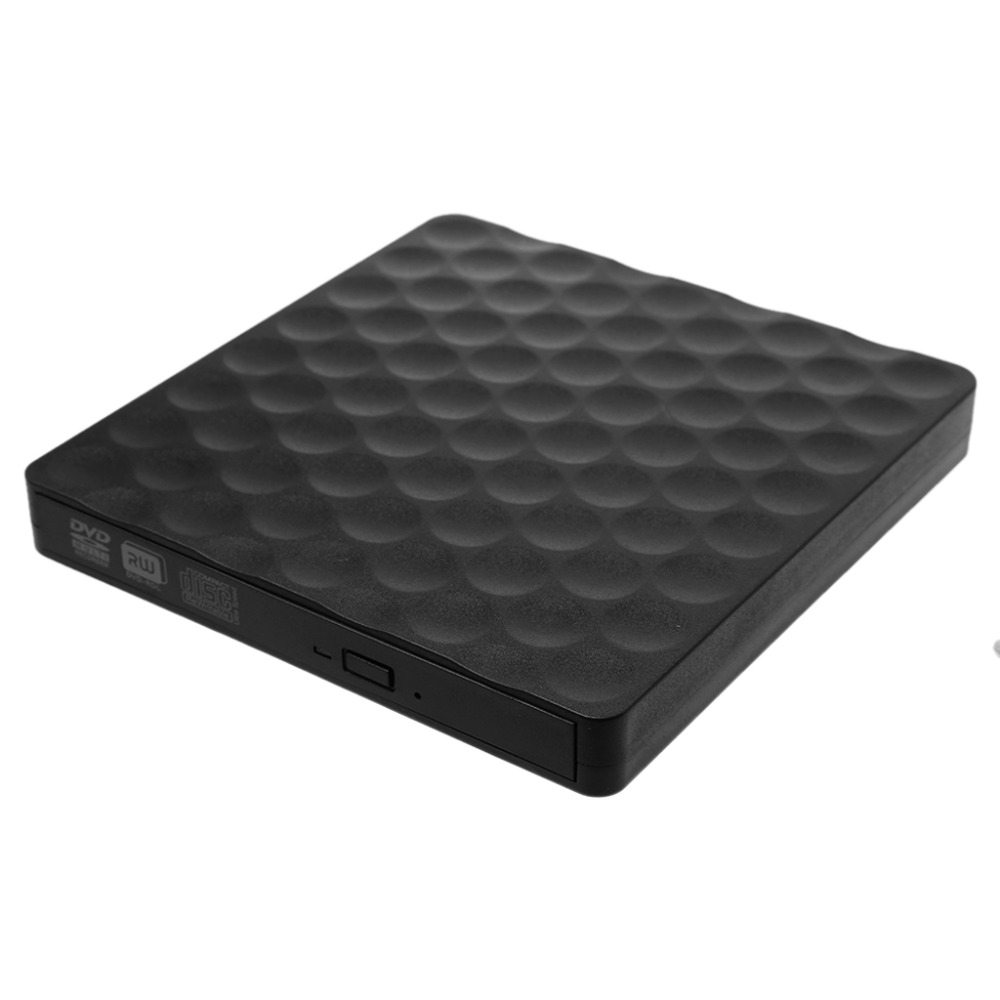
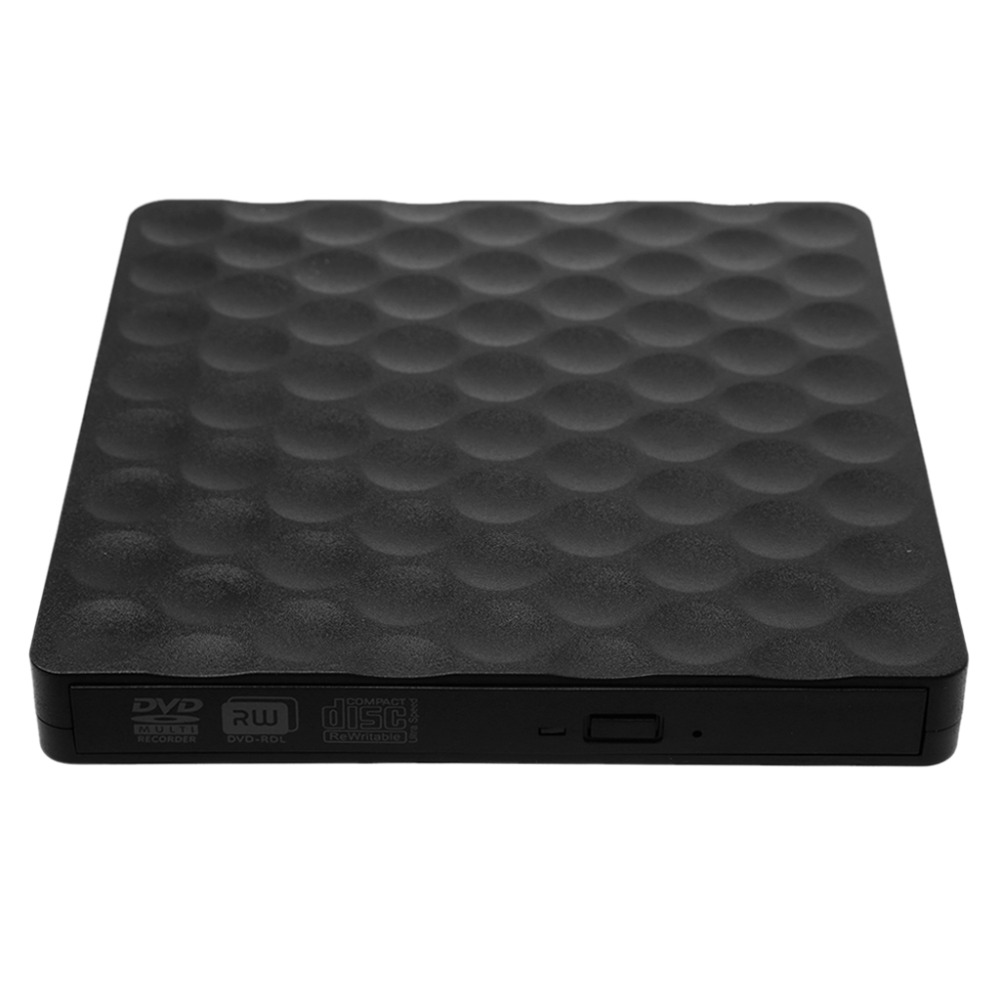
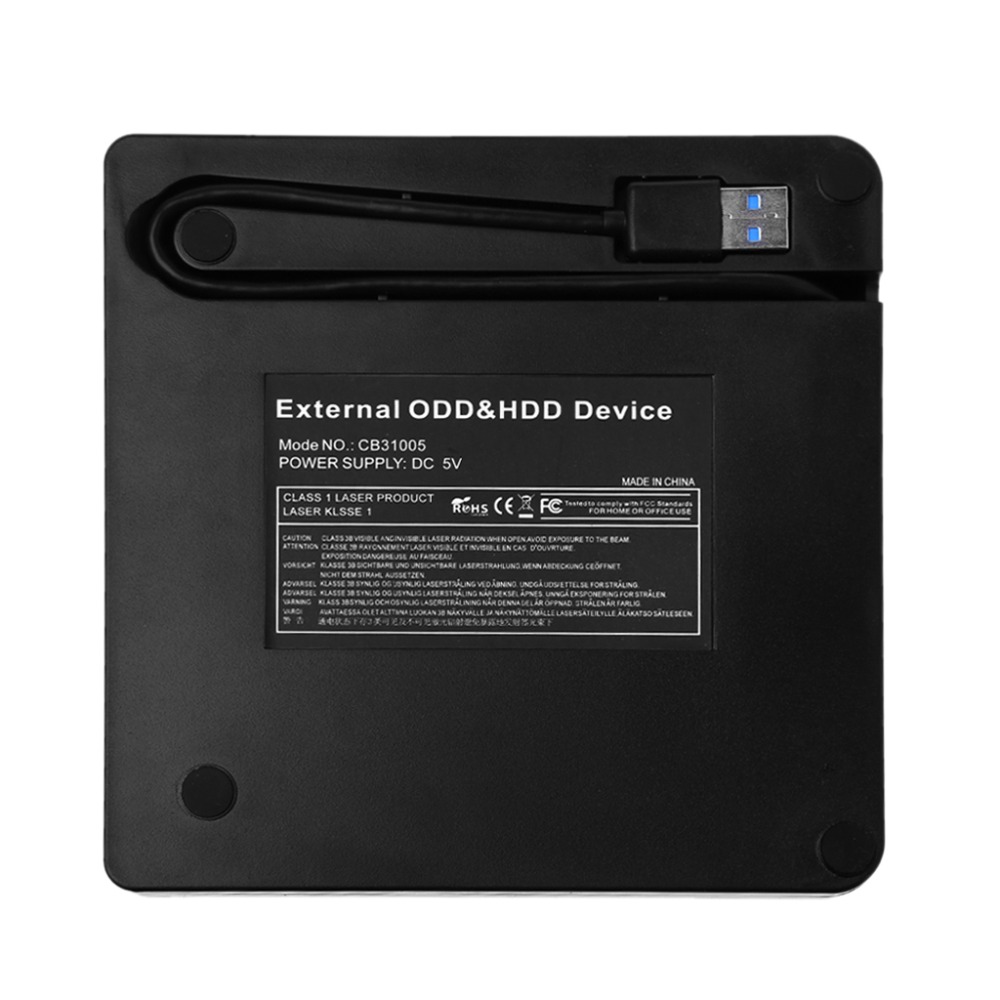
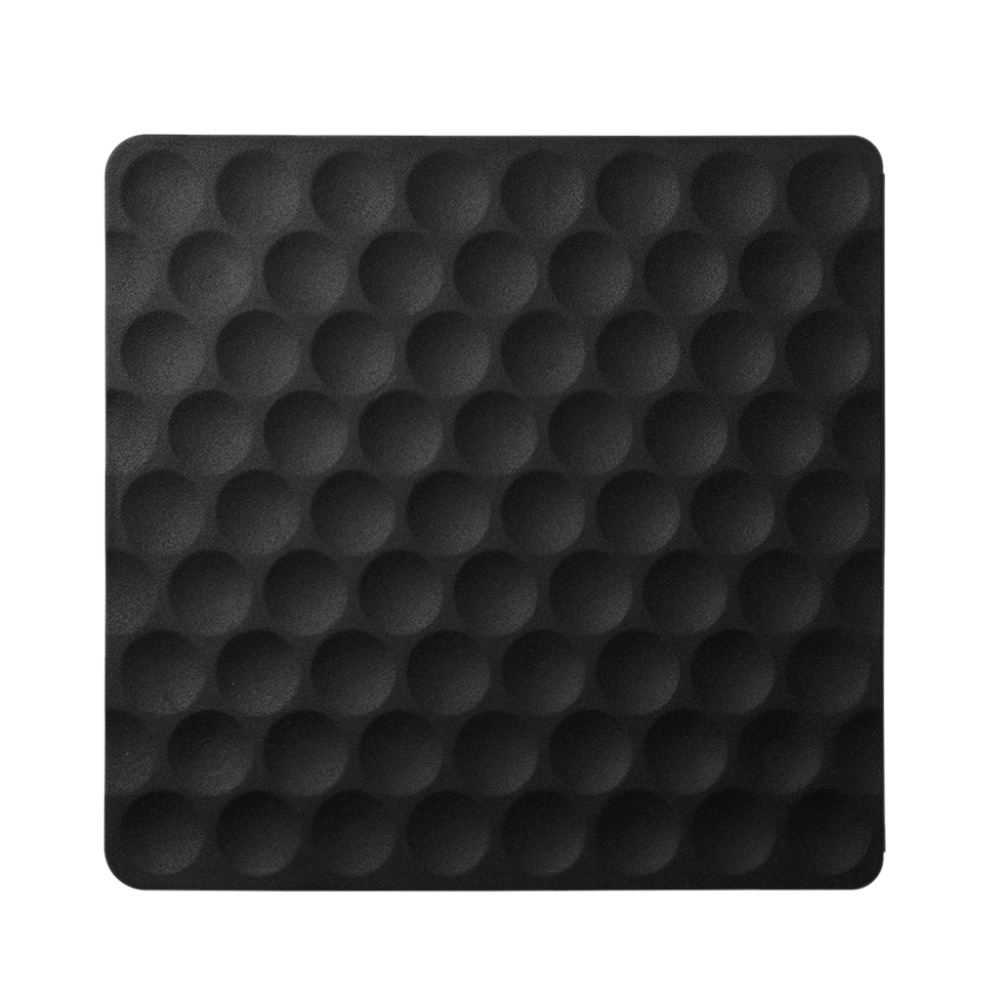


USB 3.0 External CD DVD-RW Drive Rom Rewriter Burner Writer for Laptop Desktops
Features:
- 100% brand new and high quality.
- No software is required and is conveniently powered through your notebook’s USB port.
- Intelligent writing technology, allows you to write discs with ease. Pop-up button and disc tray design makes it convenient to listen to, read or write discs.
- It supports read CD-R 24X/ CD-RW 4X/DVD-R 8X /DVD-RW 6X /DVD-R DL 6X/DVD/RAM 5X / DVD+R 8X/ DVD+RW 8X /DVD+R DL 6X
- Ultra slim portable size is equipped with USB 3.0 high speed interface, bringing you faster data transmission speed (up to a maximum of 5Gbps) and stable performance with strong fault tolerance. Backwards compatible with USB2.0 and USB1.0.
- Product is tray loading external portable ODD caddy which is suitable to USB 2.0/3.0 connector desktop or laptop.
- Compatible Windows XP/2003/Wind8/Vista/7,Linux,Mac 10 OS system.No extra drive,support plug and play.
- Compatible USB 3.0 port and the following ports USB2.0/1.1
- Before you using the CD-ROM drive, make sure your computer has a”Media Player”.That for some Windows 10 laptops and desktop, you will need to download and install VLC media player
- Please hook up the device to the direct USB port on your computer. If you connect it to a USB hub or extension cords, it maybe cannot recognize the Driver or not read the CD/DVD efficiency more stable. Applies more widely.
- Data cable with pure copper braid process,anti-interference ability,signal attenuation,more stable data transmission.
- Power consumption 3-5W.
- Products through standard USB data cable to the computer
- USB port properly connected,the computer monitor should
- appear in the lower-right corner of the icon.Click My
- Computer”on the desktop should be displayed in the removable storage devices.
- Click on this icon right-click and select “pop-up”in the tray into the disc to read,
- Internal laser light source may be harmful to the eyes of the face, please don’t look directly.
- Don’t have the machine on a strong magnetic objects nearby.
- Keep the machine steady on the desktop,don’t put it unstable items.
- Don’t put the machines on the vulnerable to squeeze place,to ensure normal machine use.
- Blank CD is unformulated, please download the burning software.
Instructions for use:
- This product is a data line interface properly connected to USB port of the computer, the computer display lower right corner should appear device icon.
- Click on the desktop, open the “my computer”, in “the mobile storage device should display the drive icon”
- Click on this icon button, select the “pop” in the tray into the appropriate disk read.
- Please Attention:
- Record function,you must installed a software in your Computer,send e-mail to us,we will send software to you
- Before you using the CD-ROM drive, make sure your computer has a”Media Player”.


Package included:
- 1x External USB 3.0 CD DVD drive(CD not included)
- 1x English user manual