
Littleadd Hidden Mini Camera Detector 1080P HD Spy Mini Camera Motion Activated Video Recording Remote Control Security Camera

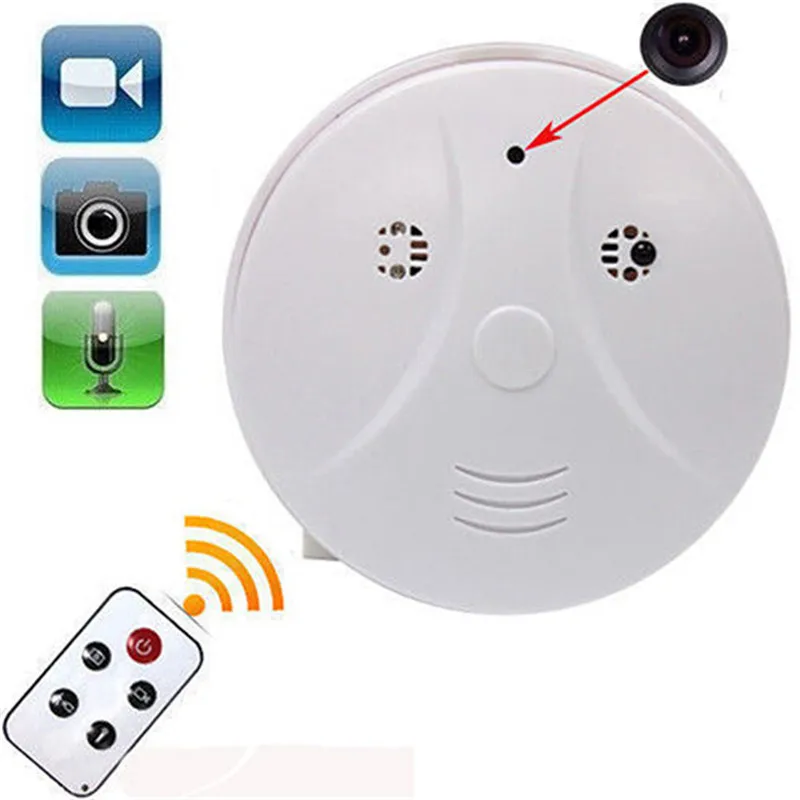
- A mini camera is hidden in; features continuous video recording, motion detection video recording, Web cam and taking photos; suitable for security and surveillance, nanny cam and spy camera; ***non Wi-Fi feature
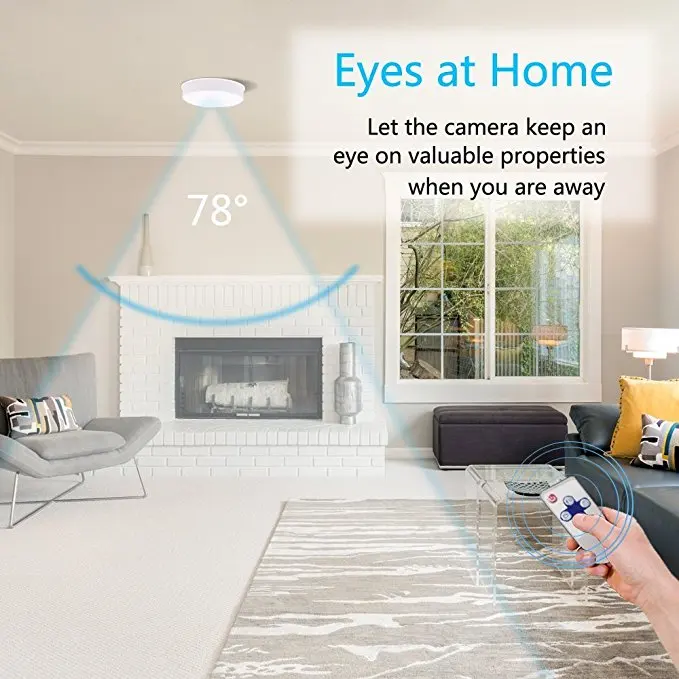
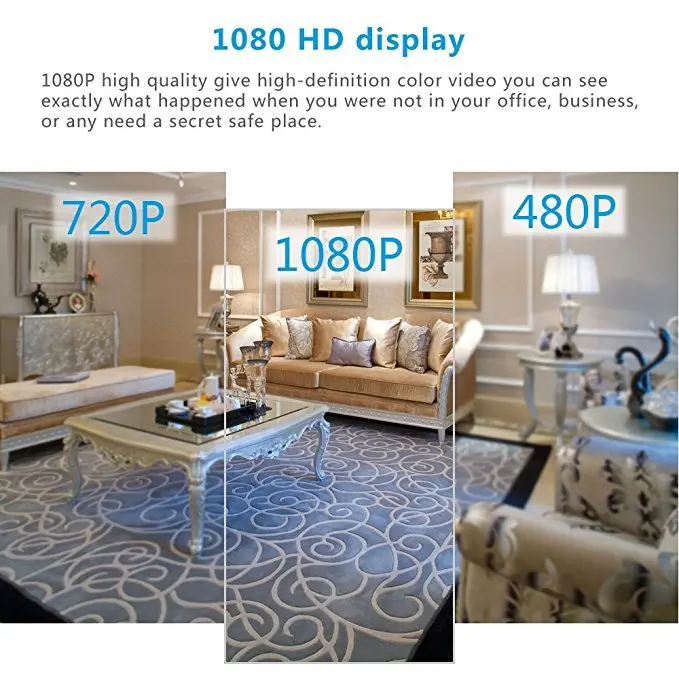
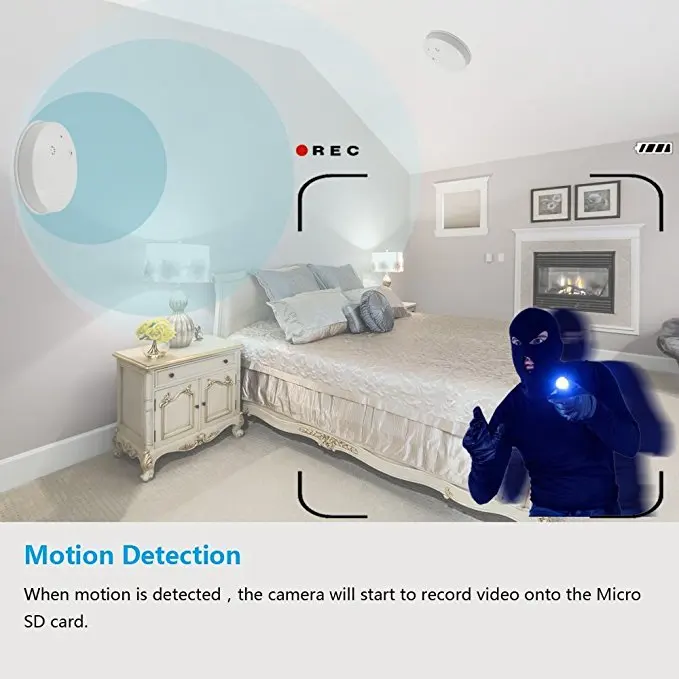
- Motion detection video recording is supported; when a motion is detected, the camera will be triggered to record videos; 1080P full HD videos with vivid details; 78deg field of its lens view; save every 3min
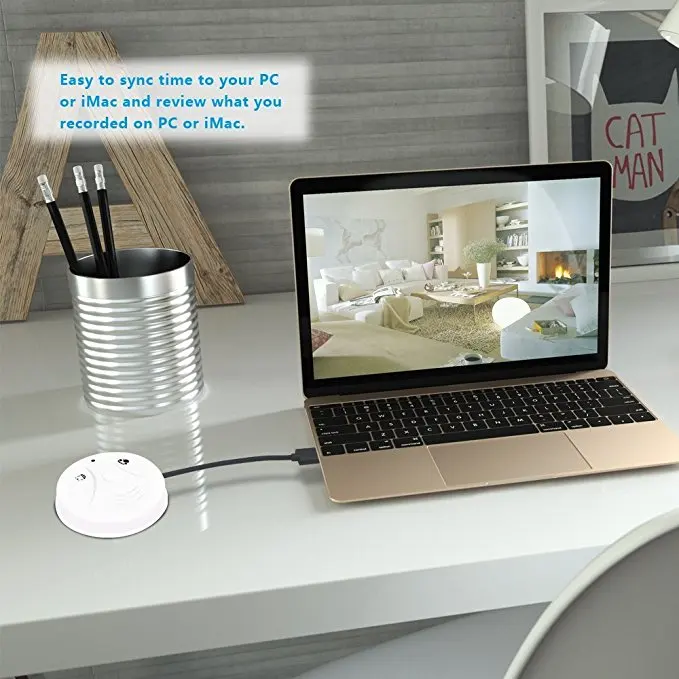
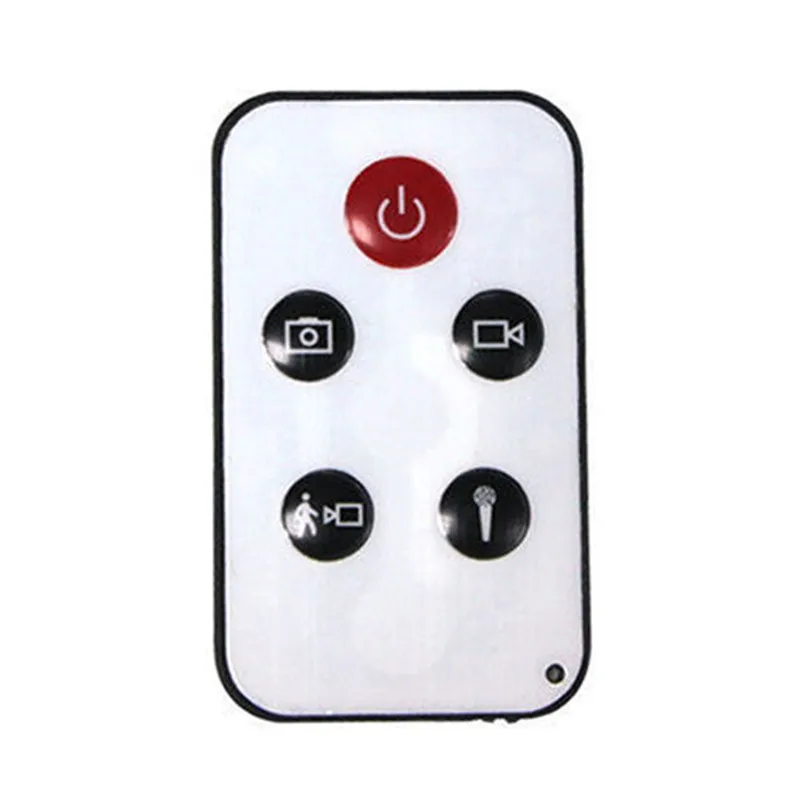
- Convenient to use with remote control from 15 meters away; simply sync video recording time with PC to display accurate time in the video
- 10hrs continuous video recording after fully charged; full charge takes about 6 hours; energy efficient and easy to charge when connected with PC via USB cable; can be used as a Web cam
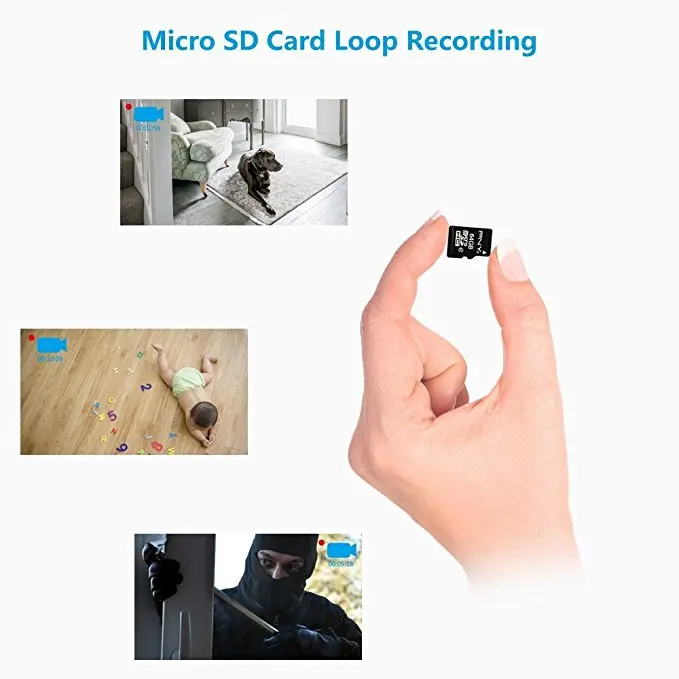
- Micro SD card loop recording is supported up to 32GB (can record 8h HD videos, 8GB micro SD card included); no night vision feature; simply mount it on your wall or ceiling with the screws included
![]()
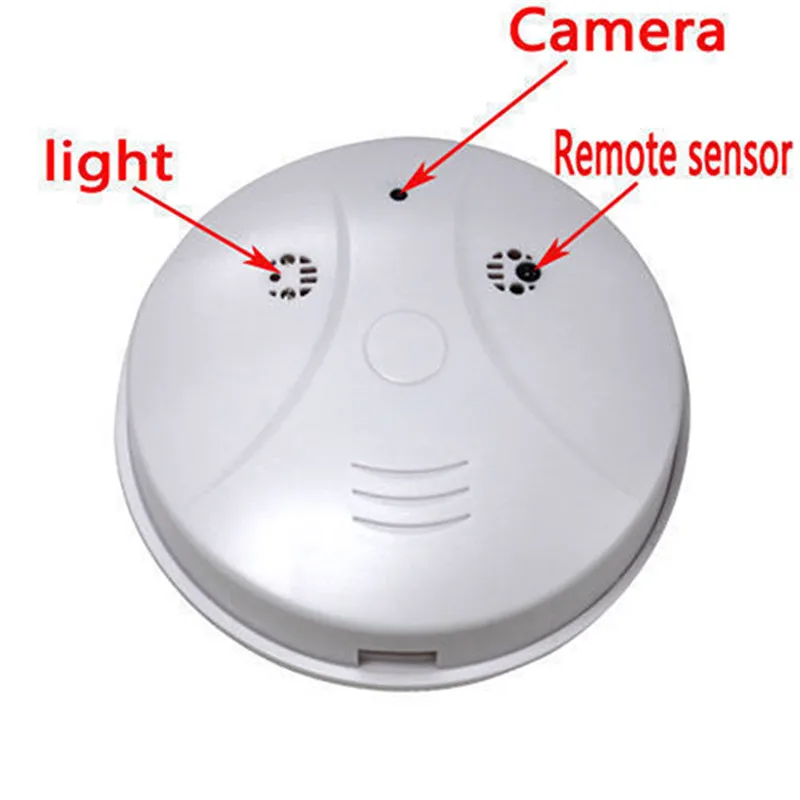
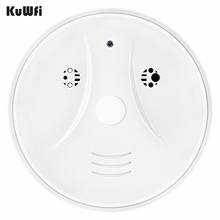
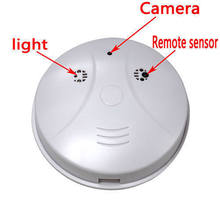
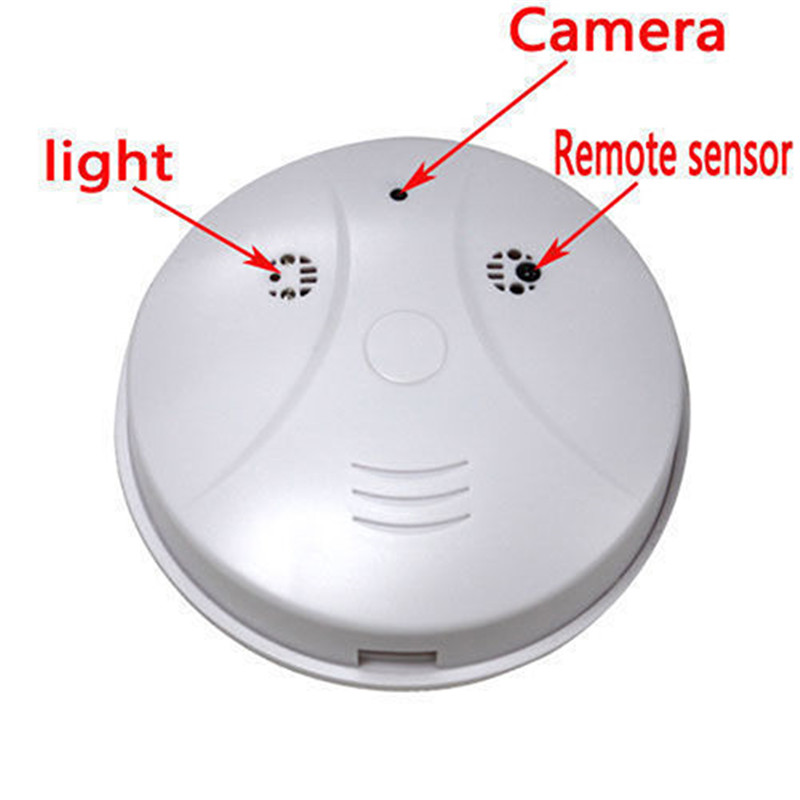
Smoke detector appearance.
10m remote control distance.
Motion detector recording.
Support 16G max memory.
Not a real smoke detector video or voice recorder.
Smoke detector appearance, not a real smoke detector.
Type: Smoke Detector Hidden Camera
Color: White
Pixel: 1.0 Million Pixel
Video Resolution: 1280 x 960, 30 FPS
Video Format: AVI
Viewing Angle: 72 degree
Microphone: Built-in
Minimal Illumination: 1LUX
Remote Operating Distance: 10m
Scope for Sound Recording: 40 ㎡
Capacity of Memory Card: 16GB Maximally (Not Included)
Power Supply: Internal 280MA Li-ion Battery
Power Consumption: 130MA/3.7V
Operating Temperature: -10°C~50°C
Storage Temperature: -20°C~80°C
Operating Humidity: -10~60% RH
Connectivity: USB 2.0 High Speed
Operating System: for WIN2000/XP/Vista32/7
Time Consumed of Storage: 1GB/40minutes
Charging Time: about 4 hours
Notes:
Due to the light and screen setting difference, the item’s color may be slightly different from the pictures.
Please allow slight dimension difference due to different manual measurement.
Package Includes:
1 x Smoke Detector Hidden Camera(with 280mA Built-in Lithium Battery)
1 x Remote Controller (with 1Pc CR2025 3V Button Battery)
1 x USB Cable
1 x English User Manual


FAQ
1. Does it work with Wi-Fi?
A: No. This is a non Wi-Fi item. It works with the including remote.
2. How to turn it on?
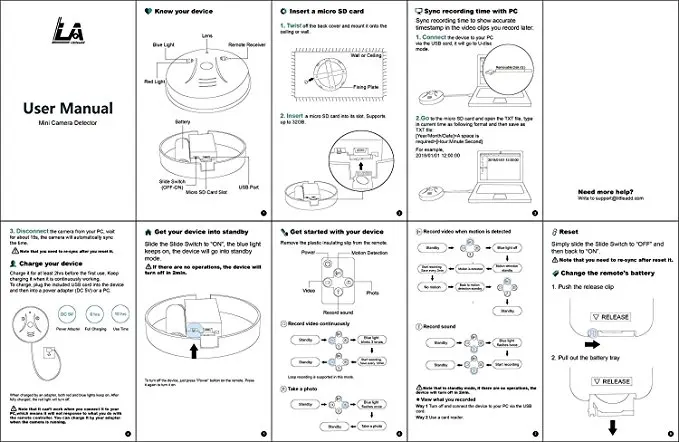
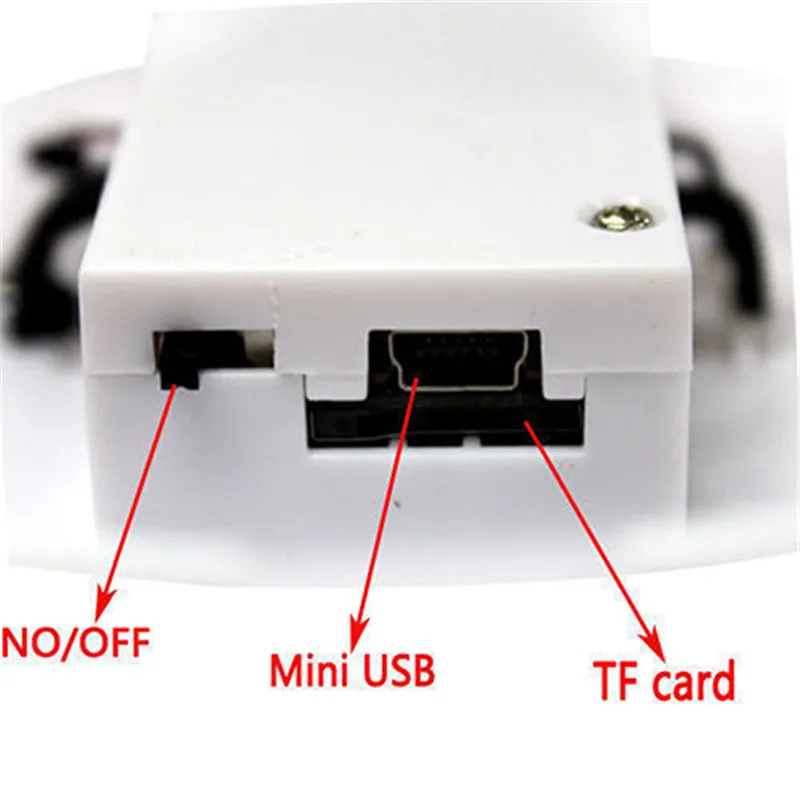
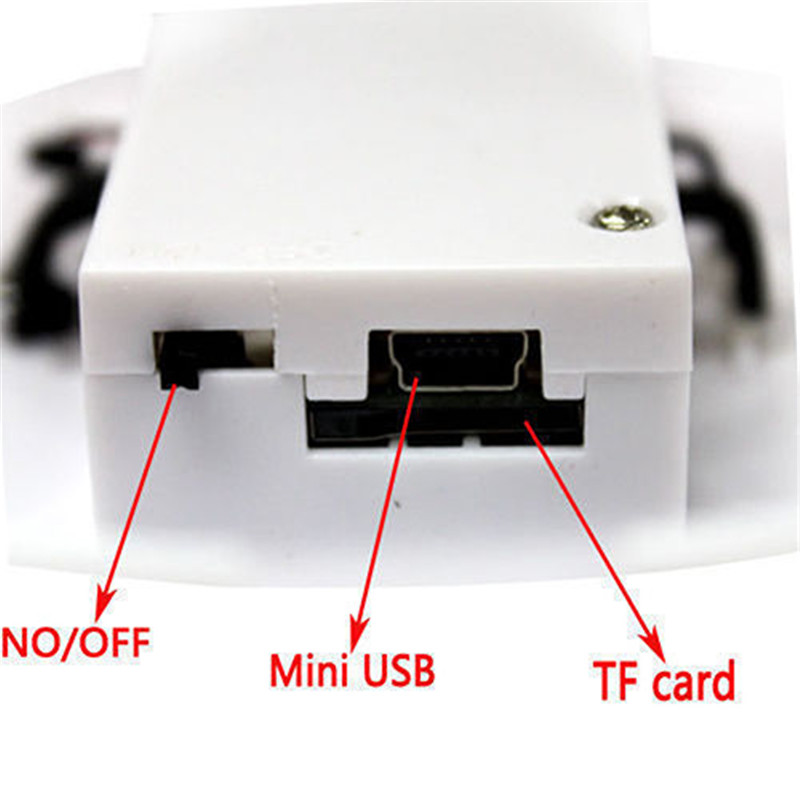
A: Insert a micro SD card and fully charge before turn it on. Slide the Slide Switch to “ON”, the blue light keeps on, the device will go into Standby mode. If there are no operations, the device will turn off in 2 mins.
3. How to insert a Micro SD card?
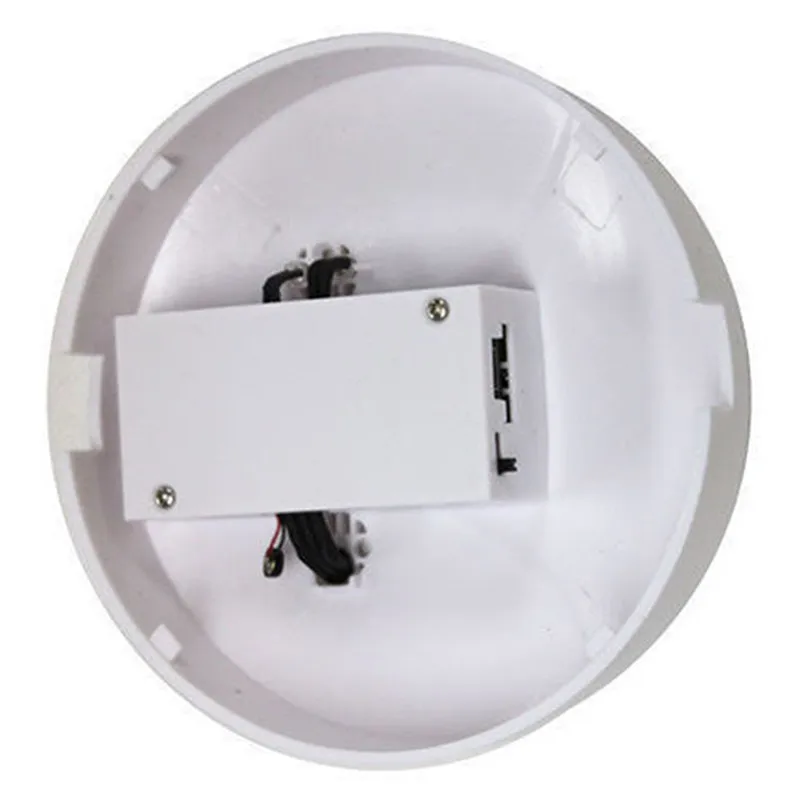
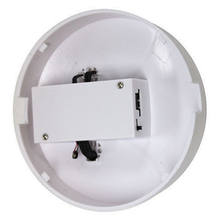
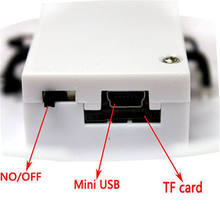
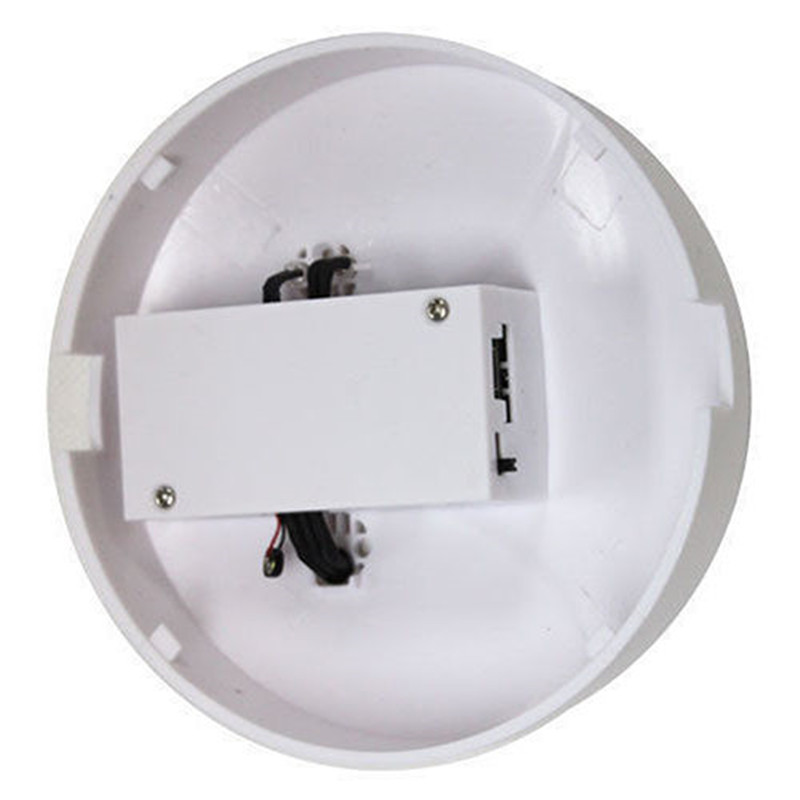
A: Refer to the user manual to twist off the back cover. Hold the golden fingers to open side and insert it into the slot please. Be careful that there is a gap near the slot.
4. How to charge?
A: Charge it for at least 2 hours before the first use. Keep charging it when it is continuously working. To charge, plug the included USB cord into the device and then into a power adapter (DC 5V) or a PC.
Full charge takes about 6 hours and can support 10 hours of continuous working. When charged by an adapter, both red and blue lights keep on. After fully charged, the red light will turn off.
5. How to use the remote?
A: When the device is turned on, please don’t press the Power button on the remote. Just press responding button on the remote to record please. Reset it if it works abnormally. If it still doesn’t work normally, refer to the detailed guides in the image frame to change the remote’s battery and retry it please.
6. How to sync time?
A: Please sync time before recording.
1) Connect the device to your PC via the included USB cord, it will go into U-disc mode.
2) Open the TXT file in the micro SD card and type in current time as following format and then save as TXT file:
[Year/Month/Date][Hour:Minute:Second]
For example,
2018/05/03 12:00:00
3) Disconnect the device from your PC, wait for about 15s, the time will automatically synced.
7. How to review the video recorded in the micro SD card?
A: Turn off and connect the device to your PC via the included USB cord. You can also use a card reader.
8. How to figure out if it worked abnormally?
A: 1) Recharge the device for at least 2 hours.
2) Refer to the user manual to reset it.
3) Change the remote’s battery and retry.