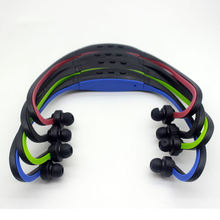
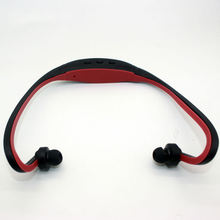
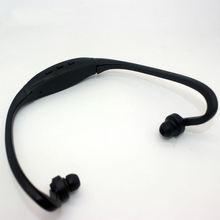
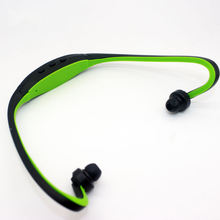
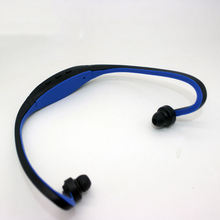

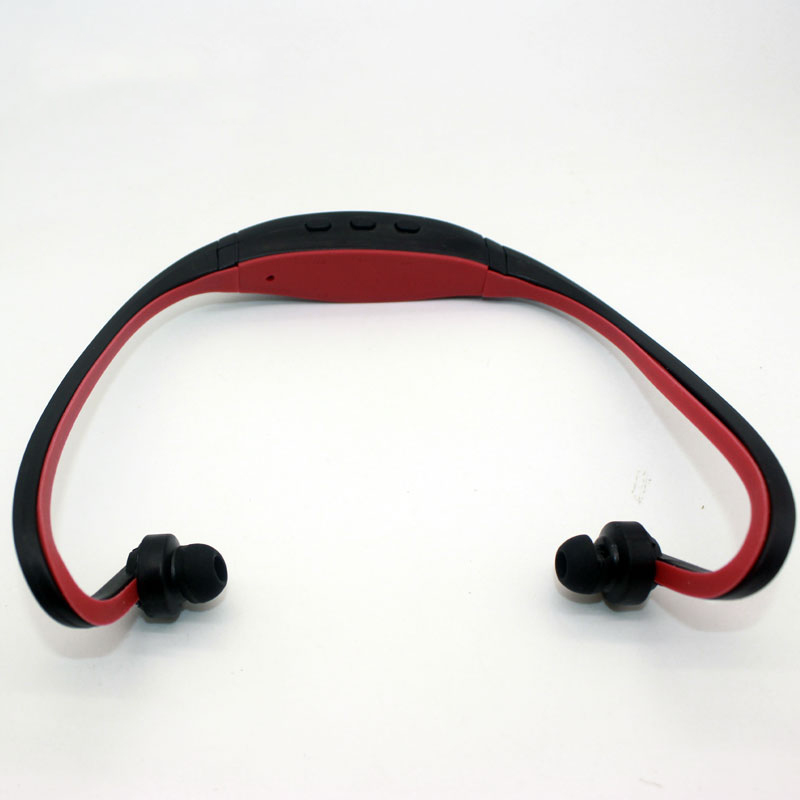
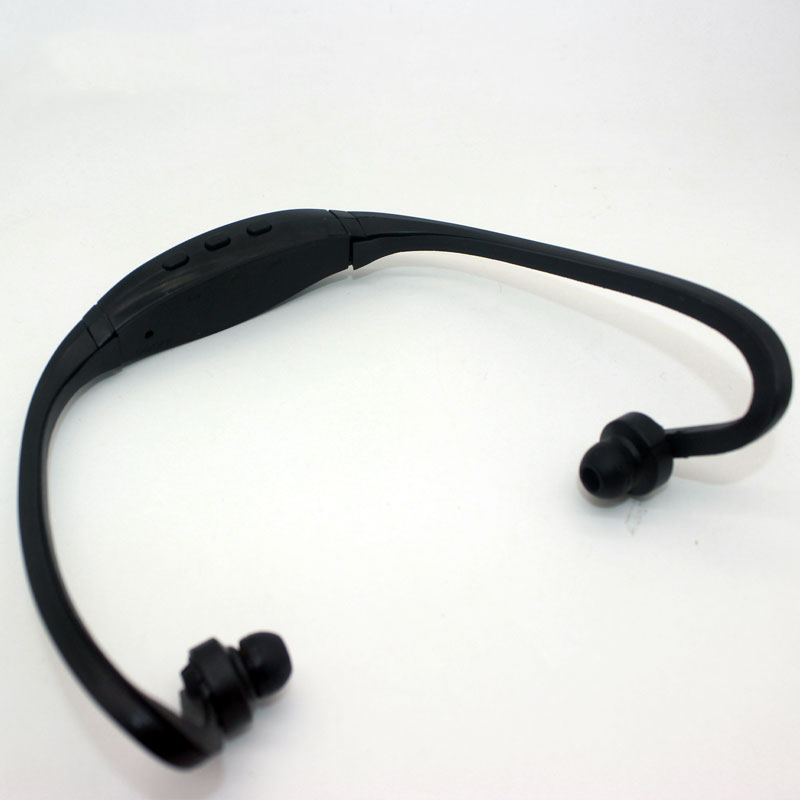
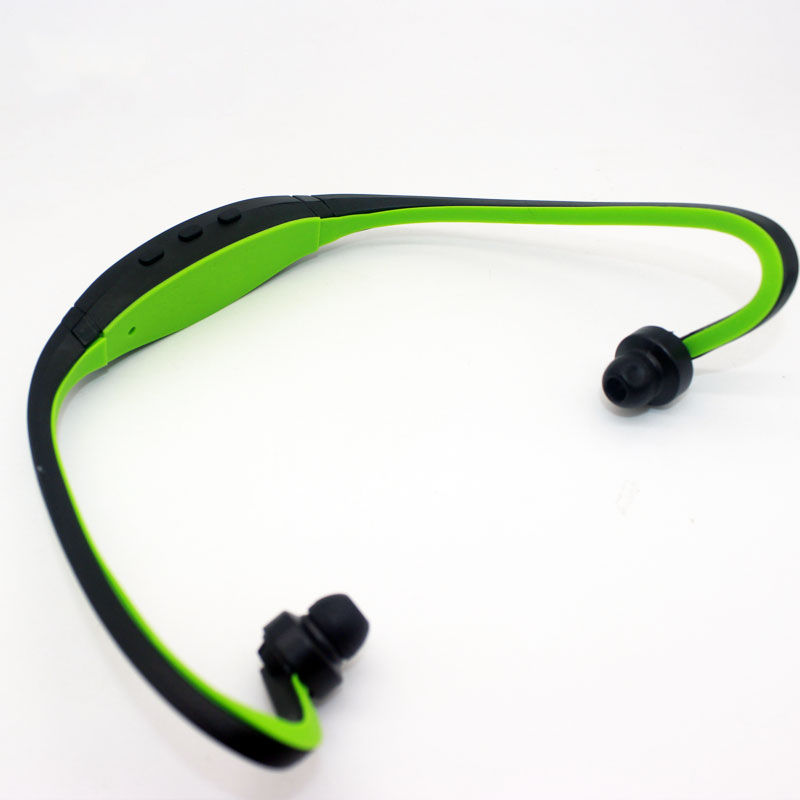
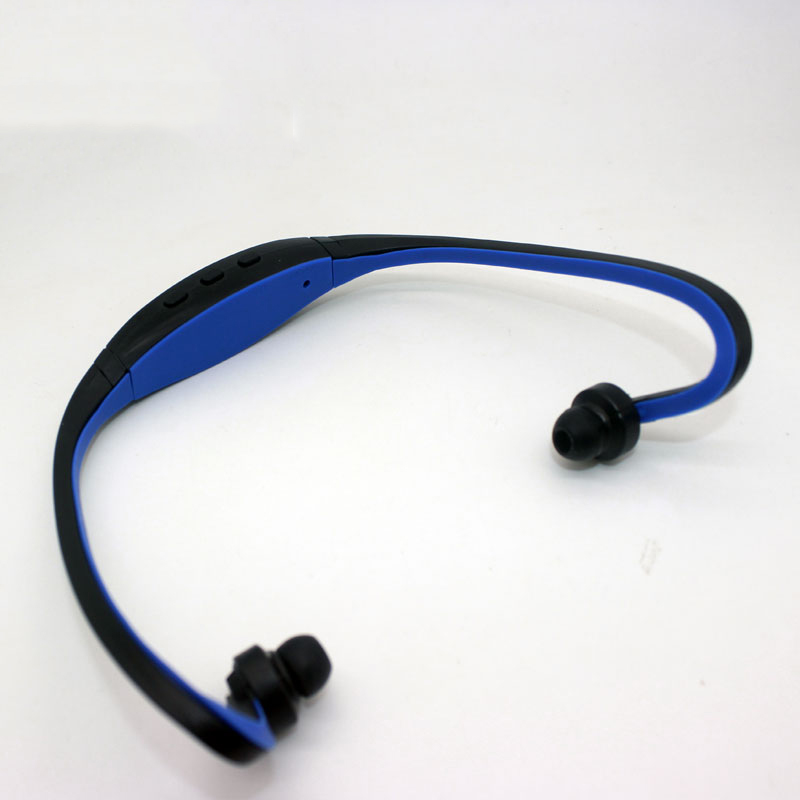

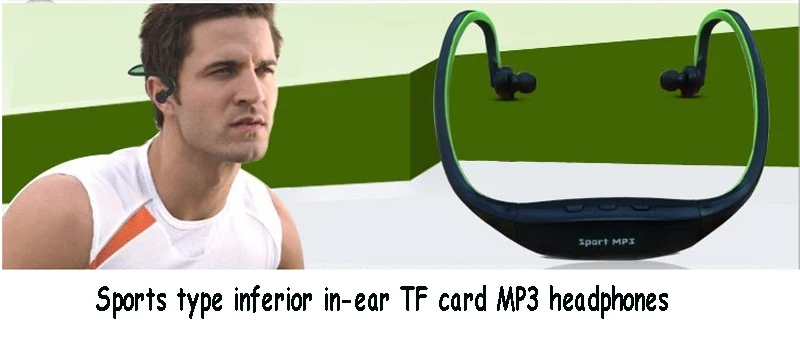
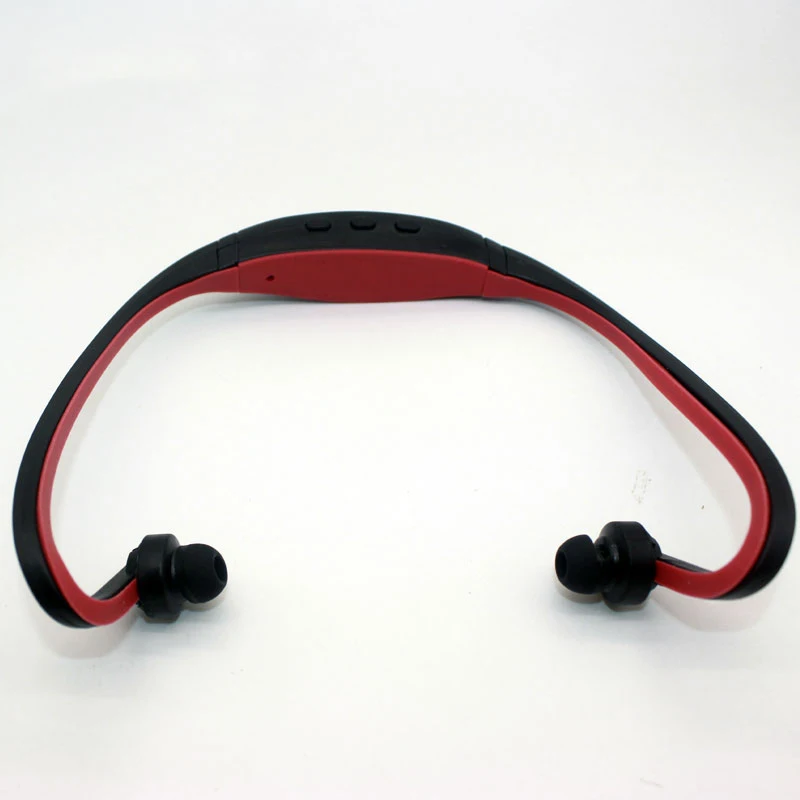
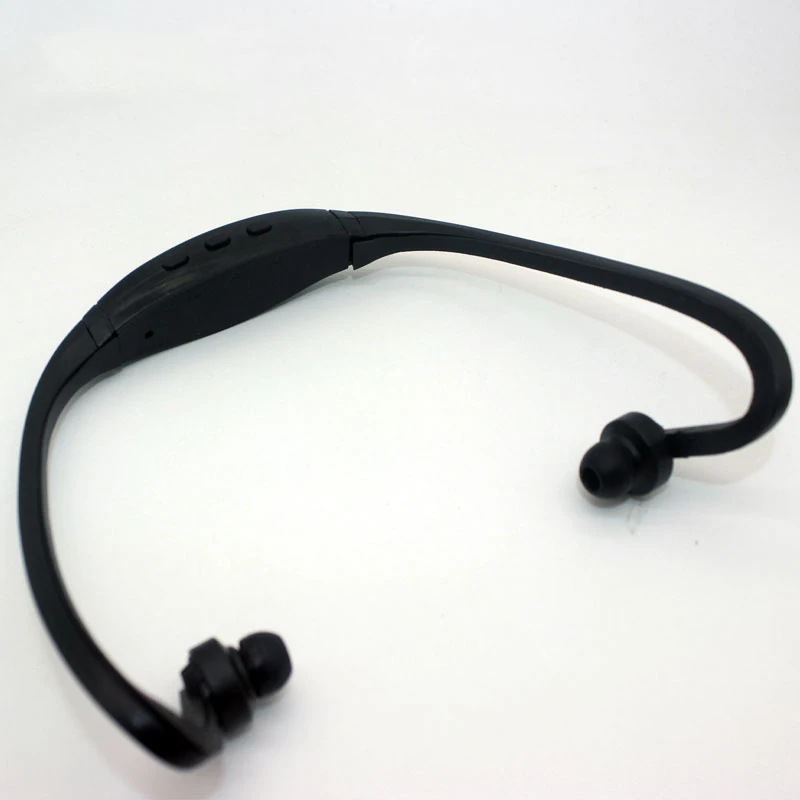
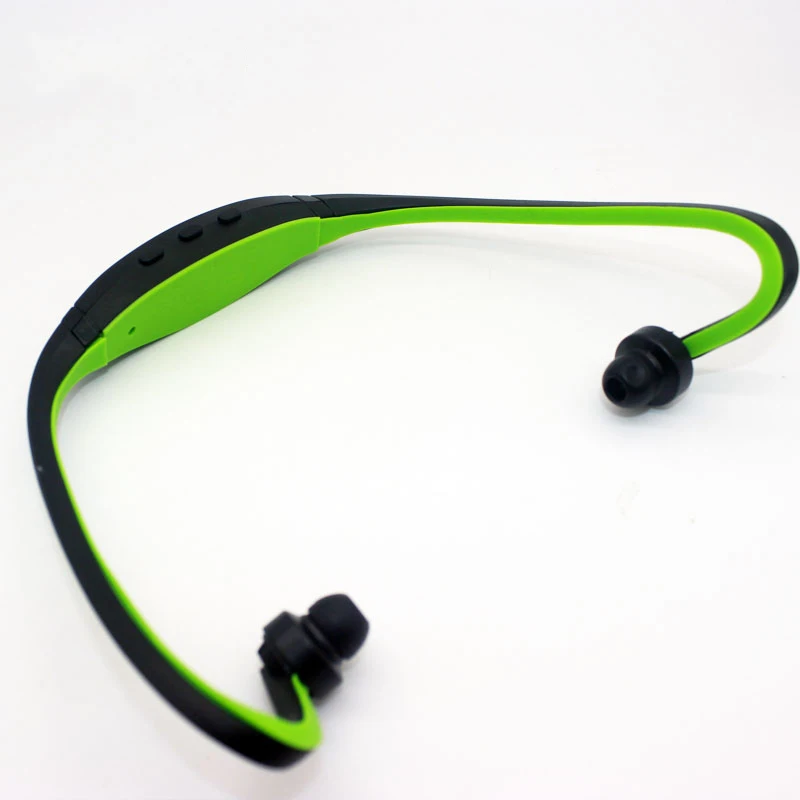


Sport mp3 is the first choice and favorite of sports, leisure and music lovers!
→ This product is suitable for sports, leisure, office people, can be used in tourism, shopping, exercise, cycling, playing, dancing, entertainment, office, etc., free to listen, get rid of the troubles of the line, portable, lightweight, fashion, trend, Innovative, unique, fun, high-fidelity sound quality! Stylish and cool wireless back-hanging and sporty appearance, you can enjoy the joy and comfort brought by music while exercising. It is very suitable for sports enthusiasts, ultra-light design, and the overall use of soft and smooth rubber material. Comfortable control buttons make you feel comfortable when using it, and feel comfortable and light when you wear it for a long time.
1. Introduction: This product is a headset that leads the trend of wireless MP3. In order to meet the needs of people’s MP3 portable music player, the concept of traditional MP3 design is overcome, and the earphone cord winding is overcome when the traditional MP3 earphone is used. Long-term listening to the shortcomings of human ear hearing damage and poor sound quality, and designed a portable, sporty high-fidelity MP3. Card Sports MP3 Headphones are novel, unique, and high-fidelity sound quality. Use it to bring more freedom and enjoyment to your leisure and entertainment, and add new fun and passion to your sport.
2, the scope of application: 1, wear and listen during office and leisure to ease work stress and leisure fun; 2, fitness, outing exercise, travel with you to keep you happy; 3, dance, entertainment, enjoy more pleasant, shocking Music; 4, do mobile U disk, store files.
Features
1. The shape adopts a lightweight and sporty design, and the rear-mounted type is unique and novel.
2, portable, lightweight, sporty shape design, sports, leisure, office are free to listen
3. Supporting documents: MP3, WMA
4, high-quality speakers and sound cavity design to ensure high fidelity, sound quality
5, the volume is continuously adjustable, the playback state is free to change
Product specifications and parameters
1, support system: Windows98/2000/XP
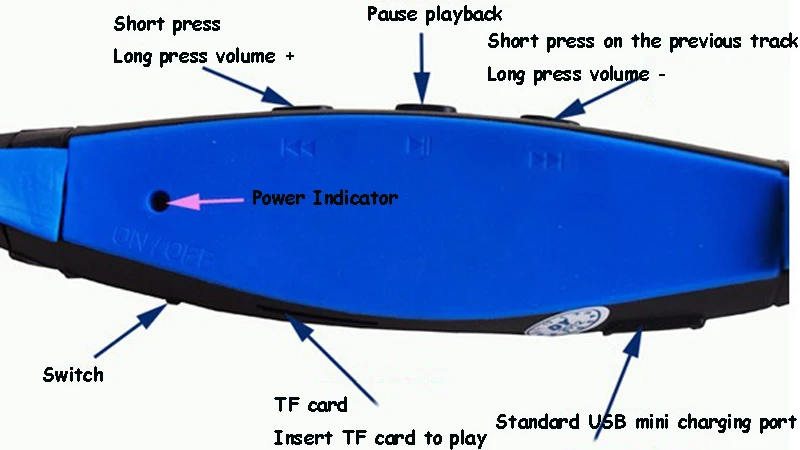
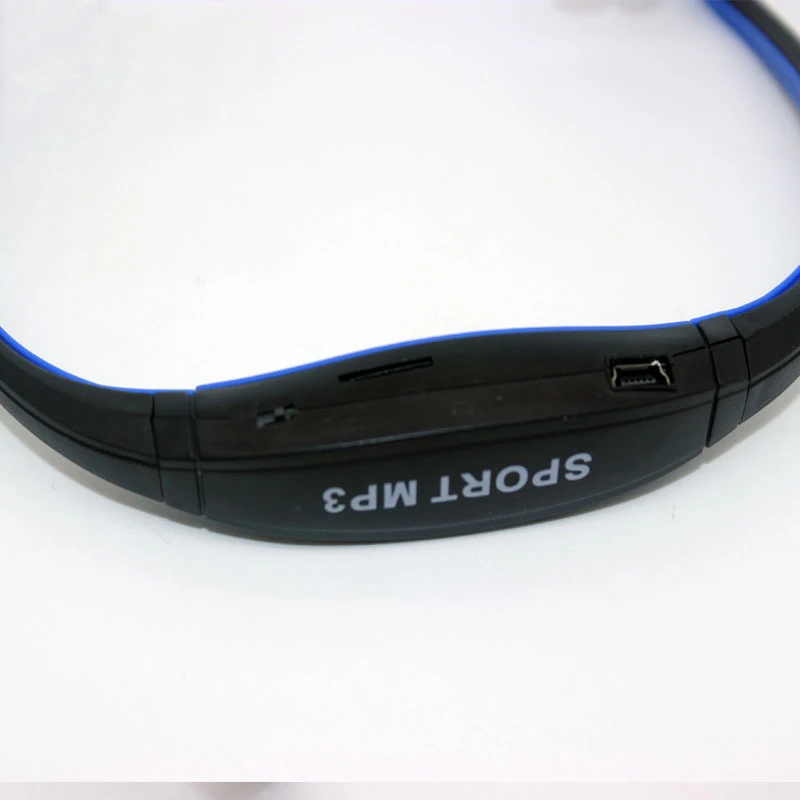
2, USB interface: high-speed USB 2.0; can charge and transfer files to MP3 headphones
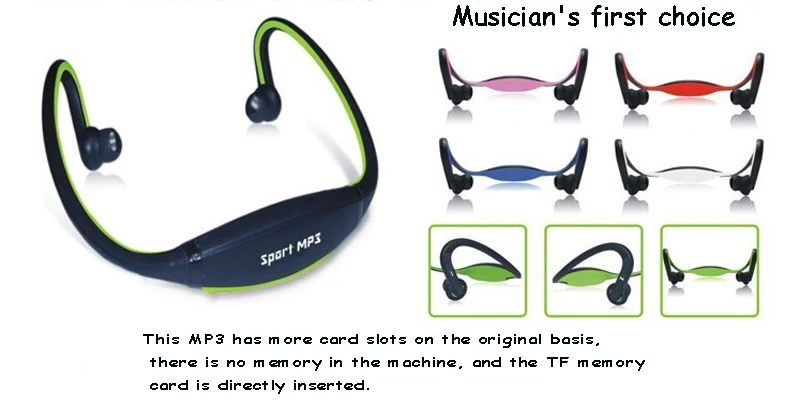
3, memory capacity: without memory, is the card type, the maximum support 8GB, adapt TF card / micro sd card
4, charging power: computer USB port DC 5V; DC 5C (500mA) travel charger; DC 5V (500mA) car charger
4, battery: DC 3.7V; rechargeable lithium ion polymer battery
5, continuous working time: about 4 hours; (varies depending on the use of the situation)
6, charging time: about 2-3 hours; (due to the use of charging equipment has changed); charging time should not remember more than 3 hours
7, frequency response: 20Hz – 20KHz
8, signal to noise ratio: >85db
9, working environment temperature: Celsius 0 ° C -45 ° C

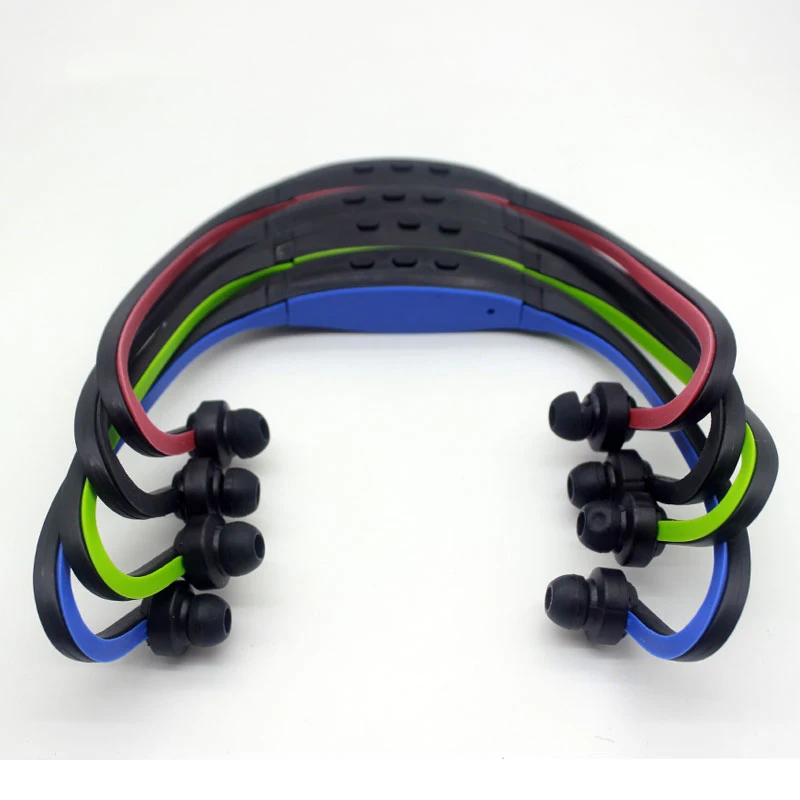
2*Card SPORT MP3
2*earphone;
2*USB charging cable
Warm reminder before use: card SPORT MP3 (sport MP3 headphones)
1. Charging reminder: After receiving this product, completely use the remaining power of mp3, and then charge mp3. Please charge for 3 hours for the first time. After charging, disconnect the charging device. Remember not to overcharge, so as not to damage the battery or the program.
2, charging method: use the data line configured in this store to connect to the computer or the charger that is specially equipped with this store to connect to the power socket to charge MP3, please do not exceed 3 hours, keep it in the range of 2-3 hours, in order to extend battery life and play Best performance. Otherwise, it is easy to cause failure and damage of the MP3 built-in lithium battery.
3. Charging status: The charging time of 3 hours must be fully saturated. After the battery is fully charged, the indicator of MP3 will still flash slowly and will not change any state. Remember to pay attention to the charging time when charging the computer, don’t pay attention to what kind of MP3 indicator is; use the charger to charge the MP3, only pay attention to the indicator light of the charger, the green light is on during charging, and the green light is off.
4. Connection and exit of the computer: Do not connect the USB port on the computer for more than 3 hours. When the MP3 is unplugged from the computer, you must strictly follow the requirements of the computer operating system, and then remove the hardware before exiting. MP3. Otherwise, it is easy to cause the MP3 player to lose the software program.
5, download security method: download songs, please leave a little memory space as a cache space, to ensure that the program runs smoothly, try not to download the amount of memory. Connect the mp3 with the configured data cable and wait for the computer to recognize the mp3 before proceeding. The mp3 download method is the same as the method of using the USB flash drive, copy-paste or send to the mp3 drive letter, and it is simple and convenient to write and read data. When downloading data, do not download too much capacity at one time, so as not to damage the program. Do not exceed 50M (50 megabytes) each time (after all, it is not a USB flash drive and a mobile hard disk); do not pull the data cable hard to avoid damage to the program, and safely remove the hardware. The data cable can be unplugged after the prompt (the prompt can safely remove the hardware).
Common problem handling:
1, can not open the machine: please charge, there may be exhausted power; 2, automatically shut down after boot: please charge, there may be exhausted power; 3, can not play music after boot: please check whether there is MP3, WMA format in the headset The music file; 4, the computer can not recognize the headset: A, please safely delete and exit, pull out the data cable and reconnect with the computer; B, change the USB port of a computer to reconnect; C, check whether the USB data cable port is connected with the headset Reliable connection; D, desktop computer is best connected using the back USB port.
Precautions:
1. If the machine cannot be turned on, the battery may be insufficient. Please turn it on before turning it on.
2, in order to extend the battery life, please remember to shut down after use, please use the special equipment equipped when charging;
3. For the first time, please charge the battery for 3 hours, and then charge it for about 2-3 hours.
4, do not use for a long time, please put the machine into the box, so as not to damage, scratch, the bracket deformation and break;
5. Please charge the headset battery first when not using the unit for a long time.
6. The battery of this machine is the original battery, please do not replace the battery by yourself;
7. Do not install the unit in a place where it is wet or rainy;
8. Do not place the unit in an exposed area or near a high temperature of 45. Can not be placed in the fire to avoid battery accidents;
9. Do not pull the earphone bracket more than 30 degrees during use, do not twist the bracket;
10. Non-professionals should not disassemble the unit by themselves