
 |
 |
 |
 |
 |
 |
 |
 |
Note:These zip code belong to remote area,we can’t sent out parcel.Before you place your order,please make sure yours is not in these table.
Spain: 51xxx,52xxx,07xxx (Balearic Islands+Ceuta and Melilla) , 35xxx,38xxx(Canarias)
France: 971-978xxx 984xxx 986-988xxx
United States: Hawaii, Alaska, Puerto Rico, Guam, Virgin Islands,American Samoa, Northern Mariana Islands, Palau Micronesia, The Republic of Marshall Islands
* Using your player as a file storage device
The player can function as a detachable data storage device. You can take along your favorite pictures and documents wherever you go. Simply cut-and-paste or drag-and-drop files to or from it via USB connection, the player will appear as a removable drive in Windows.
* Telephone recording
Connect junction box with indoor telephone line, attached telephone line, and LINE-IN line, and then connect it with the recording pen (following diagram).
* Keys lock
To avoid accidental key activation, slide the key lock selector toward the lock icon (HOLD) to lock the keys. Reverse the step to unlock them.
* Charge up
Don’t lie the machine on the bed, under the pillow and the place where can be reach by children.
* Waterproof properties
The machine has not waterproof properties, please keep dry and clean
* Recording file integrity
Make sure keep the “reset” key on this side of the arrowhead when the recorder is running, otherwise file is lost.
* Interference
Keep away from the electronic interference.
* Children
Keep children away from the recording pen especially when charging up.
* USB file Uploading/Downloading
At data transfer between recorder and PC, the system prompts BUSY, and the connection can not be disconnected, otherwise data is lost
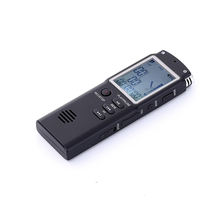
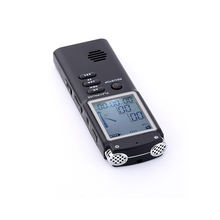
* Specifications:

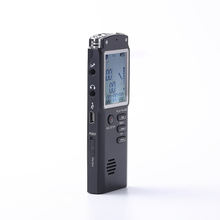
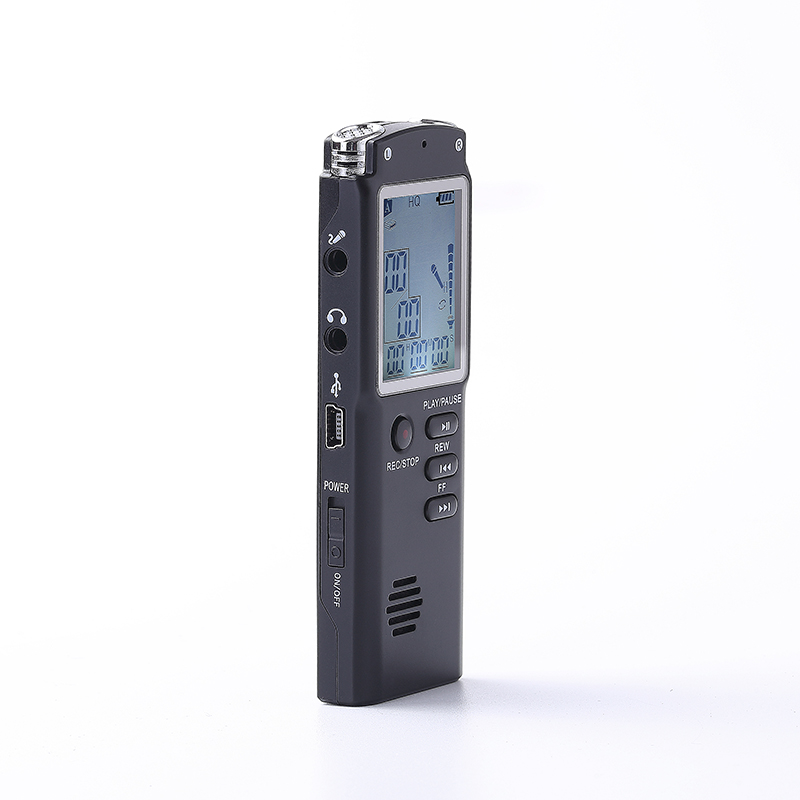
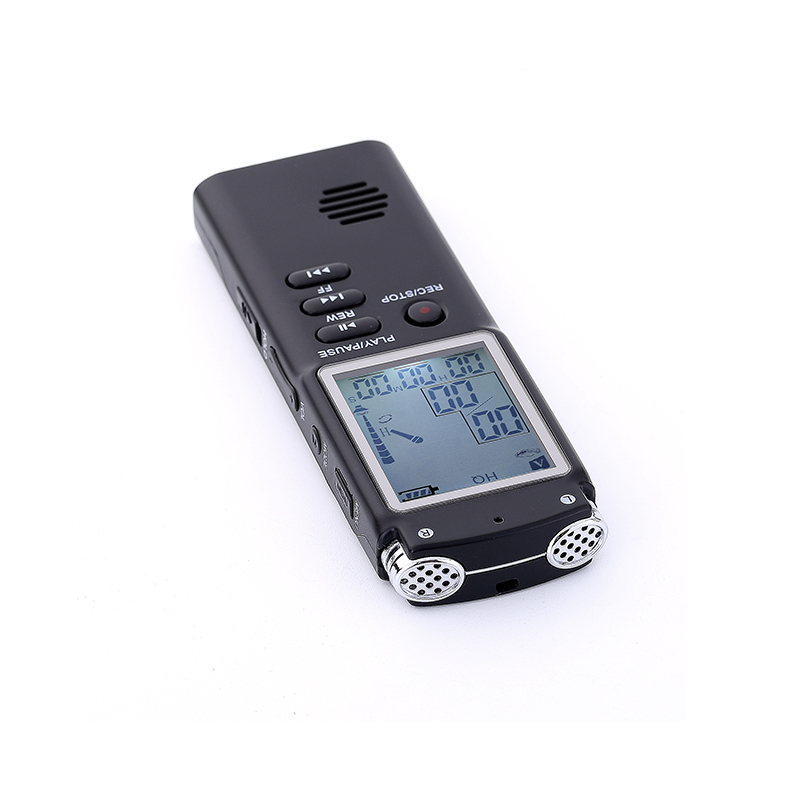
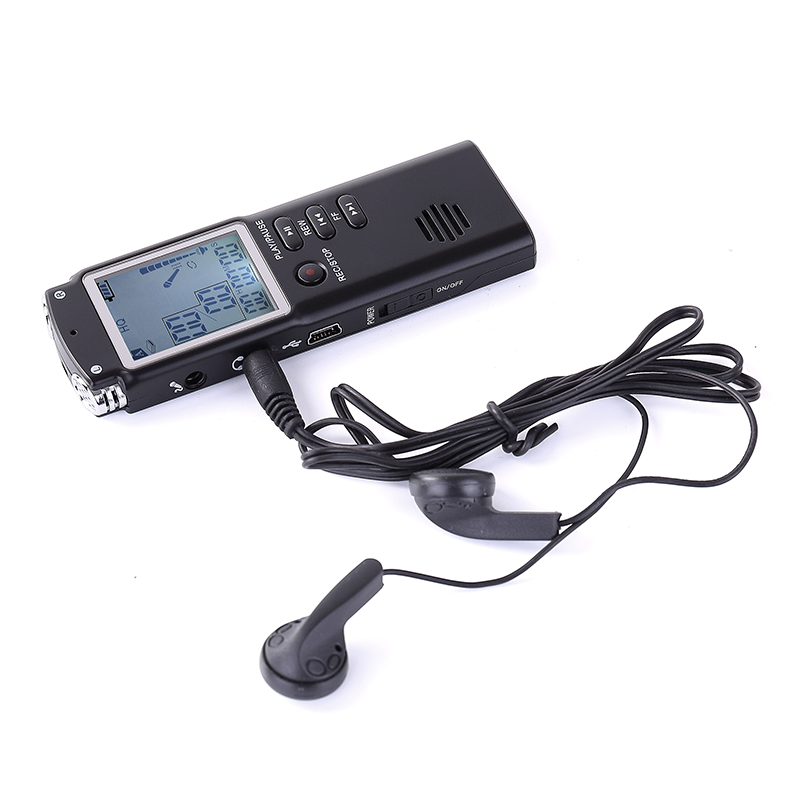
1. Built-in microphone
2. Recording LED
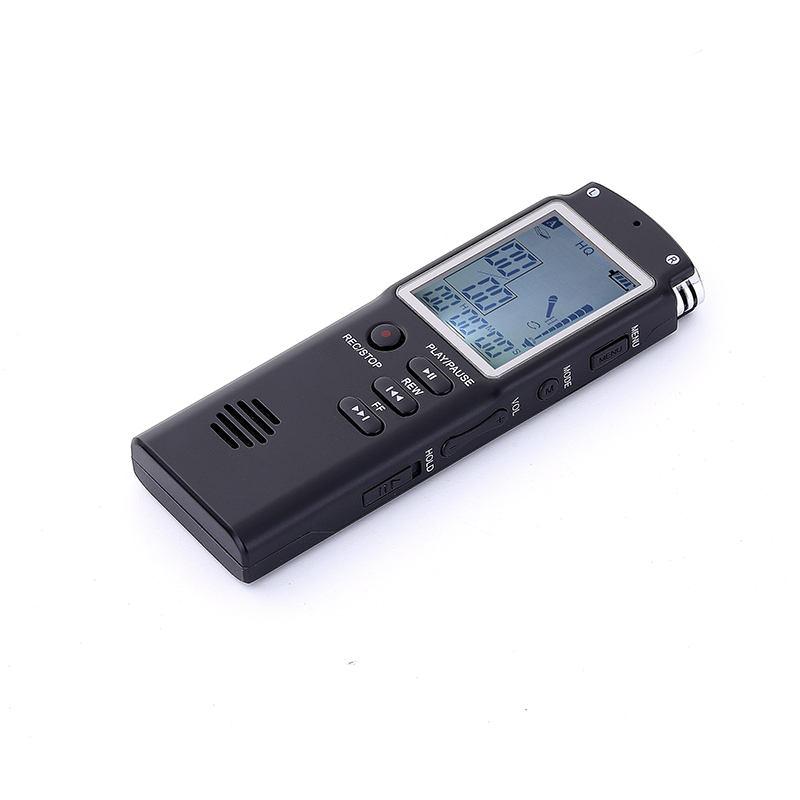
3. Display screen
4. Record and stop key
5. FWD – skips/searches backward, selects/browses in the player menu
6. RWD – skips/searches forward, selects/browses in the player menu.
7. Speaker
8. PLAY/PAUSE – turns on/turns off player, starts or pauses playback
9. MIC – External microphone jack
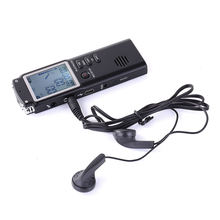
10. EAR – External earphone jack
11. USB jack
12. POWER – power switch
13. MENU – press once to access the player menu for various settings
14. MODE – press once to access the music player/press to enter A-B repeat at playing state
15. VOLUME – adjust volume

1. Folder (A/B) 11. Automatic voice recording activated
2. File selected 12. Key lock indicator
3. Total number files of in a folder 13. Cycle indicator
4. Area for display messages 14. A-B repeat
5. Recording qualities 15. Volume level indicator
6. Battery level indicator 16. H – hour
7. Music display indicator 17. Erase file indicator
8. Recording in progress 18. M – minute
9. Playback in progress 19. S – second
10. Recording indicator


 |
 |
 |
 |
|||
 |
 |
 |
 |
|||
| |
|
|
|
|
|
|